
描述
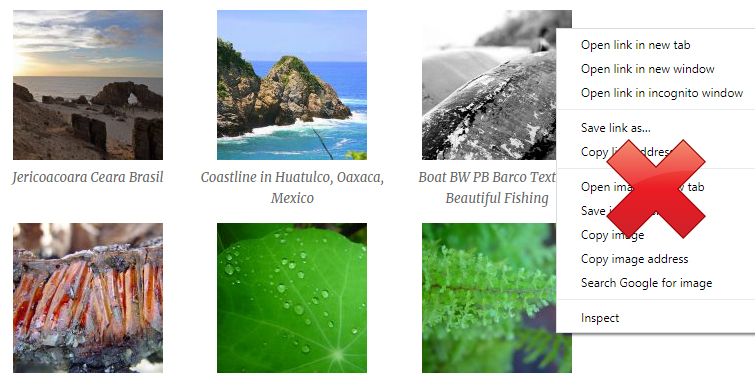
This plugin disables right click on images in WordPress. All you need to do is activate the plugin and visitors on your site will not be able to right-click on any image.
This is very useful for websites where you have a lot of images and you don’t want visitors to easily save them by right-clicking on it.
For detailed documentation please visit the Disable Right Click Images plugin page
屏幕截图
安装
- Go to the Add New plugins screen in your WordPress Dashboard
- Click the upload tab
- Browse for the plugin file (disable-right-click-images.zip) on your computer
- Click “Install Now” and then hit the activate button
常见问题
-
Can I use this plugin to disable right click on images in WordPress?
-
Yes.

贡献者及开发者

更新日志
1.0.1
- First commit