

描述
This plugin provides essential Google Maps functionalities with additional premium features tailored for Elementor.
Plugin Features:
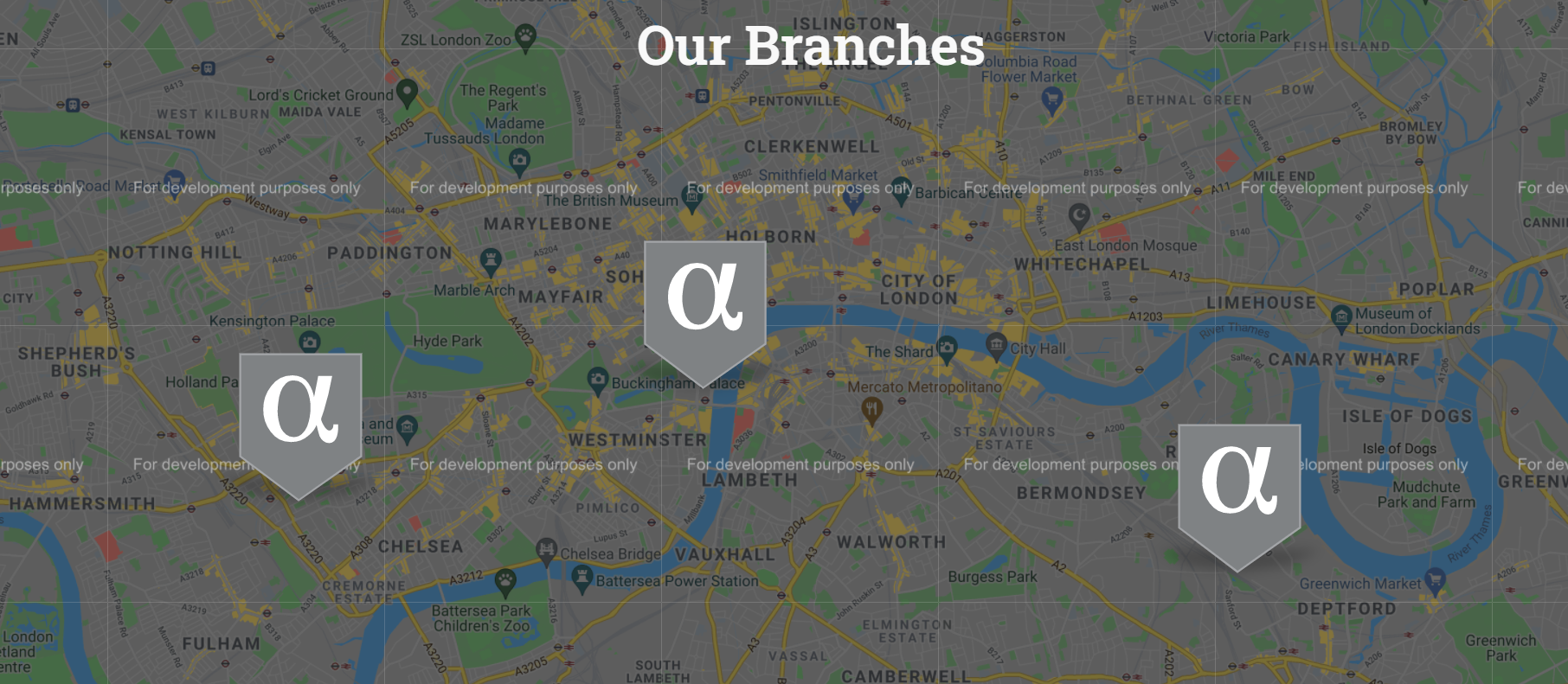
- Custom map pins with hover and active states
- Customizable info-box with image gallery support
- Extensive map controls
- Optional Map ID (Cloud Styling) support with a locale-aware Google Maps loader
- Responsive live editing within Elementor
- Compatibility with the latest Google Maps API standards
Demo:
Check out the plugin demo here.
Contributing and Reporting Bugs:
Contribute on GitHub: Alpha-Google-Map-For-Elementor
Support:
For community support, use the WordPress.org forums. Report bugs on GitHub Issues.
屏幕截图


安装
Minimum Requirements:
- WordPress 6.0 or greater
- PHP version 7.4 or greater
- MySQL version 5.0 or greater
Recommended:
- PHP version 8.1 or greater
- MySQL version 5.6 or greater
- WordPress Memory limit of 128 MB or higher
Installation Steps:
- Ensure Elementor Website Builder is installed and activated.
- Navigate to Plugins > Add New in your WordPress dashboard.
- Search for ‘Alpha Google Map For Elementor’.
- Install and activate the plugin.
Manual Installation:
- Upload the ‘alpha-google-map-for-elementor’ folder to
/wp-content/plugins/. - Activate the plugin via the ‘Plugins’ screen in WordPress.
常见问题
-
Can I use Alpha Google Map For Elementor as a stand-alone plugin?
-
No. Elementor Website Builder must be installed and activated.

贡献者及开发者

更新日志
1.4.0 – 2026-02-01
- Modernized Google Maps loader (async, locale-aware) with optional Map ID support.
- Conditional Elementor asset loading to avoid loading scripts/styles on pages without the widget.
- Improved multi-instance safety and marker/gallery handling.
- Activation-only copy of default pin assets for backward compatibility.
1.3 – 2025-04-19
- Compatibility for WP 6.8 and
- Feature: One finger scroll on mobile (GestureHandling)
1.2.2 – 2024-12-18
- Compatibility for the updated Elementor colors and typography schema.
1.2.1 – 2024-11-16
- Enhanced compatibility with the latest WordPress and Elementor versions.
- Adhered to WordPress coding standards throughout the codebase.
- Refactored JavaScript code to use modern standards and practices.
- Fixed bugs and optimized performance.
1.2.0 – 2024-07-20
- Compatibility for WP 6.6 and refactor the integration with Elementor.
1.1.0 – 2024-04-04
- Compatibility for WP 6.5 and optimize the plugin assets loading method.
1.0.9 – 2023-11-11
- Compatibility for WP 6.4 and bug fix for clicked pins.
1.0.8 – 2023-08-17
- Compatibility for WP 6.3.
1.0.7 – 2023-06-23
- Minor improvements and adding a demo.
1.0.6 – 2023-06-10
- Update deprecated functions.
1.0.5 – 2023-01-11
- Update deprecated functions.
1.0.4 – 2022-07-13
- Applying PHPCS standards and fixing bugs.
- Fixing incorrect hook usage and replacing deprecated functions.
1.0.3 – 2022-06-19
- Adding README.md
1.0.2 – 2022-05-08
- Testing for WordPress 6.0
1.0.1 – 2021-06-03
- Tweak: Improving the readme.txt file (Tags and more information)
- Tweak: Regenerating the .pot file (fixing one text)
1.0.0 – 2021-06-02
- Initial Public Release