

描述
Quorlyx Free adds an AI-powered chat widget and content assistant to WordPress and WooCommerce sites. It is built for site owners who want a practical chatbot that understands their own site content, answers visitor questions, helps users find products or pages, and can open proactively when visitor behavior suggests they may need help.
The plugin uses a bring-your-own-key model. You connect your own AI provider account, choose the model you want, and keep control of your provider costs instead of paying for a separate chatbot subscription just to place an AI chat box on your site.
For WooCommerce stores, Quorlyx can help visitors explore products, ask questions before buying, and stay engaged when they pause on important pages. For WordPress sites, it can act as a site guide, content helper, support assistant, or lead-friendly chat layer that uses your selected pages and posts as context.
Main Free Build Features
- AI chat widget for WordPress and WooCommerce.
- Bring your own AI provider key.
- Provider support in settings for OpenAI, Google Gemini, Anthropic Claude, xAI/Grok, Mistral, and DeepSeek.
- Dynamic model picker for supported providers.
- Custom AI instructions/persona.
- Custom bot name, welcome message, and loading message.
- Knowledge Base context from selected public post types such as pages, posts, products, or other public content types.
- AI-generated contextual buttons for matching pages, products, or links.
- Quick chat buttons that can open URLs or send predefined messages.
- One active behavior trigger.
- Trigger types: time on page, scroll depth, and desktop exit intent.
- Trigger targeting by page URL contains rule.
- Trigger exclusion rules for pages such as cart, checkout, or private areas.
- Static proactive trigger message.
- Trigger panel position: normal side panel or centered modal.
- Advanced exit-intent options including browser leave warning and optional exit widget.
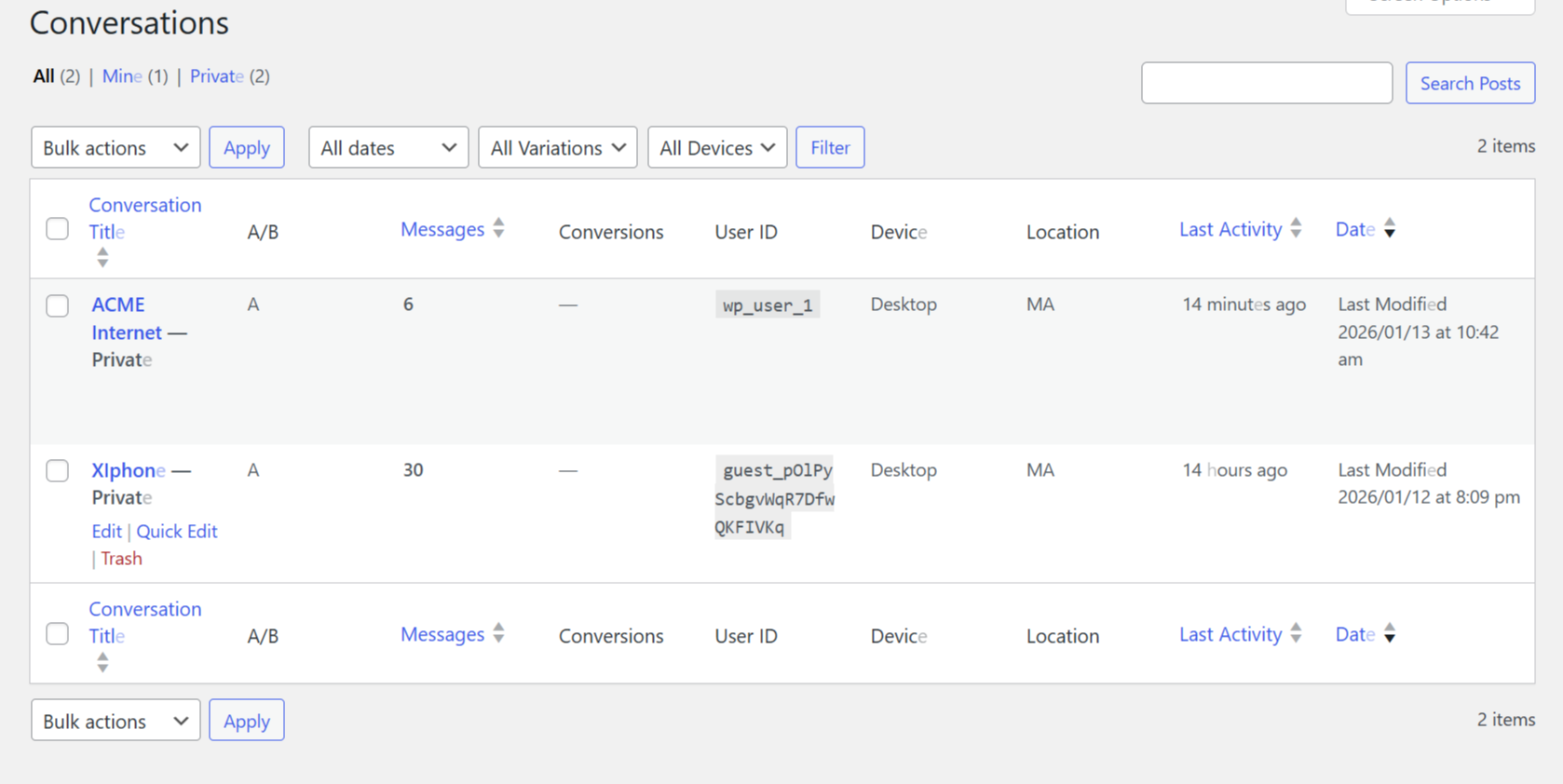
- Conversation storage in WordPress admin.
- Conversation admin screen with saved chat history.
- Optional email notification for new conversations.
- Optional full transcript email to admin.
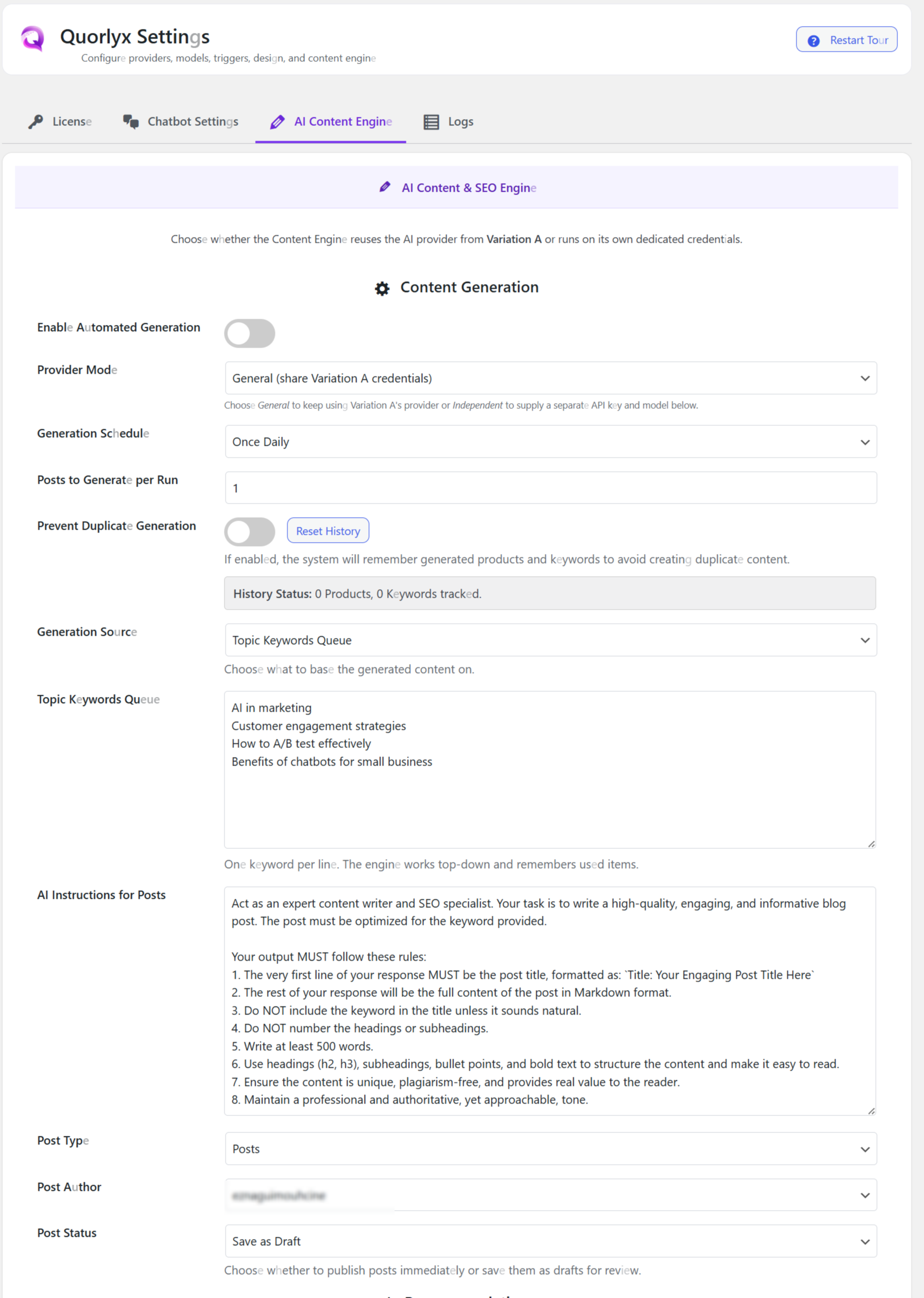
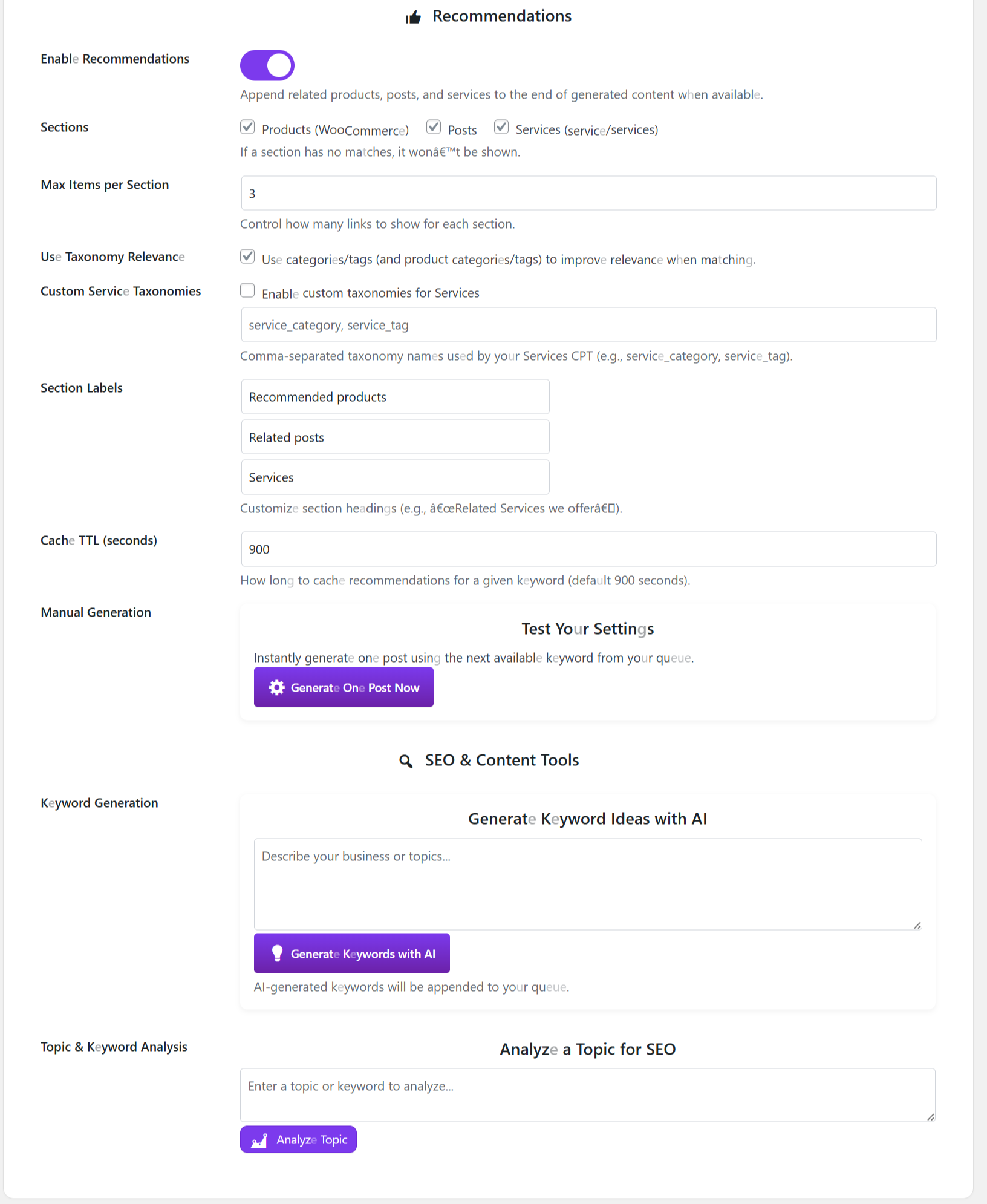
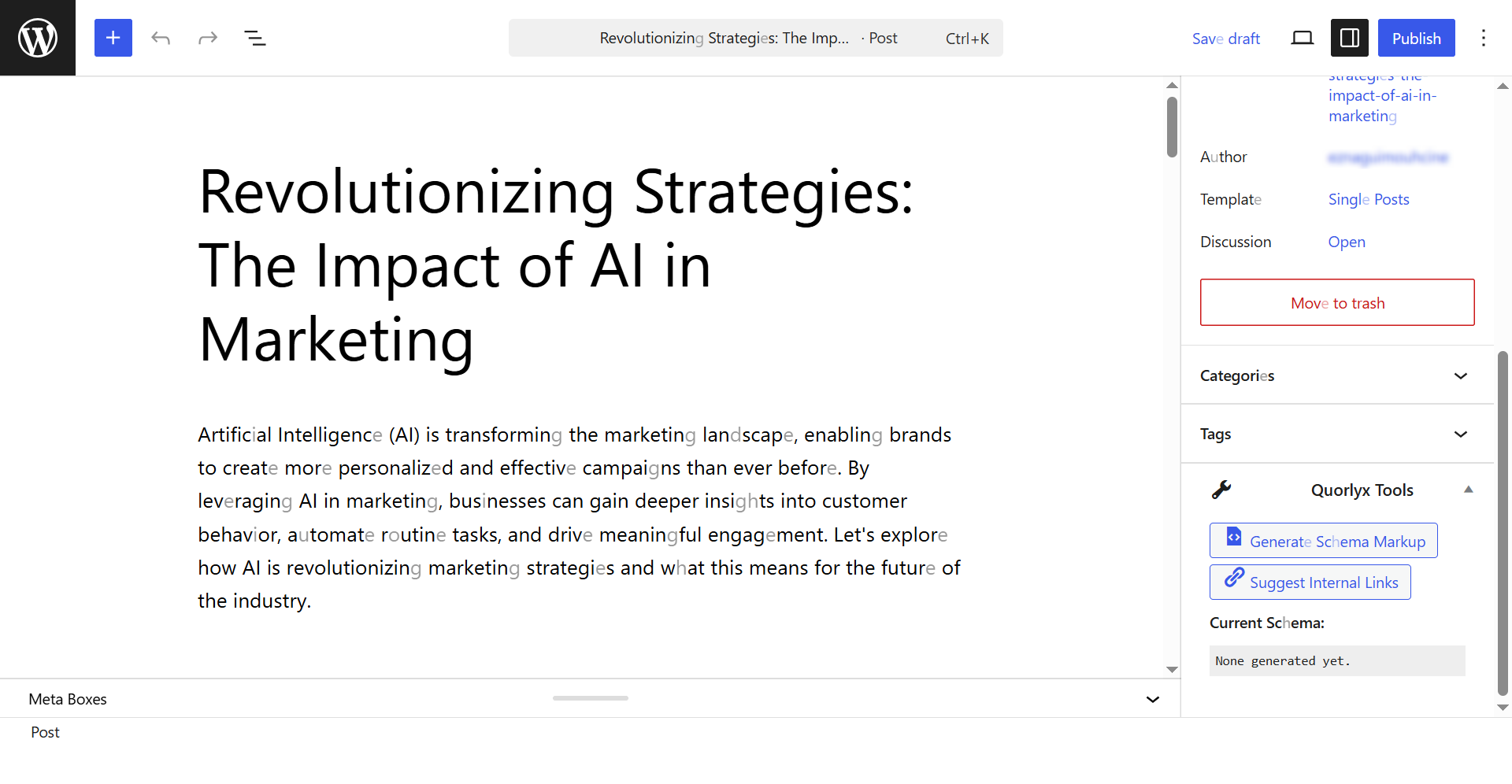
- AI Content Engine for generating one post at a time from a keyword queue.
- Content Engine provider mode: reuse chatbot credentials or use a dedicated provider key.
- Content Engine controls for keyword queue, writing instructions, post type, author, and draft/publish status.
- Custom floating logo.
- Custom launcher size, colors, and transparency.
- Floating label text, color, background, size, and mobile visibility controls.
- Chat window width, height, typography, colors, border radius, padding, and mobile layout controls.
- Quick button and AI-generated button style controls.
- API timeout setting.
- Basic logs and AI-powered diagnostic helper.
- No hidden install/domain tracking.
Full Open-Source Version
The complete Quorlyx plugin is available for free on GitHub:
https://github.com/mo1st/Quorlyx/
I started the GitHub project so developers, store owners, and agencies can inspect the code, report bugs, request features, improve documentation, and help shape Quorlyx in public. If Quorlyx is useful for your site, a GitHub star is a simple way to show that the project is worth maintaining and updating.
The full GitHub version includes more advanced features such as multiple triggers, A/B testing, conversion goals, Content Insights, behavior intelligence, advanced WooCommerce automation, expanded Knowledge Base options, caching controls, model routing, fallback provider support, and public releases.
Why This Can Save Money Compared With Chatbot Subscriptions
Many chatbot platforms charge a monthly subscription before you can fully control your bot, connect your store, or use advanced behavior rules. Quorlyx focuses on a different model: the plugin runs on your WordPress site and you use your own AI provider account.
That means you can:
- Avoid paying a second monthly chatbot platform fee.
- Choose the AI provider and model that fit your budget.
- Reuse your existing WordPress and WooCommerce content as bot context.
- Keep the basic setup inside WordPress instead of managing another dashboard.
- Move to the full open-source GitHub version for more automation features while keeping the project open source.
External Services
Quorlyx connects to third-party AI providers only when you configure a provider, enter an API key, fetch available models, generate content, or use the chatbot.
Depending on your selected provider, requests may be sent to:
- OpenAI endpoint: https://api.openai.com
Terms: https://openai.com/policies/services-agreement/
Privacy: https://openai.com/policies/privacy-policy/ - Google Gemini endpoint: https://generativelanguage.googleapis.com
Terms: https://ai.google.dev/gemini-api/terms
Privacy: https://policies.google.com/privacy - Anthropic endpoint: https://api.anthropic.com
Terms: https://www.anthropic.com/legal/commercial-terms
Privacy: https://www.anthropic.com/legal/privacy - xAI/Grok endpoint: https://api.x.ai
Terms: https://x.ai/legal/terms-of-service
Privacy: https://x.ai/legal/privacy-policy - Mistral endpoint: https://api.mistral.ai
Terms: https://legal.mistral.ai/terms
Privacy: https://legal.mistral.ai/terms/privacy-policy - DeepSeek endpoint: https://api.deepseek.com
Terms: https://cdn.deepseek.com/policies/en-US/deepseek-open-platform-terms-of-service.html
Privacy: https://cdn.deepseek.com/policies/en-US/deepseek-privacy-policy.html
Data sent to the selected provider may include the visitor message, recent conversation history, your configured AI instructions, selected site context, and content-generation prompts. Do not connect an AI provider unless you accept that provider’s own terms and privacy policy.
Quorlyx may use functional cookies or browser local/session storage to keep conversations working and avoid repeating triggers. If your site requires it, disclose this behavior in your Privacy Policy.
屏幕截图
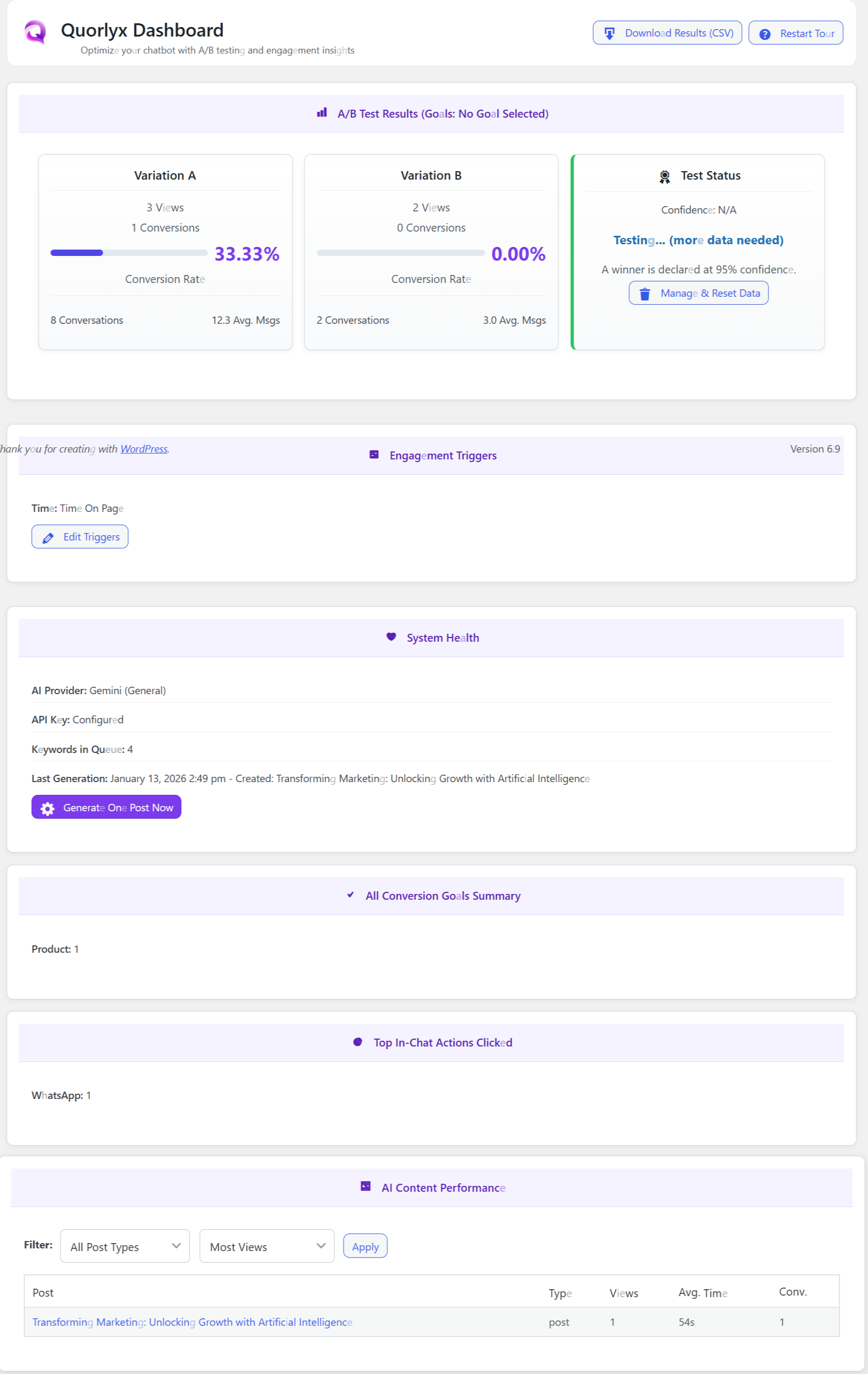
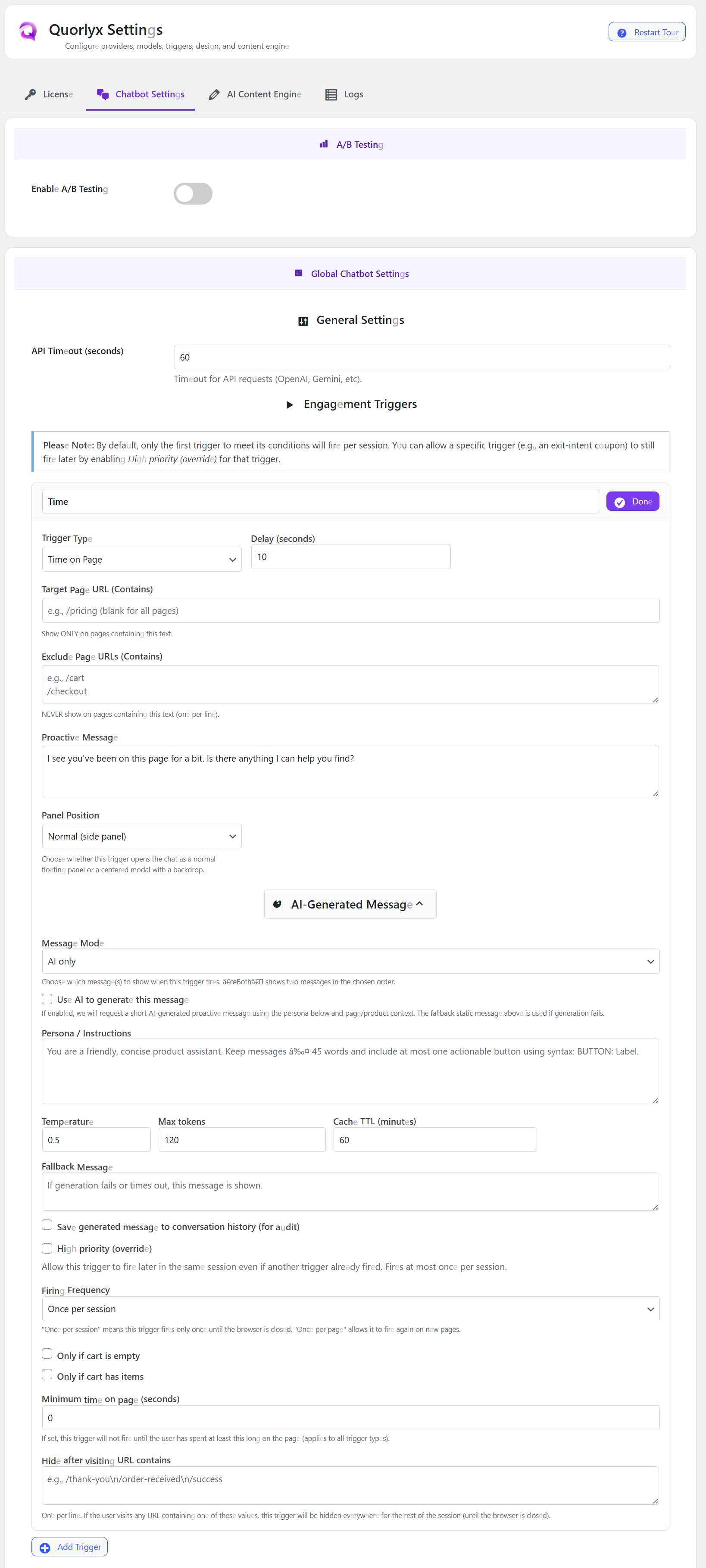
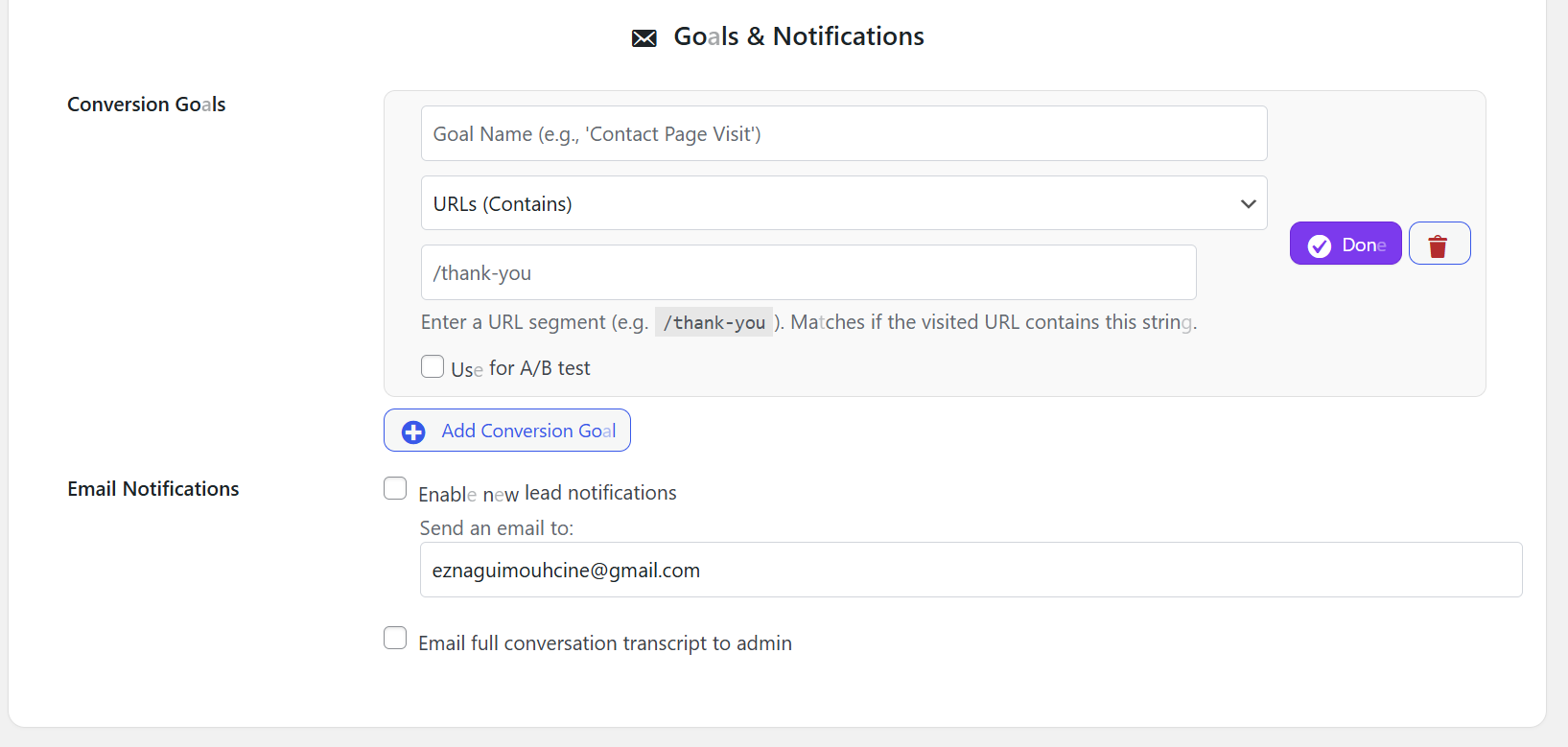
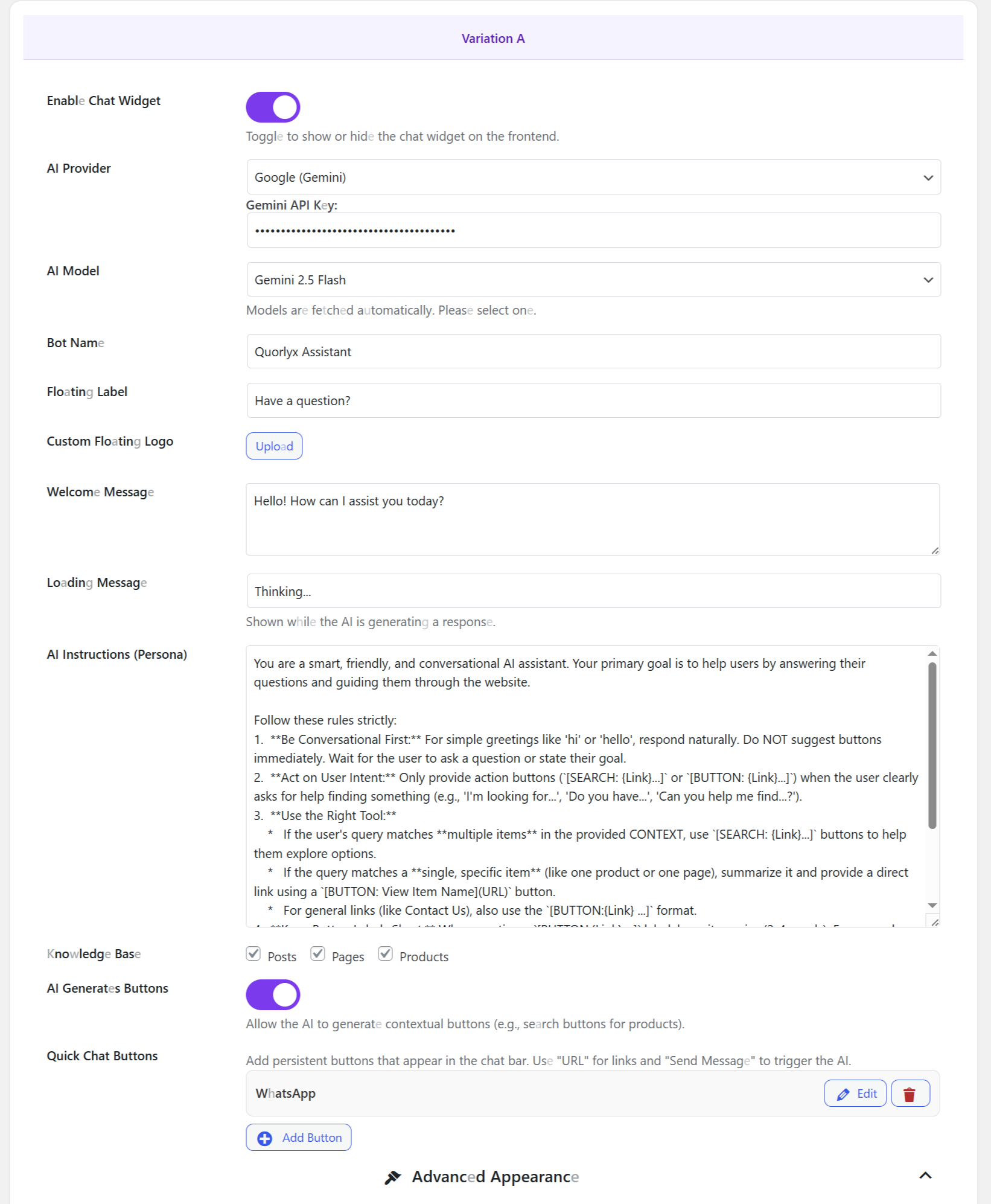


安装
- Upload the
quorlyx-freefolder to/wp-content/plugins/. - Activate Quorlyx Free from the WordPress admin Plugins screen.
- Open Quorlyx > Settings.
- Choose your AI provider.
- Add your own provider API key.
- Fetch or select a model.
- Configure the chatbot persona, Knowledge Base content types, appearance, and optional trigger.
- Save changes and test the chat widget on the frontend.
常见问题
-
Does Quorlyx include AI credits?
-
No. Quorlyx uses your own AI provider account and API key.
-
Which AI providers can I use?
-
The settings support OpenAI, Google Gemini, Anthropic Claude, xAI/Grok, Mistral, and DeepSeek.
-
Does Quorlyx track my install domain?
-
No. This build does not add hidden install or domain tracking.
-
Can I use it with WooCommerce?
-
Yes. Quorlyx can use WooCommerce-aware context and is designed to help stores answer product questions and guide visitors.
-
What is limited in the WordPress.org free build?
-
This WordPress.org build is focused on the basic chatbot, one behavior trigger, conversation storage, notifications, appearance controls, and manual content generation. The full open-source GitHub version includes the complete feature set for free.
-
Where can I get the full open-source version?
-
Download it from GitHub:
https://github.com/mo1st/Quorlyx/
-
Can I ask questions or report bugs?
-
Yes. Use GitHub issues for reproducible bugs and feature requests:
https://github.com/mo1st/Quorlyx/issues
评价
此插件暂无评价。
贡献者及开发者

更新日志
2.0.3-free
- Added a clear WordPress.org readme description for Quorlyx Free.
- Added free full open-source GitHub version link.
- Clarified AI provider, chatbot, trigger, content engine, privacy, and external service behavior.