

描述
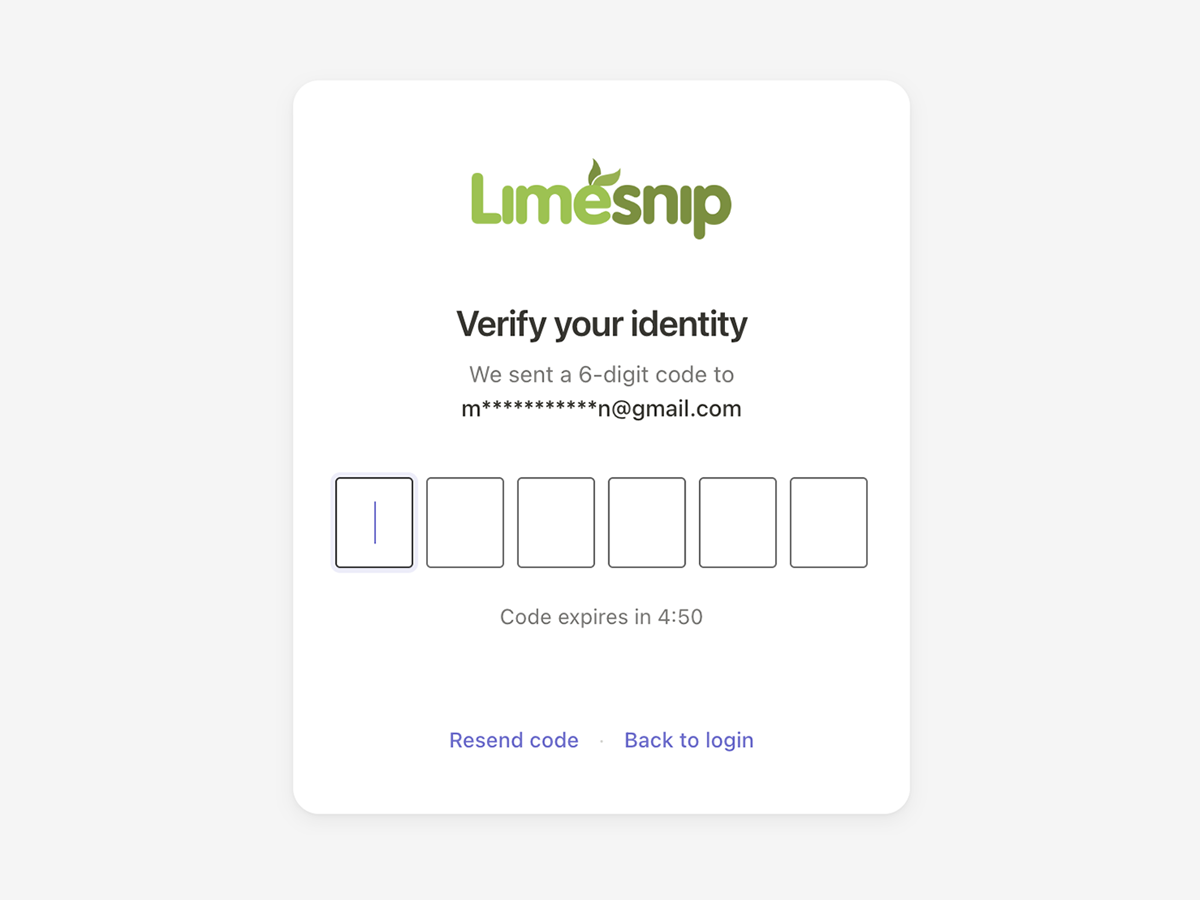
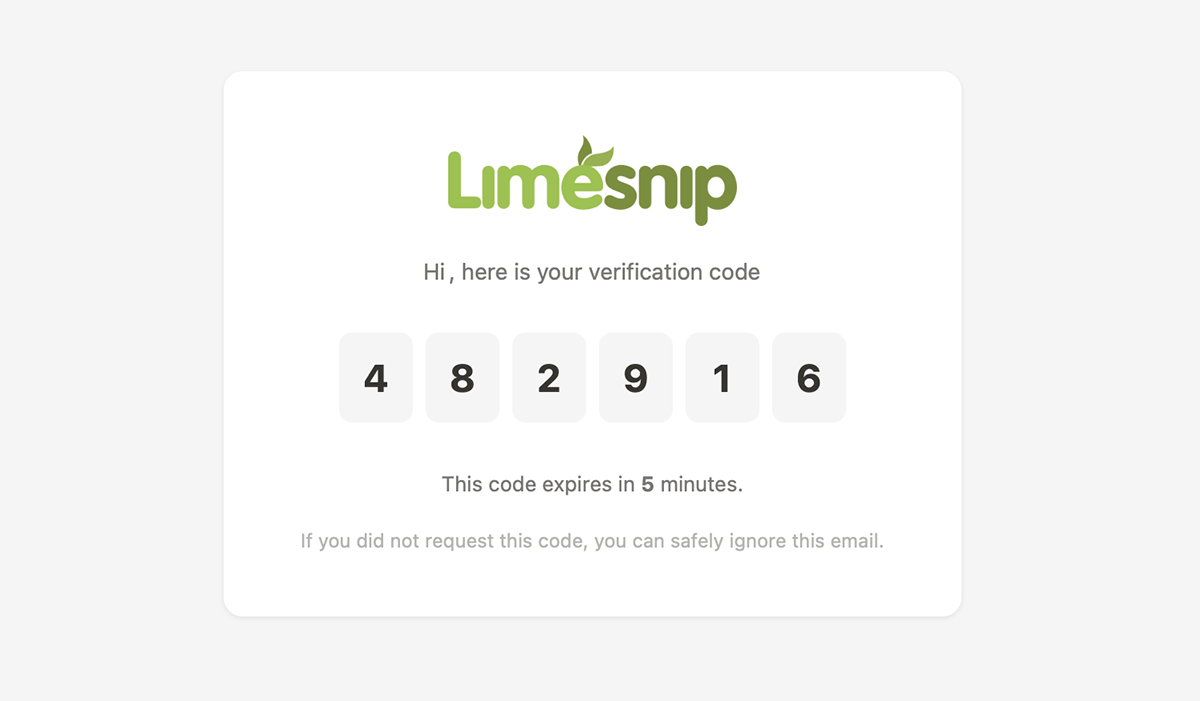
Limesnip Simple2FA adds email-based two-factor authentication to your site. After entering their username and password, users receive a 6-digit verification code via email that they must enter to complete login.
Features:
- Email-based 2FA – no authenticator app required
- Clean, Linear-inspired verification UI
- Auto-advancing digit inputs with paste support
- Auto-submit when all digits are entered
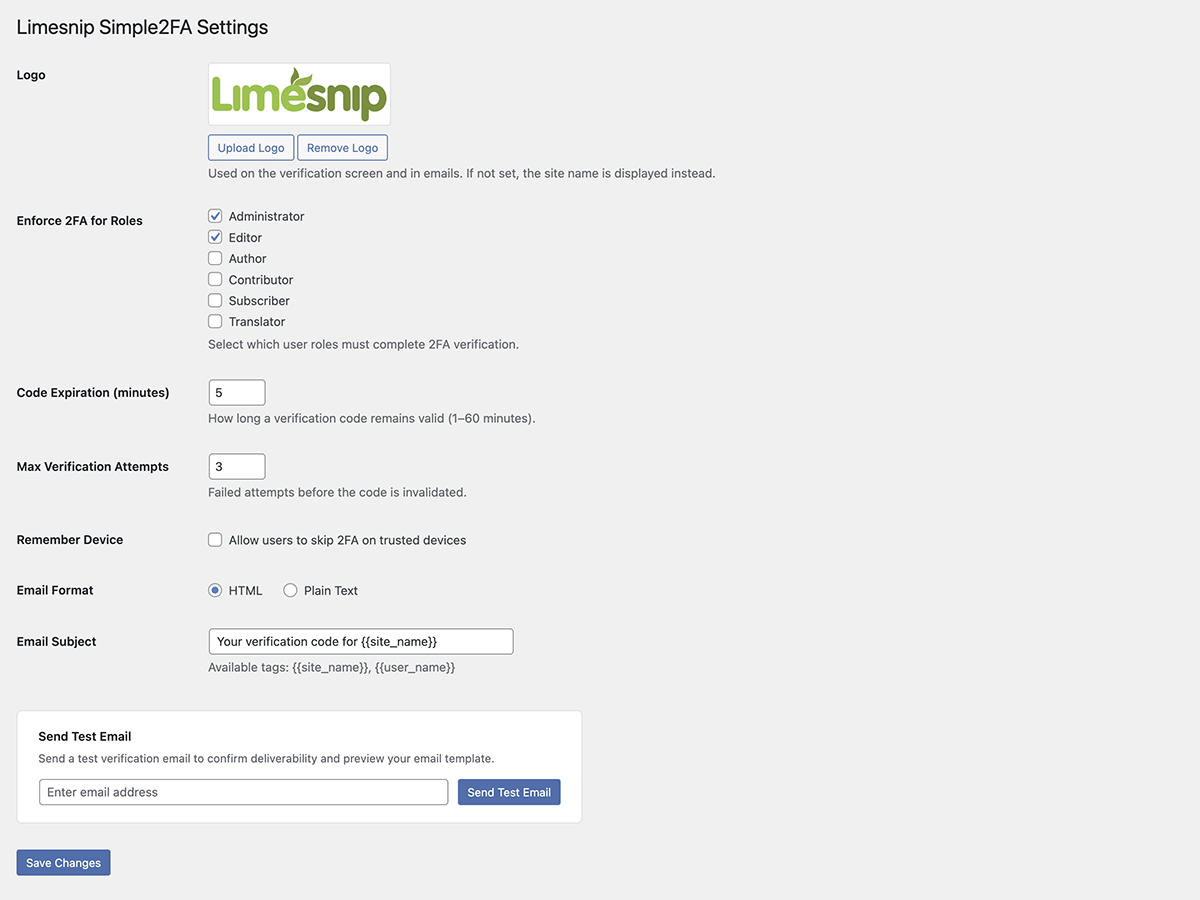
- Role-based enforcement – choose which roles require 2FA
- Configurable code expiration and max attempts
- Optional “Remember this device” feature
- HTML and plain text email support
- Secure code storage (SHA-256 hashed)
- Fully responsive design
屏幕截图
安装
- Upload the
limesnip-simple2fafolder to/wp-content/plugins/ - Activate the plugin through the ‘Plugins’ menu in WordPress
- Go to Settings > Limesnip Simple2FA to configure
常见问题
-
Which email is used for the verification code?
-
The code is sent to the email address registered in the user’s WordPress profile.
-
Can I customize the verification email?
-
Yes. You can upload a logo that appears in the email, choose between HTML and plain text format, and edit the email subject line. Go to Settings > Limesnip Simple2FA to configure these options.
-
Can I customize the 2FA login screen?
-
Yes. You can upload a logo that appears on the verification screen. Go to Settings > Limesnip Simple2FA to configure this.
-
What happens if the code expires?
-
Users can click “Resend code” to receive a new code. There is a 60-second cooldown between resends.
-
Can users skip 2FA on trusted devices?
-
If enabled by the admin in settings, users can check “Remember this device” to skip 2FA for a configurable number of days.
评价
此插件暂无评价。
贡献者及开发者

更新日志
1.3.3
- Changed: Restored the Deactivate and Delete action links on the Plugins page so the plugin can be managed like any other WordPress plugin (these were hidden in v1.2.4)
1.3.2
- Fixed: Added missing translator comments to every internationalized string that uses a
%s/%dplaceholder, so translators on WordPress.org can see exactly what each placeholder represents (resolves WordPress.WP.I18n.MissingTranslatorsComment notices flagged by Plugin Check)
1.3.1
- Changed: Verification screen now sits near the top of the page (matching the standard WordPress login form position) instead of being vertically centered
- Changed: Verification screen background updated to #f0f0f1 to match the standard WordPress login screen
- Changed: Verification digits now use a heavier 900 font weight for stronger legibility
- Fixed: Layout no longer shifts when the “Verifying…” row appears after the last digit is typed — the row’s height is now reserved from the start
- Changed: “Remember device” duration is now a dropdown limited to 7, 14, or 30 days (default 14) instead of a free-text number field
- Changed: Footer line on the settings page now shows only the plugin name and version
1.3.0
- Added: Full-page loading overlay shown after successful verification, so users know their code was accepted and the dashboard is loading
- Added: Verification digits are grayed out and disabled once the code is accepted, giving immediate visual confirmation
- Added: Auto-redirect to the plugin settings page on first activation so you can configure and test right away
- Added: Editor role is now enforced for 2FA by default (alongside Administrator)
- Added: If the site has a Site Logo set in the Customizer, it is automatically used as the plugin’s default logo on activation
1.2.8
- Initial public release