

描述
Convert AVIF and WebP with Pixy to make your website faster. It optimizes your images automatically and works instantly. Speed up your website and use Next-Gen image formats without limits. Pixy Image Optimizer takes just 5 seconds:
🧞♀️ How Pixy Works
As soon as Pixy is active, it makes optimized copies of your original images in real time. It compresses them and converts them to WebP and AVIF formats. The correct optimized format is then chosen automatically based on the visitor’s browser, making your images fully compatible with new and old browsers.
✅ Automatic unlimited features the moment you activate
- AVIF-first optimization: Convert to AVIF and compress images for browsers that support the AVIF format
- WebP fallback: Convert to WebP and compress images for browsers that support WebP but do not support AVIF yet
- MozJPEG fallback: Use the 100% compatible MozJPEG format to optimize images automatically for older browsers without AVIF and WebP support
- Smart format negotiation selects the best format automatically, eliminating browser compatibility issues
- Pixy Speed Mode makes all optimizations in real time, so you can have a faster website instantly
- Works with every web server (Apache, LiteSpeed, Nginx) without manual configuration
- Lightweight – works on every web hosting plan, VPS and dedicated server
- Works with page caching plugins and Cloudflare out of the box
- Bulk optimize your entire library to WebP, AVIF or WebP+AVIF
🪄 Convert AVIF
Enjoy the unparalleled speed of the new AVIF format, completely free with Pixy, even if your hosting does not support convert to AVIF. AVIF is the successor to WebP, making images up to 50% lighter than WebP without quality loss. AVIF is now supported by all major browsers including Chrome, Firefox, Edge, Opera and Safari, with 94% of visitors globally using a browser that supports the new format. Pixy caters to visitors with older browsers too, by serving the WebP and even original images on the oldest browsers automatically.
🚀 Speed Mode
Pixy Speed Mode allows your website to start serving AVIF and WebP images instantly, without waiting for bulk optimization of your media library. It uses smart real-time compression settings to make your images as fast as possible while preserving quality. When speed mode is used, optimized versions of your images don’t take any space in your media library.
📁 Bulk Optimize Media Library
Convert your media library to WebP, AVIF or both. Bulk Optimize will create the optimized versions and store them neatly next to your original images. Bulk Optimize is the perfect solution for those who want to store the optimized versions of their original images locally in media library.
🚦 Intelligent Lazy-Load
Improve page speed by automatically loading images only when needed. Lightweight (LQIP) previews appear first, then full-quality images load as visitors scroll. With Lazy-Load you save bandwidth, and your pages become lighter and a lot faster.
💡 Real User Metrics
Wondering if your images are optimized enough? With Pixy RUM analytics, your visitors report the actual speedup in image loading times that they observe since Pixy activation, directly to your dashboard. Track how your visitors experience your website on mobile and desktop devices and make adjustments if necessary.
📈 Track PageSpeed Insights score effortlessly
Enjoy automatic PageSpeed Insights performance reporting without ever leaving your WordPress admin dashboard. Pixy automatically tests your website multiple times per day to bring you up-to-date results and peace of mind, helping you to stay focused on your work.
👌 Works on every hosting provider and every web server
Seamless operation with zero configuration – Pixy works out-of-the-box on every web hosting provider or VPS, and supports every web server, including Apache, Nginx and LiteSpeed. It is also fully compatible with page caching plugins like LScache, as well as websites using Cloudflare. Thanks to its intelligent optimization engine that works quietly behind the dashboard, there are no specific PHP libraries that need to be supported by your hosting provider and you don’t have to fix any PHP files manually.
⚡️ Pixy Pro
Get Pixy Pro for maximum speed & full image SEO on autopilot. Pixy Pro brings multiple Pro features like Critical Mobile Optimization, which fixes image loading times on mobile devices that use slow 3G and 4G internet. Pixy Pro is designed to help WooCommerce-based stores and mobile-first websites make impatient customers and visitors happy.
🧑💻 Credits
Pixy reuses some functions and concepts originally developed by the following plugin authors: Themeisle, Mateusz Gbiorczyk and Shane Bishop.
External services
Pixy Image Optimizer connects to the Pixy API to activate the plugin for a website and to refresh the PageSpeed score shown in the plugin dashboard.
When you activate the plugin, it sends your website domain or site URL, your website’s public IP address, and a temporary verification challenge to the Pixy API. This is required to register the website and complete the initial connection between your WordPress site and Pixy.
When the plugin refreshes the PageSpeed score shown in the dashboard, it sends the registered website identifier and the homepage URL to the Pixy API. This is required to request and display the latest PageSpeed measurement for the connected website.
When you deactivate the plugin, it sends the registered website identifier to the Pixy API so the website can be disconnected cleanly.
When Speed Mode is enabled, image requests are served through Pixy’s image optimization and delivery infrastructure so images can be converted to AVIF or WebP, optimized, and delivered in the appropriate format for the visitor’s browser.
Terms of service: https://hipixy.com/docs/about/terms
Privacy policy: https://hipixy.com/docs/about/privacy-policy
屏幕截图
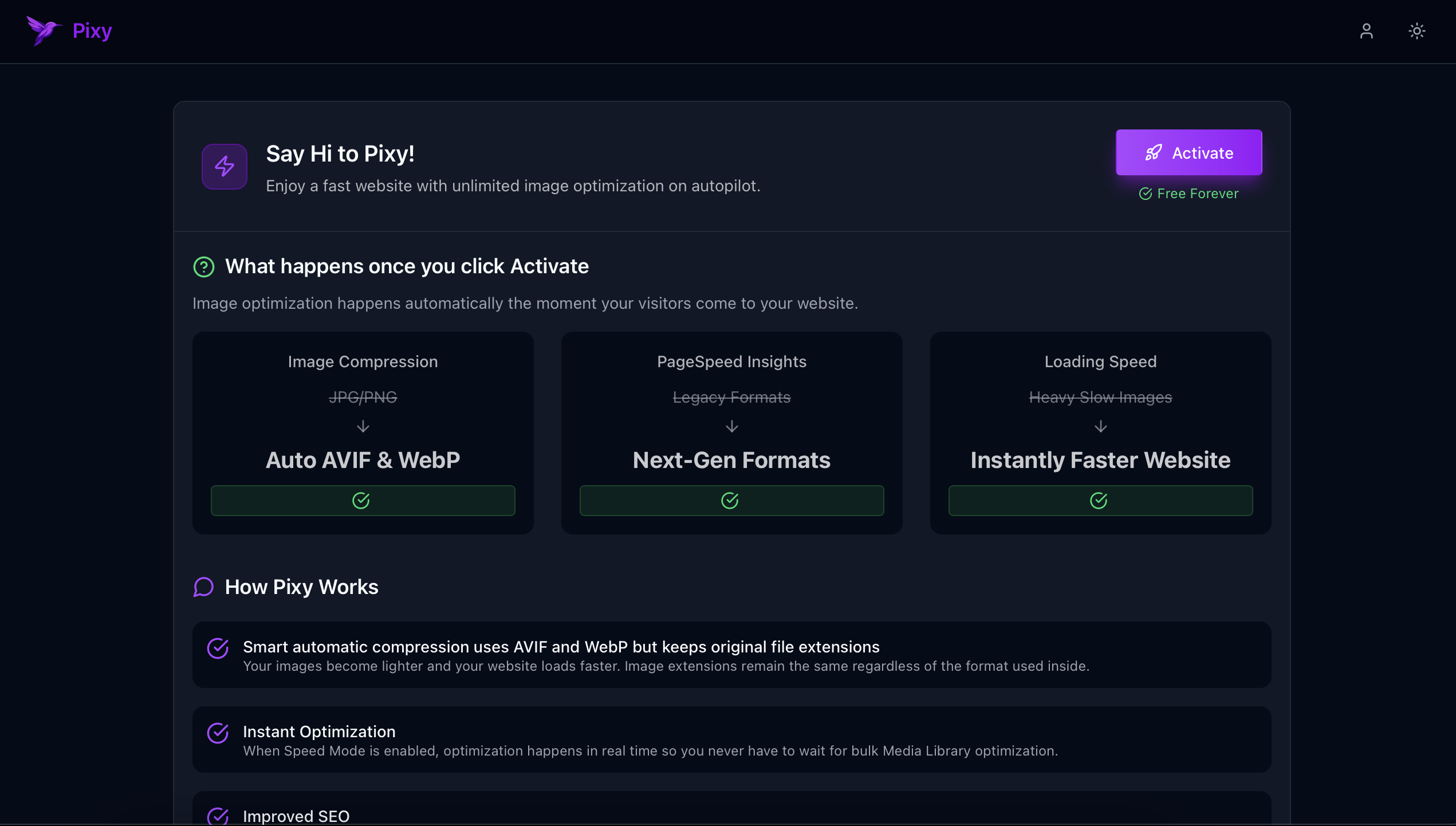
Activate Pixy in a single click 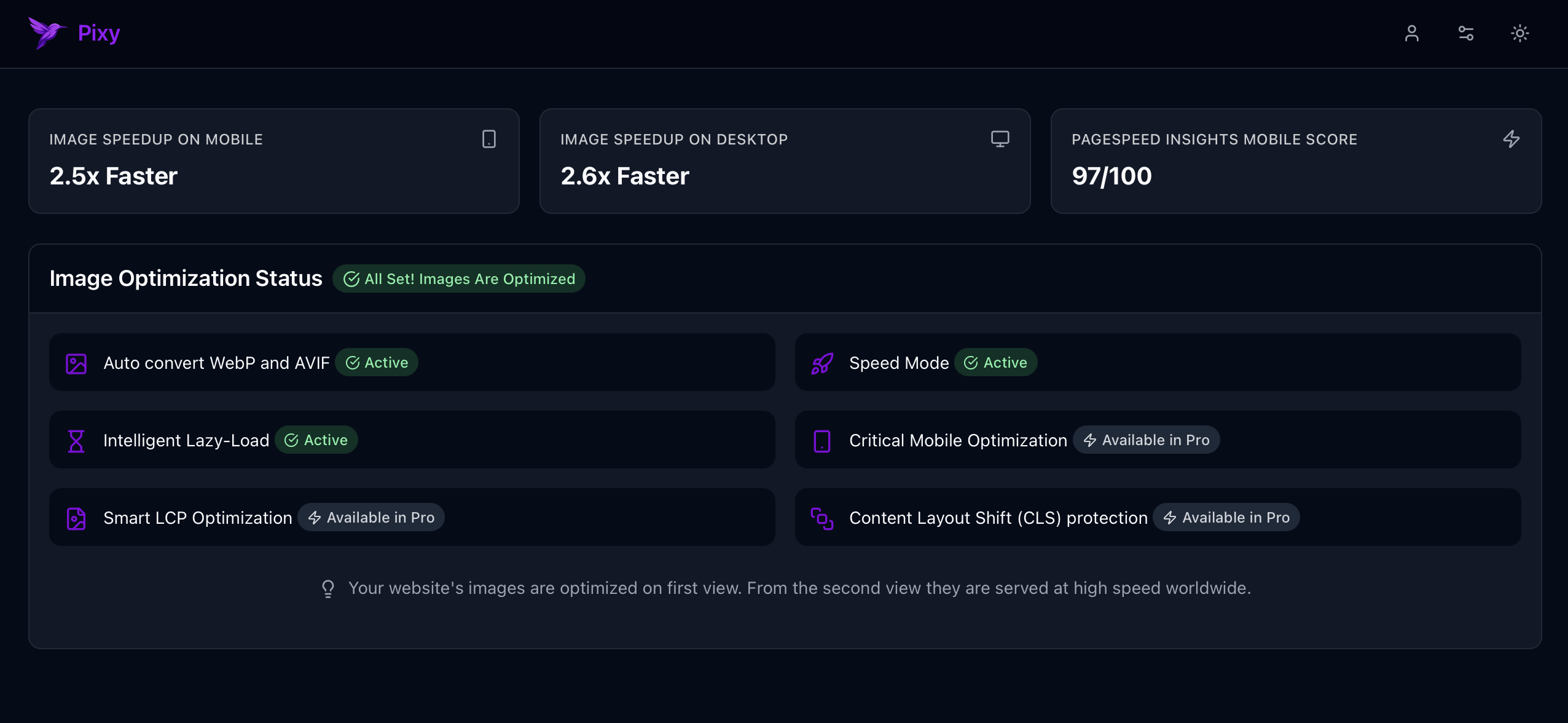
Statistics dashboard 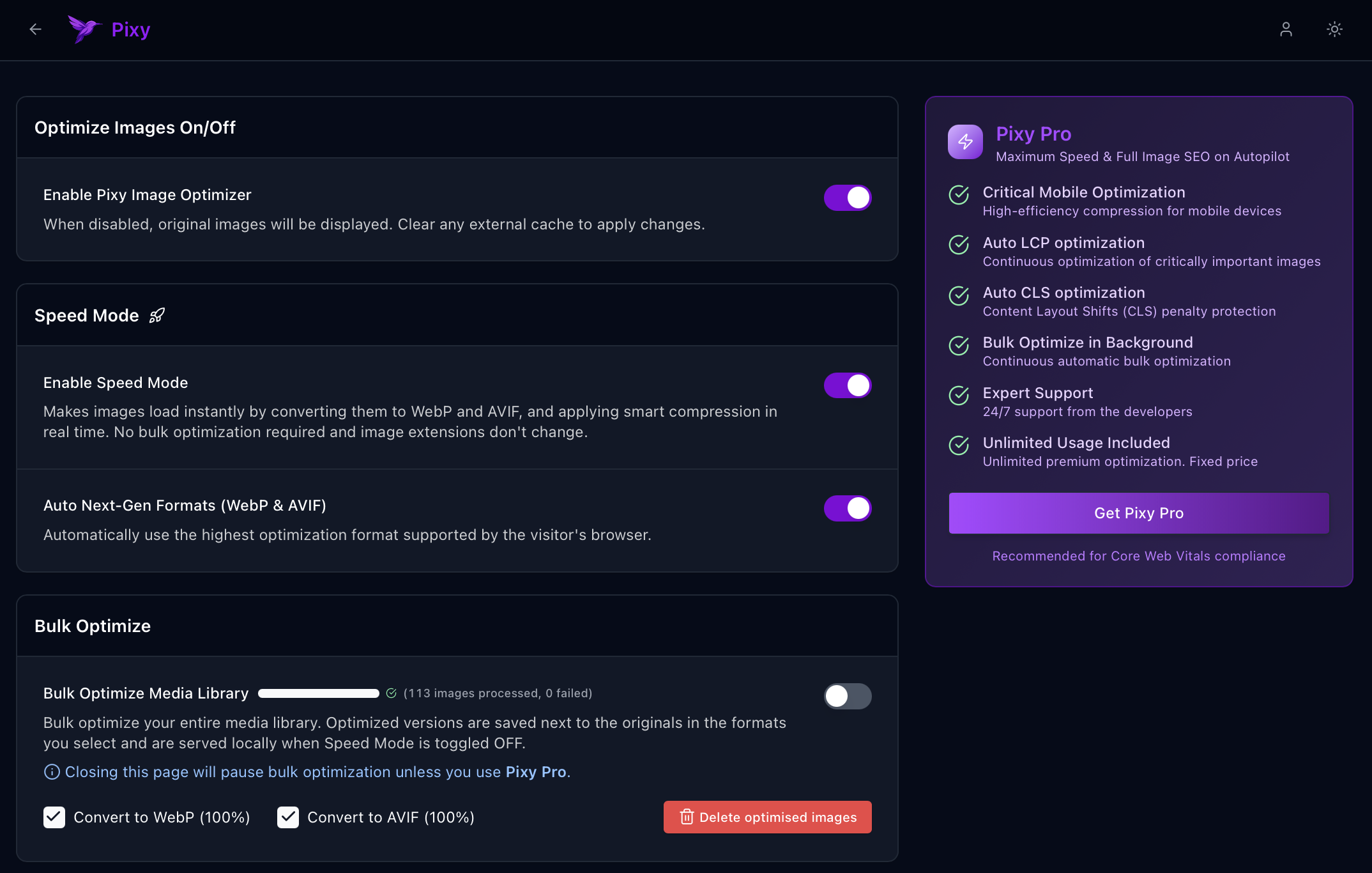
Optimization settings screen 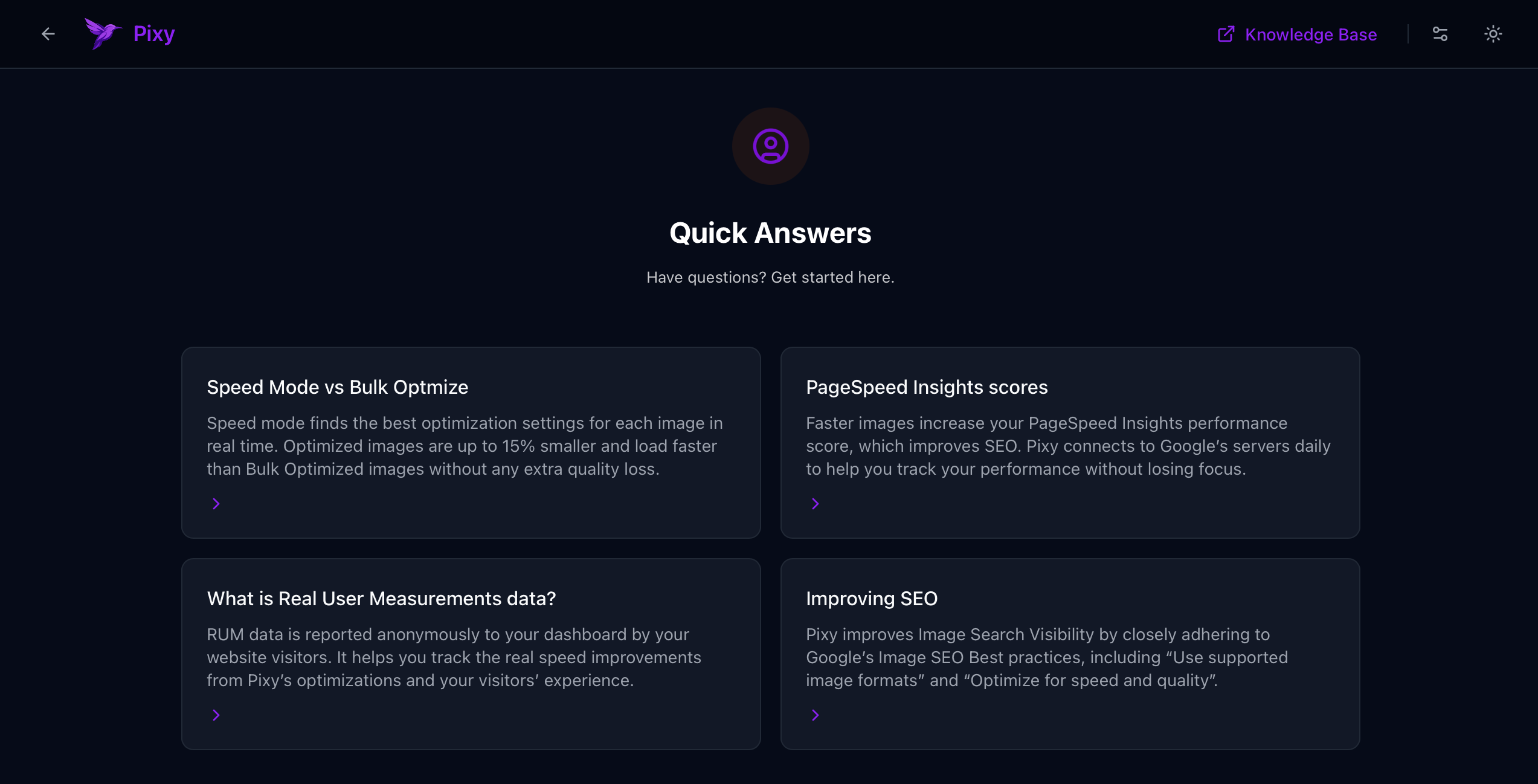
Quick links, documentation and help
常见问题
-
Does it convert AVIF free?
-
Yes! Pixy Image Optimizer offers unlimited free conversion of your images to AVIF format.
-
Does it convert WebP free?
-
Yes! Pixy Image Optimizer offers unlimited free conversion of your images to WebP format.
-
Are all visitors’ browsers supported?
-
Yes! Pixy automatically detects browser capabilities and serves the optimized format and version that the browser supports.
-
Why do image links remain JPG and PNG?
-
Pixy doesn’t change the file extensions in the links on your website. It uses the original extensions, but serves AVIF or WebP format inside, without changing the links to .webp or .avif.
-
How do I check if Pixy is working?
-
The easiest way is to run a test in PageSpeed Insights. Once Pixy is activated, you will no longer see the warning to use Next-Gen formats. For more advanced ways to check which format is being used for an image, please refer to our documentation.
-
Does it work on local WordPress installations?
-
No. Your website needs to be reachable over it’s IP address or Pixy will fail to activate.
-
What happens if I delete the plugin?
-
Your website will start serving original images without any optimization. Bulk Optimized images will remain in your library, unless you delete them from the Pixy settings before you uninstall the plugin.
-
Does it work with Nginx?
-
Pixy works on Nginx web server out of the box when Speed Mode is enabled.
-
Which directories can I optimize?
-
With Speed Mode enabled, Pixy optimizes any file on your website in real time. If Bulk Optimize mode is used, only your media library will be optimized.
评价
此插件暂无评价。
