

描述
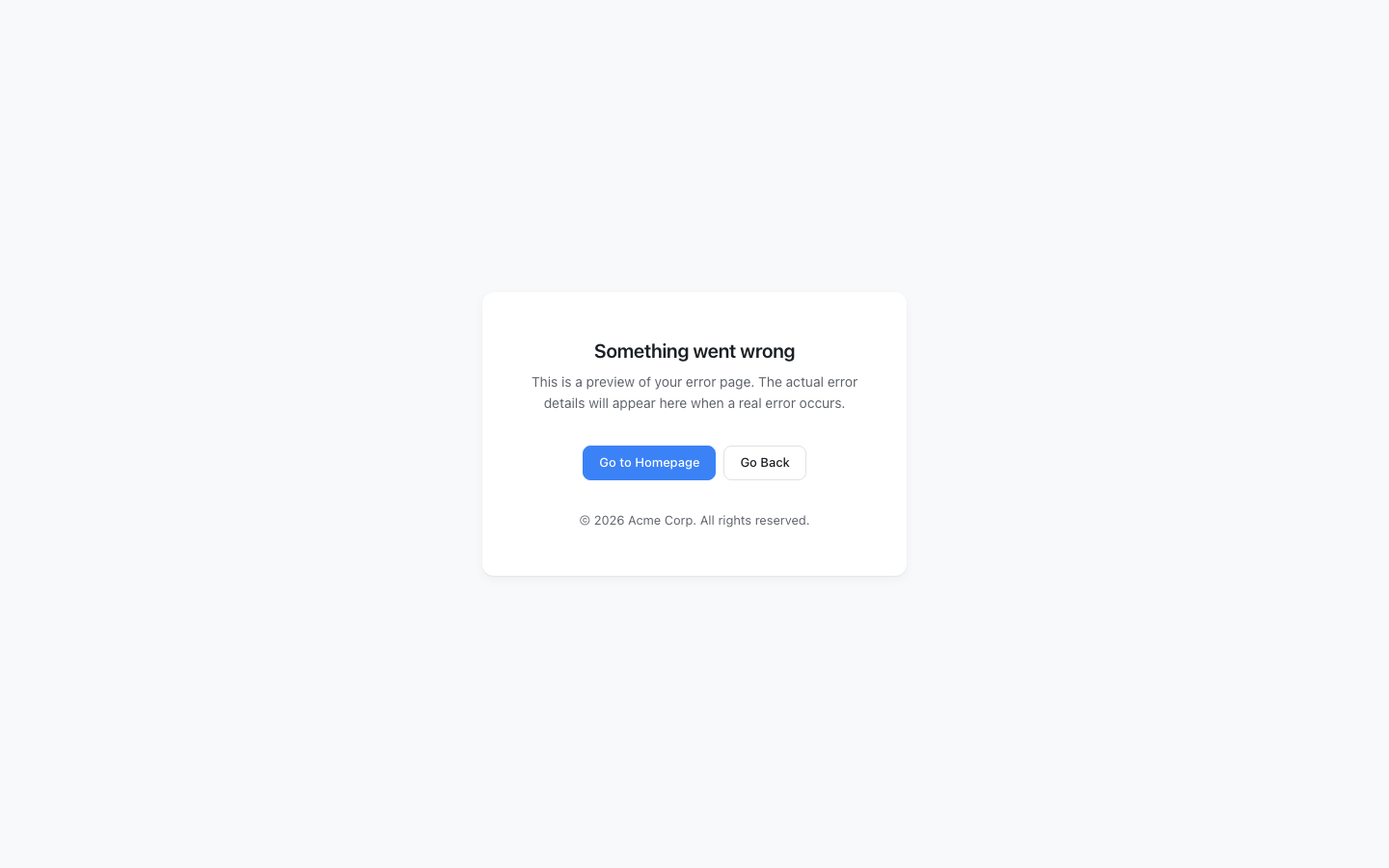
Every WordPress site shows the same plain white error screen when something goes wrong.
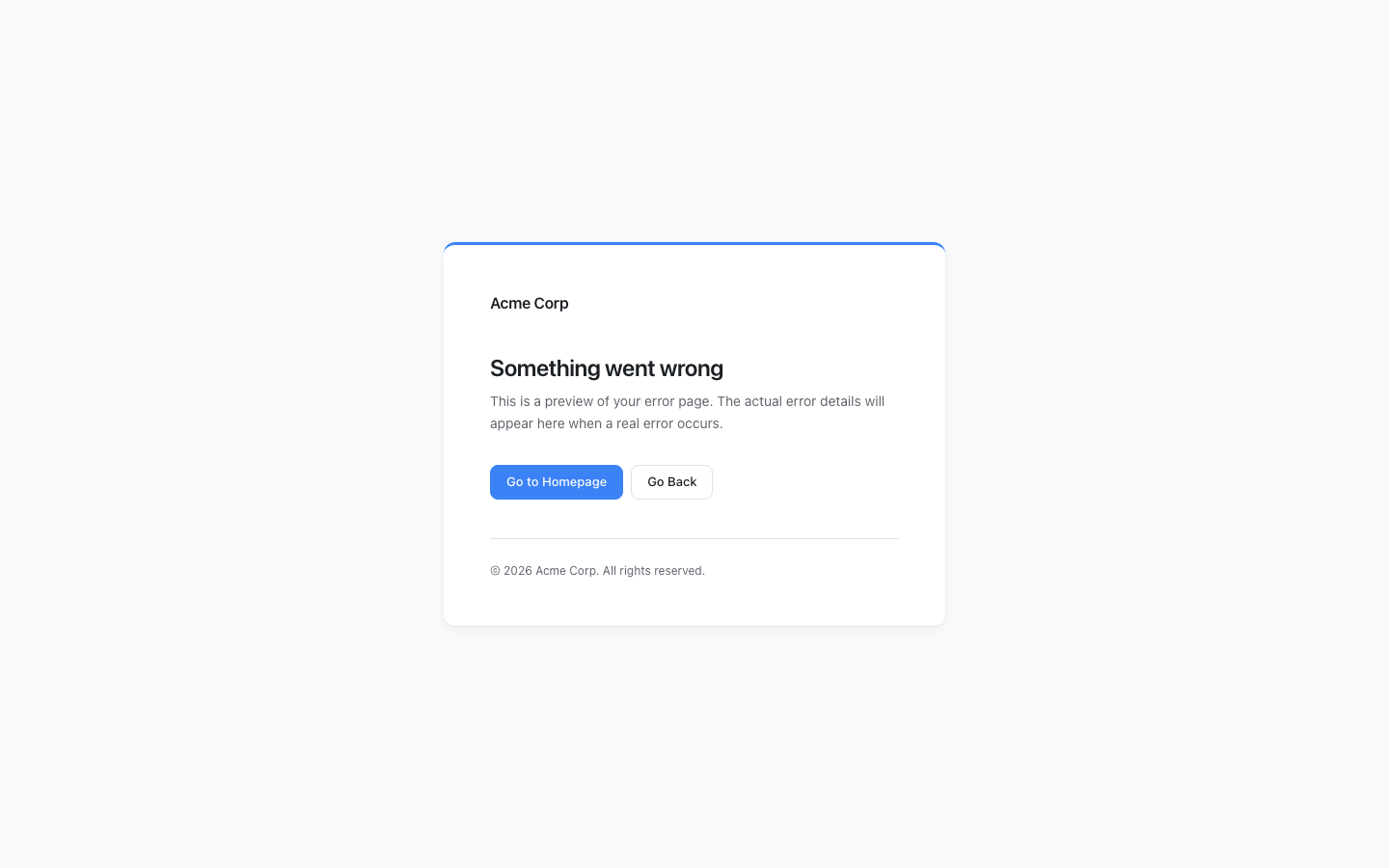
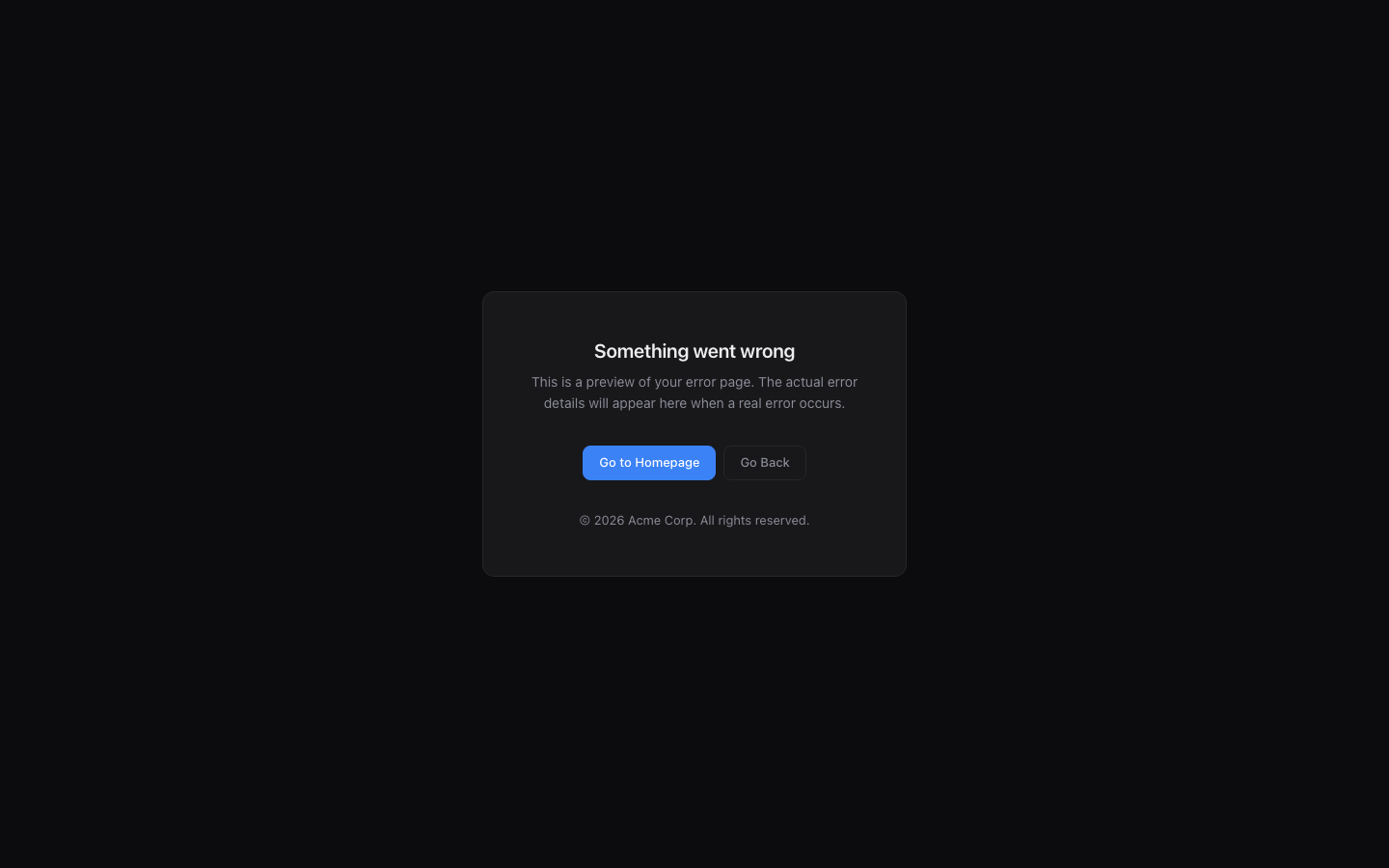
It looks broken. It destroys trust. Graceful Error Pages replaces it with a page that
matches your brand — automatically, the moment you activate it.
What it replaces:
- The
wp_die()error screen (permission errors, expired links, security blocks) - PHP fatal error screens (white screen of death)
Features:
- Zero-config activation — works immediately with auto-detected site name, logo, and colors
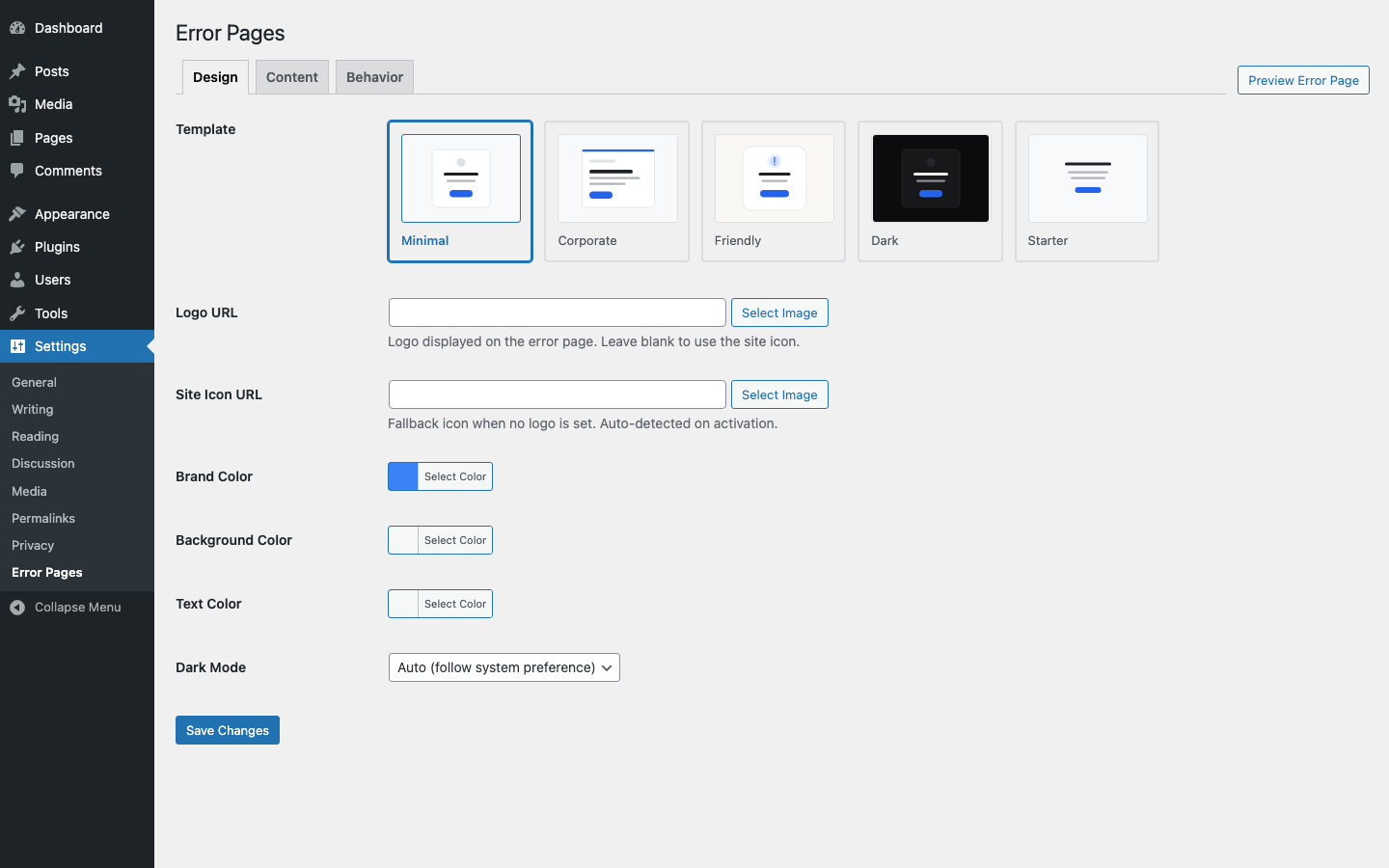
- Five built-in templates — Minimal, Corporate, Friendly, Dark, and Starter
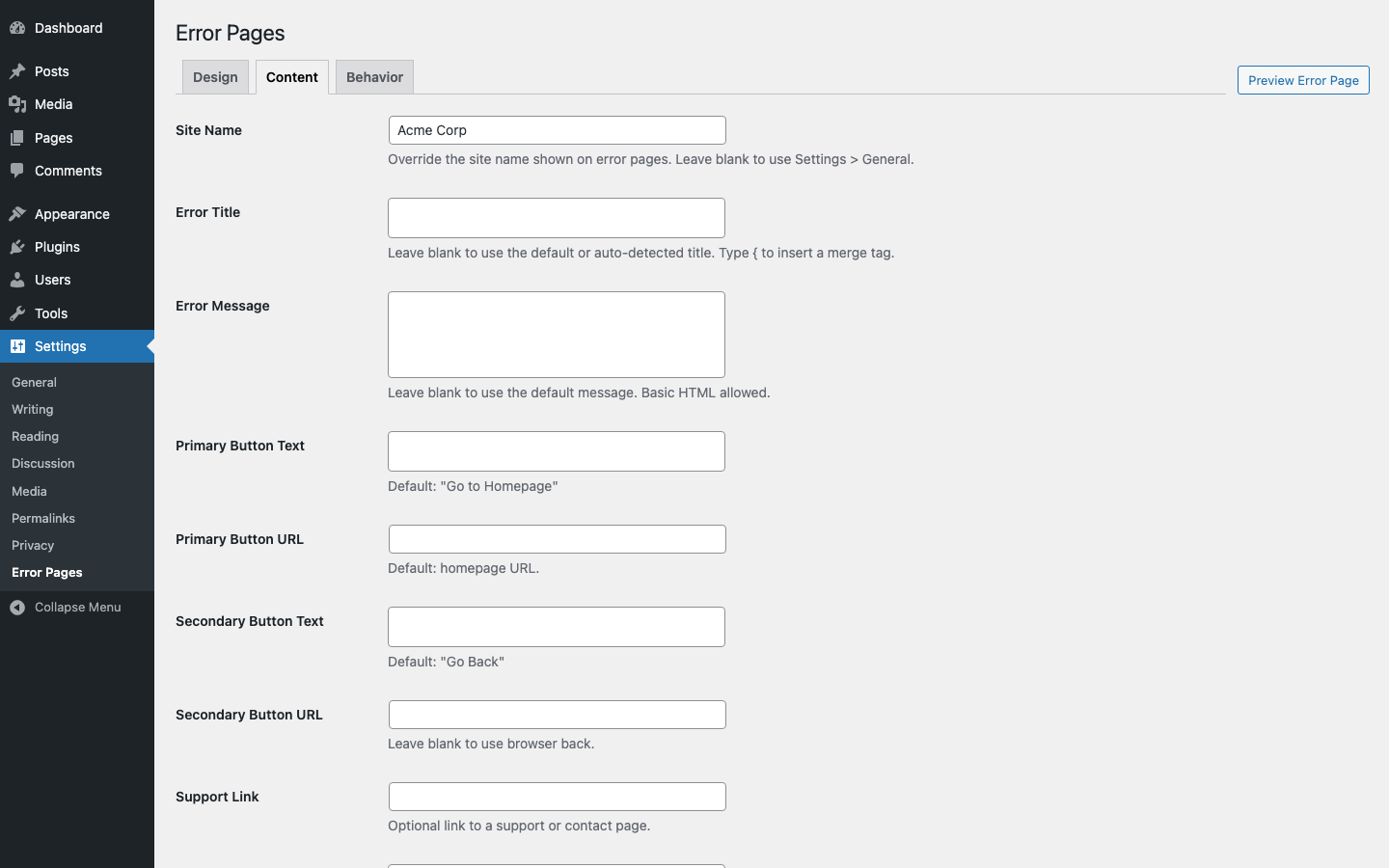
- Brand customization — logo, colors, heading, message, and redirect URL
- Merge tags — dynamic content like {site_name} and {year}
- Self-contained styling — no theme or CDN dependencies (works even during fatal errors)
- API safe — only overrides HTML output; REST API, AJAX, and JSON responses are untouched
- WP-CLI safe — automatically skips CLI contexts
- Lightweight — zero overhead on normal page loads; only runs when an error occurs
- Fully translatable — all strings use WordPress i18n functions
How it works:
- Activate the plugin
- Your site’s error pages are instantly branded with auto-detected settings
- Optionally customize via Settings > Error Pages
Source Code
The full source code, including unminified JavaScript and build tools, is available at:
github.com/codeverbojan/graceful-error-pages
To build from source:
- Clone the repository
- Run
composer install - Run
npm install - Run
npm run build
屏幕截图
安装
- Upload the
graceful-error-pagesfolder to/wp-content/plugins/ - Activate the plugin through the ‘Plugins’ menu in WordPress
- That’s it — error pages are now branded automatically
- Optionally go to Settings > Error Pages to customize the template, colors, and messaging
常见问题
-
Does this work out of the box?
-
Yes. On activation the plugin auto-detects your site name, logo, and brand color from your
WordPress settings. Works with both classic and block (FSE) themes. No configuration is required. -
Which error screens does this replace?
-
Two types: (1) the
wp_die()screen shown for permission errors, expired nonces, and
similar issues, and (2) the PHP fatal error screen (white screen of death). -
Will this break my REST API or AJAX?
-
No. The plugin only overrides the HTML die handler. REST API, AJAX, JSON, and JSONP
handlers are left completely untouched. -
Does this work with WP-CLI?
-
Yes. The plugin detects CLI contexts and skips the custom handler entirely.
-
Does this affect wp-admin?
-
Not by default. The handler only fires on the front end unless you explicitly enable
admin override in the settings. -
Can I create my own template?
-
The five built-in templates cover most use cases. Custom template support is planned
for a future release. -
Does this work with WooCommerce?
-
Yes. The plugin works with any WordPress site, including WooCommerce stores. Error pages
are styled independently of your theme or any other plugin. -
Does the plugin load anything on every page?
-
No. The plugin registers its handler on init but only renders output when
wp_die()is
actually called or a fatal error occurs. There is zero performance impact on normal pages.
评价
此插件暂无评价。
贡献者及开发者

更新日志
1.0.7
- Fix: Replace inline onclick handlers with wp_print_inline_script_tag
1.0.6
- Fix: Increase PHPStan memory limit to 1G for CI
1.0.5
- Fix: Remove dead sanitizer wrappers, add request method check
1.0.4
- Fix: Wp.org compliance — use wp_enqueue_style for all CSS output
1.0.3
- Fix author metadata and plugin URI across all files
1.0.2
- Add FSE/block theme brand color detection, fix PCP warnings
1.0.1
- Add @wordpress/scripts build process, rename prefix to gcep, upgrade PHPStan 2
1.0.0
- Initial release
- Custom wp_die() handler with branded error pages
- PHP fatal error shutdown handler with self-contained styling
- Five built-in templates: Minimal, Corporate, Friendly, Dark, Starter
- Admin settings page under Settings > Error Pages
- Auto-detection of site name, logo, and brand color on activation
- Merge tags for dynamic content
- Full i18n support