
描述
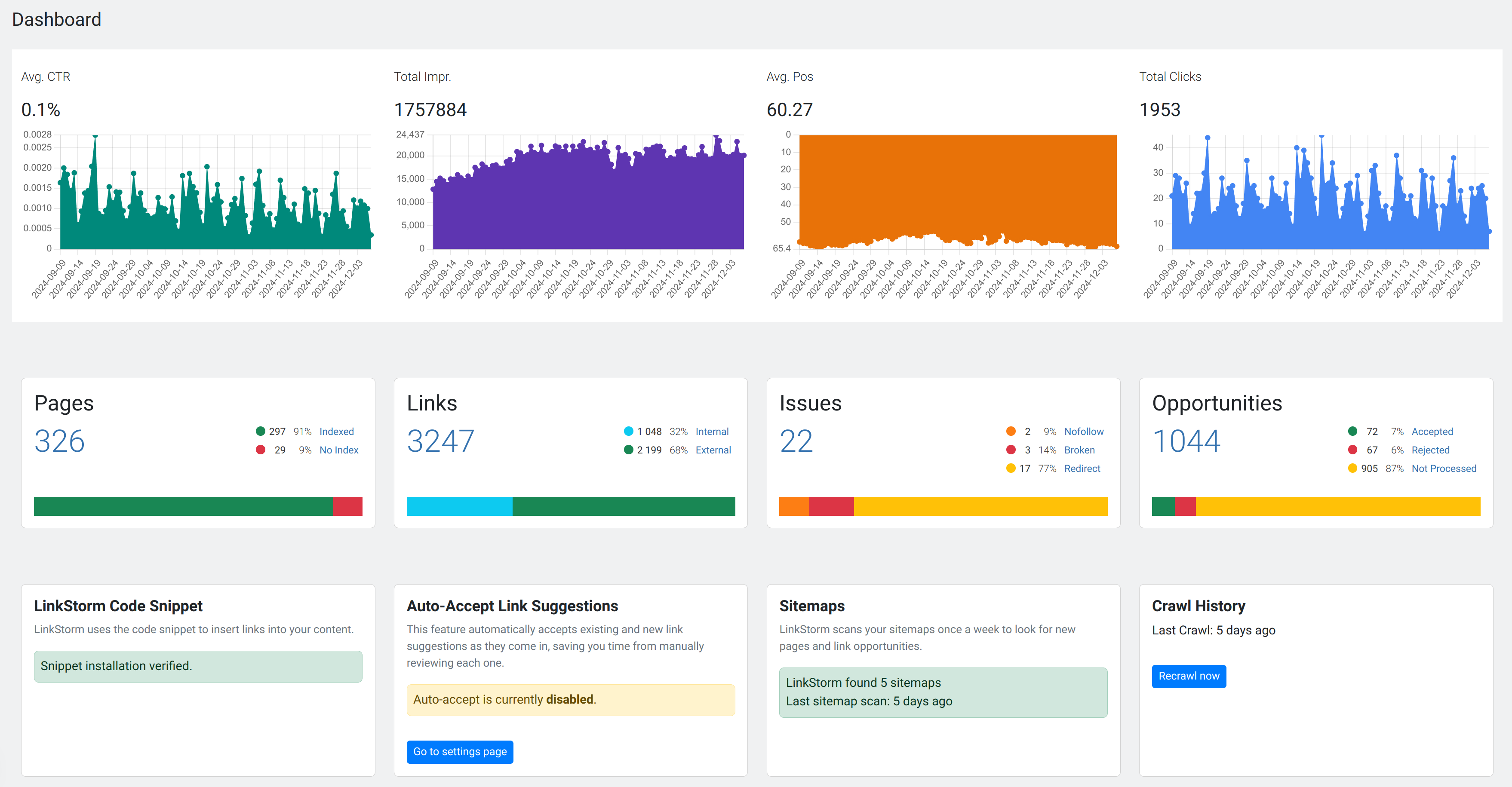
LinkStorm is the ultimate solution for optimizing your internal linking. By leveraging AI, it identifies and inserts internal links that help search engines better understand your site and guide users to the content they need most.
With options for manual approval or full automation, LinkStorm saves you countless hours of tedious work.
Key Features
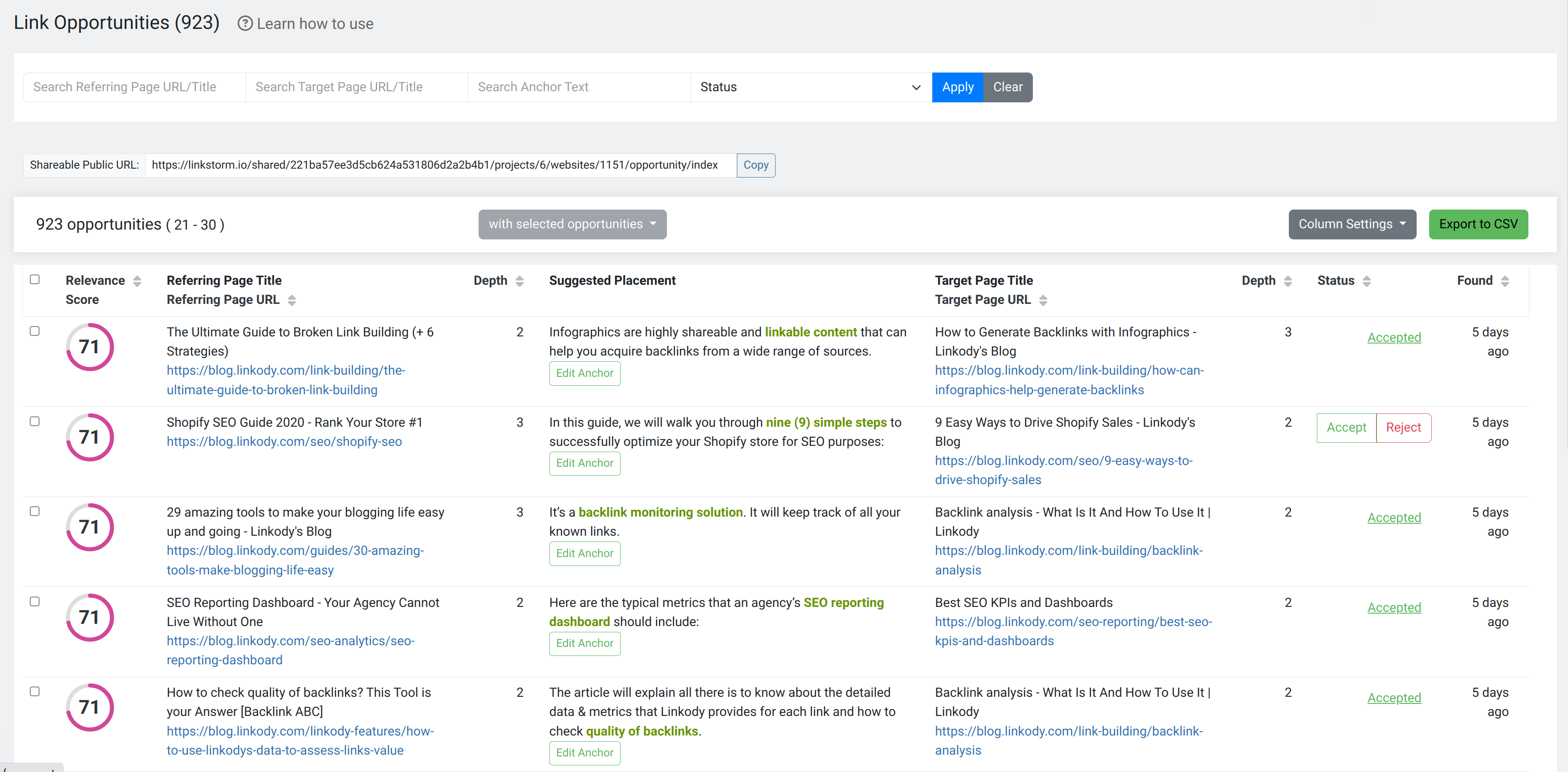
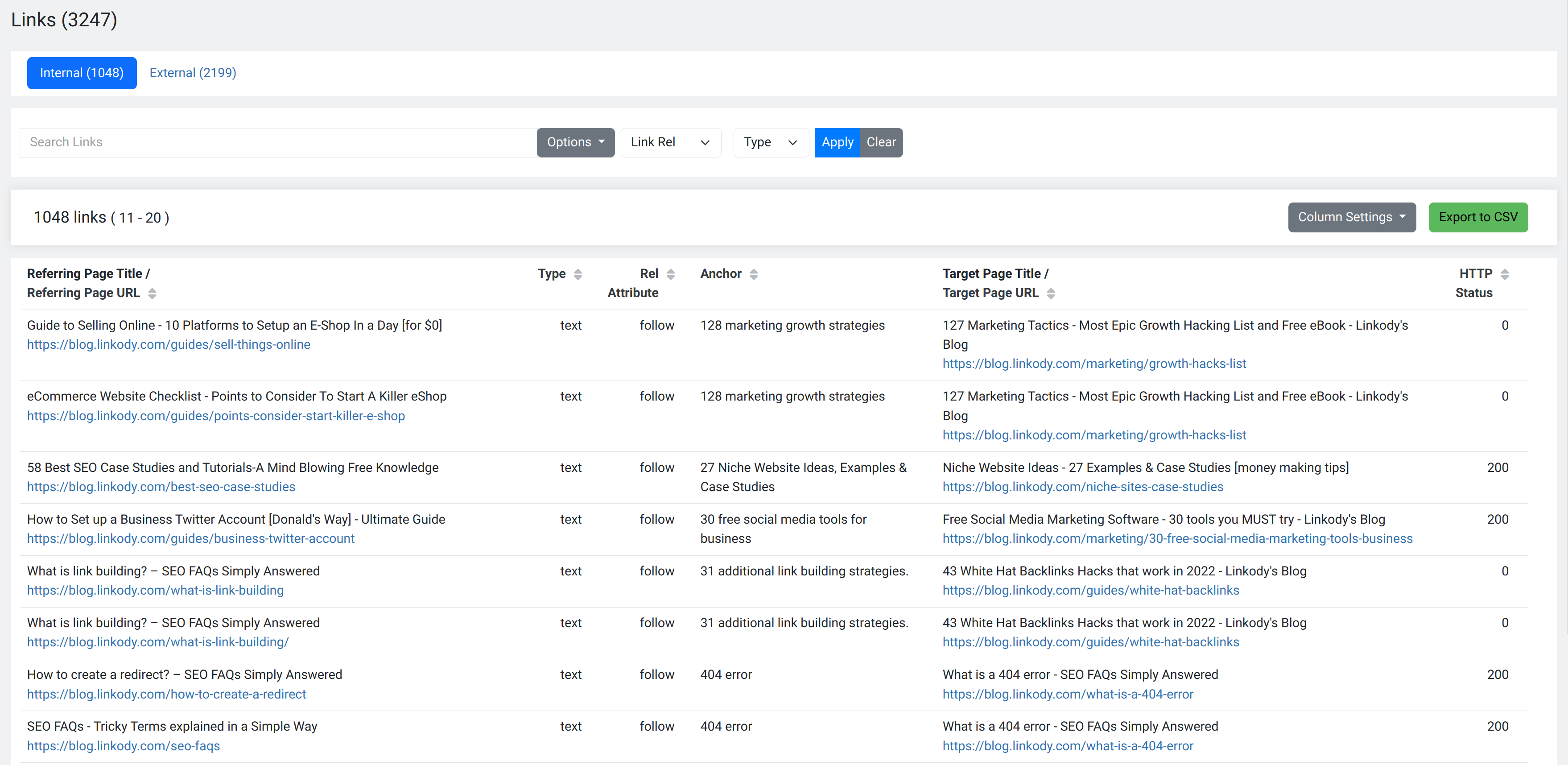
- Contextual, Relevant Suggestions: LinkStorm analyzes your site’s content to provide contextually relevant anchor texts and link placements.
- Automated Internal Linking: Choose between manual approval or fully automated link insertion for maximum flexibility.
- Enhanced SEO: Build links that distribute link equity effectively and strengthen your site’s structure.
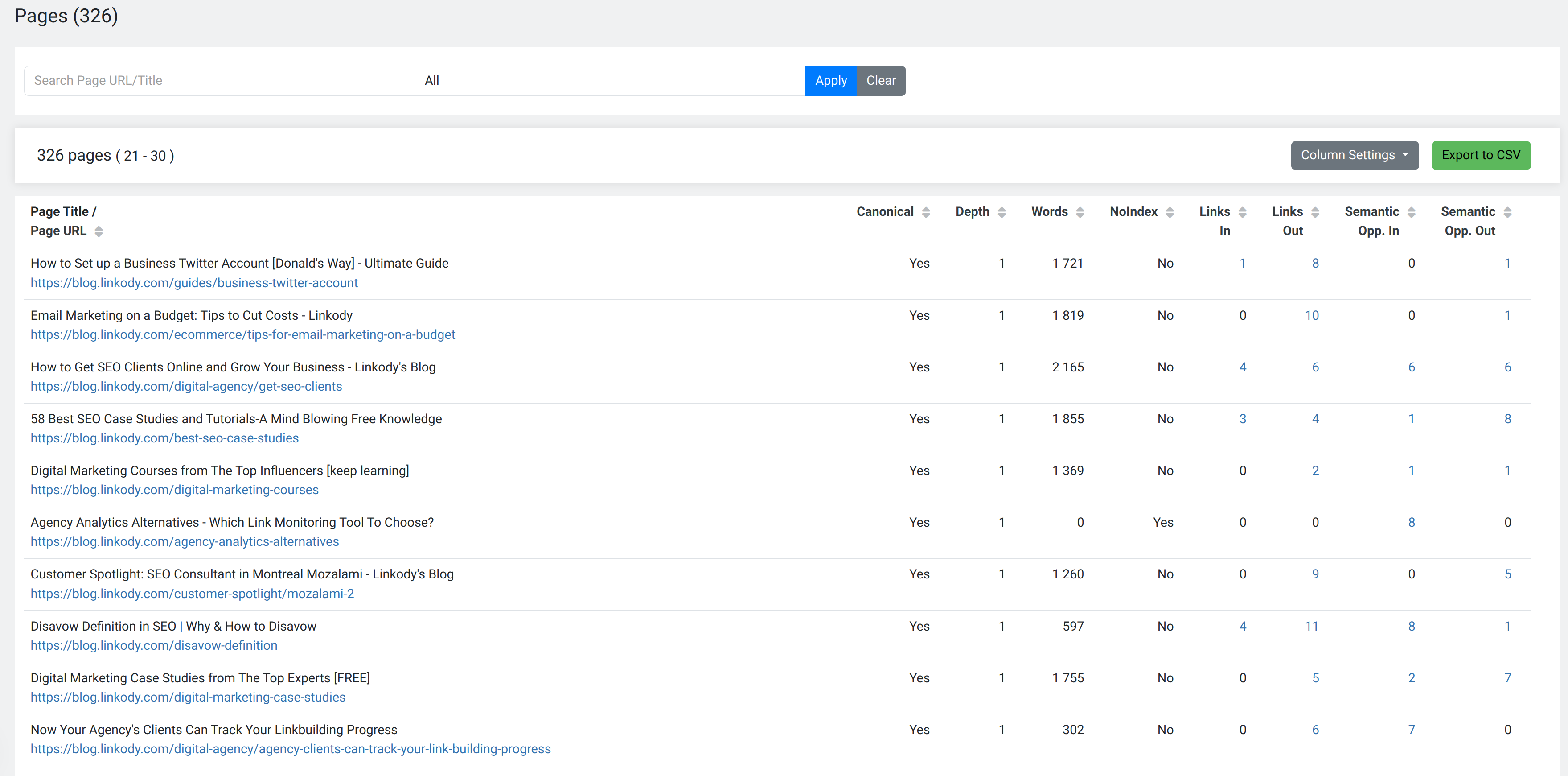
- Click-Depth & Keyword Prioritization: Identify deep pages needing more links and focus on keywords that matter most.
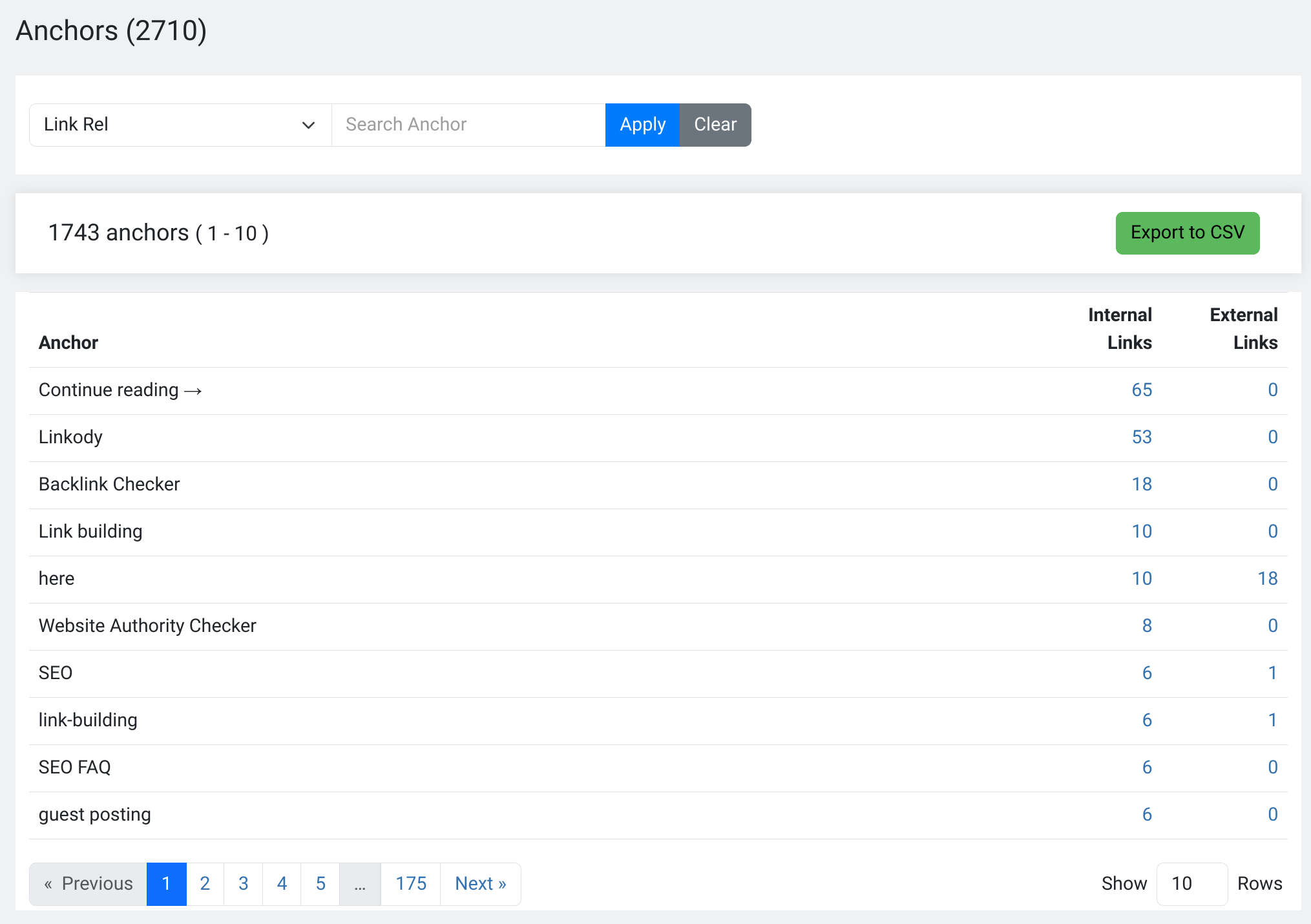
- Anchor Text Optimization: Refine and diversify anchor texts to ensure they’re descriptive, relevant, and SEO-friendly.
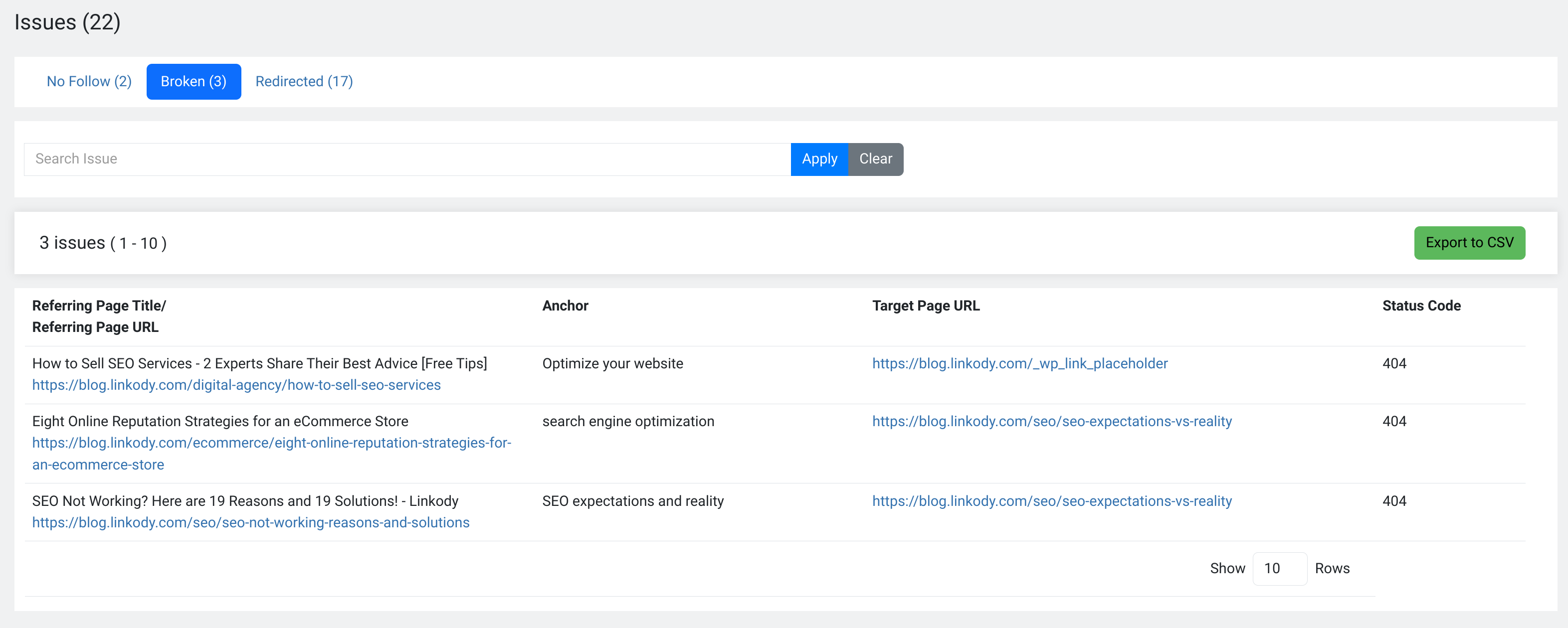
- Fix Link Issues: Identify and resolve broken links, redirects, and other interlinking issues.
Additional Resources
- Pricing: Explore our pricing plans.
- Help Center: Documentation and guides.
- Resources: Educational articles about internal linking strategies.
- FAQ: Frequently asked questions.
屏幕截图
安装
- Upload the
linkstormfolder to the/wp-content/plugins/directory or install the plugin through the WordPress Plugins menu directly. - Activate the plugin through the ‘Plugins’ menu in WordPress.
- Sign up to LinkStorm
- Create a project and add your website
- When the analysis is complete, come back to your WordPress dashboard
- Click on the LinkStorm plugin, then on Share API key
常见问题
-
What is the purpose of the LinkStorm WordPress plugin?
-
The LinkStorm plugin automatically adds the LinkStorm snippet to your website’s HTML, saving you from manually editing your code.
-
What does the LinkStorm snippet do?
-
The snippet allows LinkStorm to place internal links directly into your website’s content based on your approved link suggestions.
-
Do I manage links through the plugin?
-
No, all link management, settings, and operations are handled through the LinkStorm web app.
-
Can I use LinkStorm without the plugin?
-
Yes, you can manually add the snippet to your website’s HTML, but the plugin makes this process much easier and faster.
评价
此插件暂无评价。
贡献者及开发者


更新日志
1.0.3
- Initial release of the LinkStorm WordPress plugin.