

描述
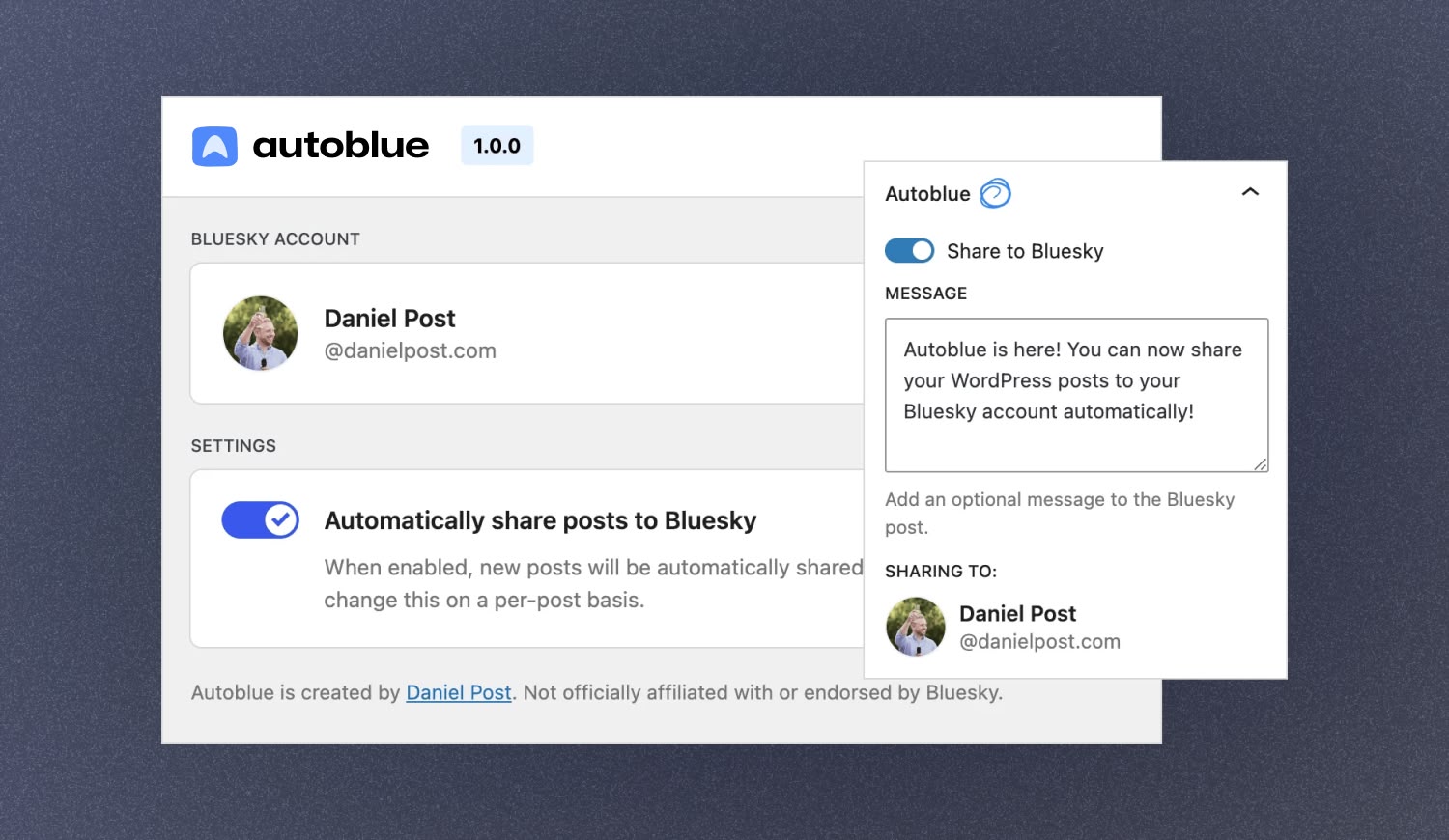
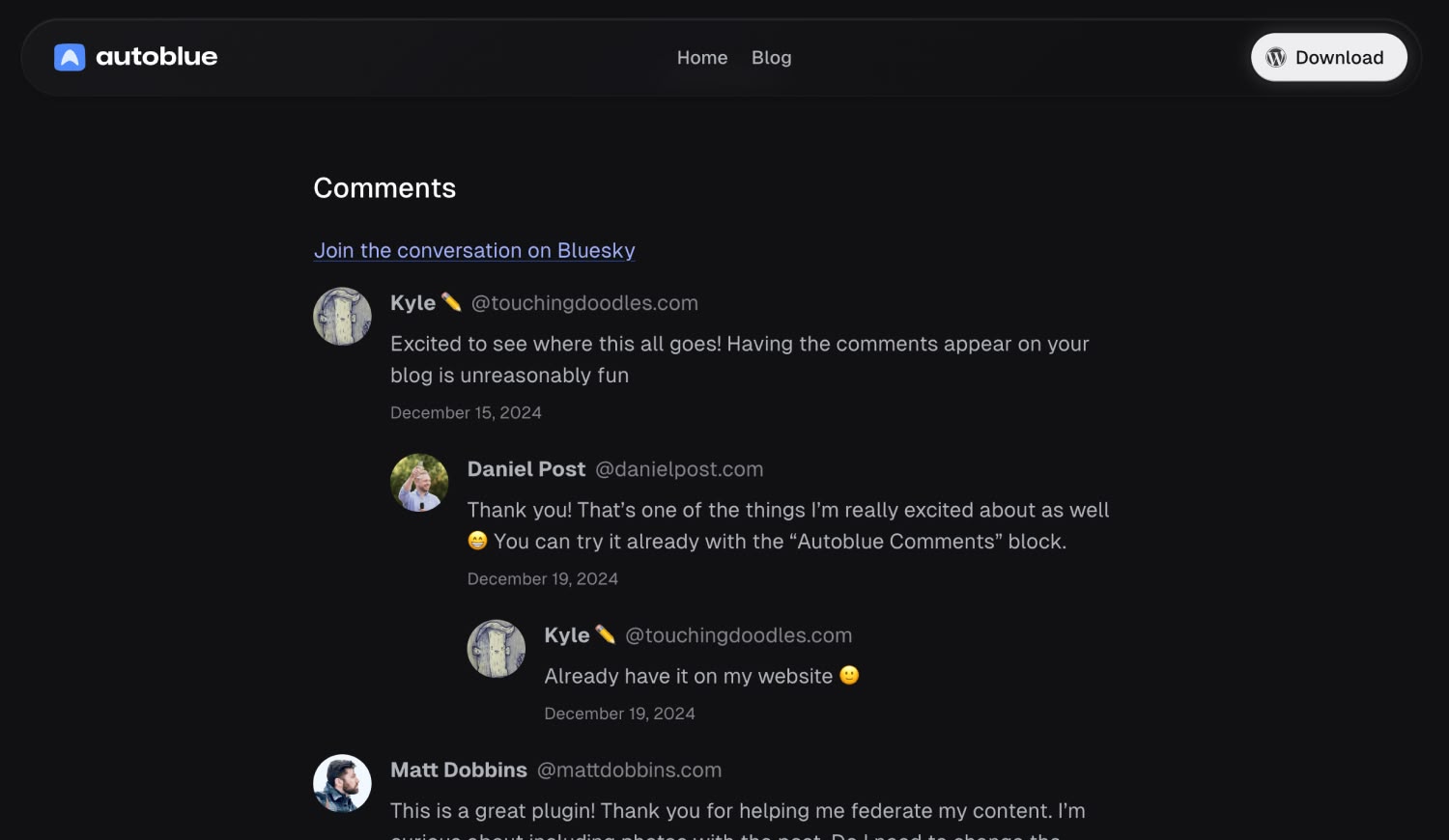
With Autoblue, you can share your WordPress posts to Bluesky automatically and effortlessly. It uses your featured image to make your posts stand out, and you can add a custom message to truly make each post your own. In addition, you can display replies to your Bluesky posts on your website.
External services
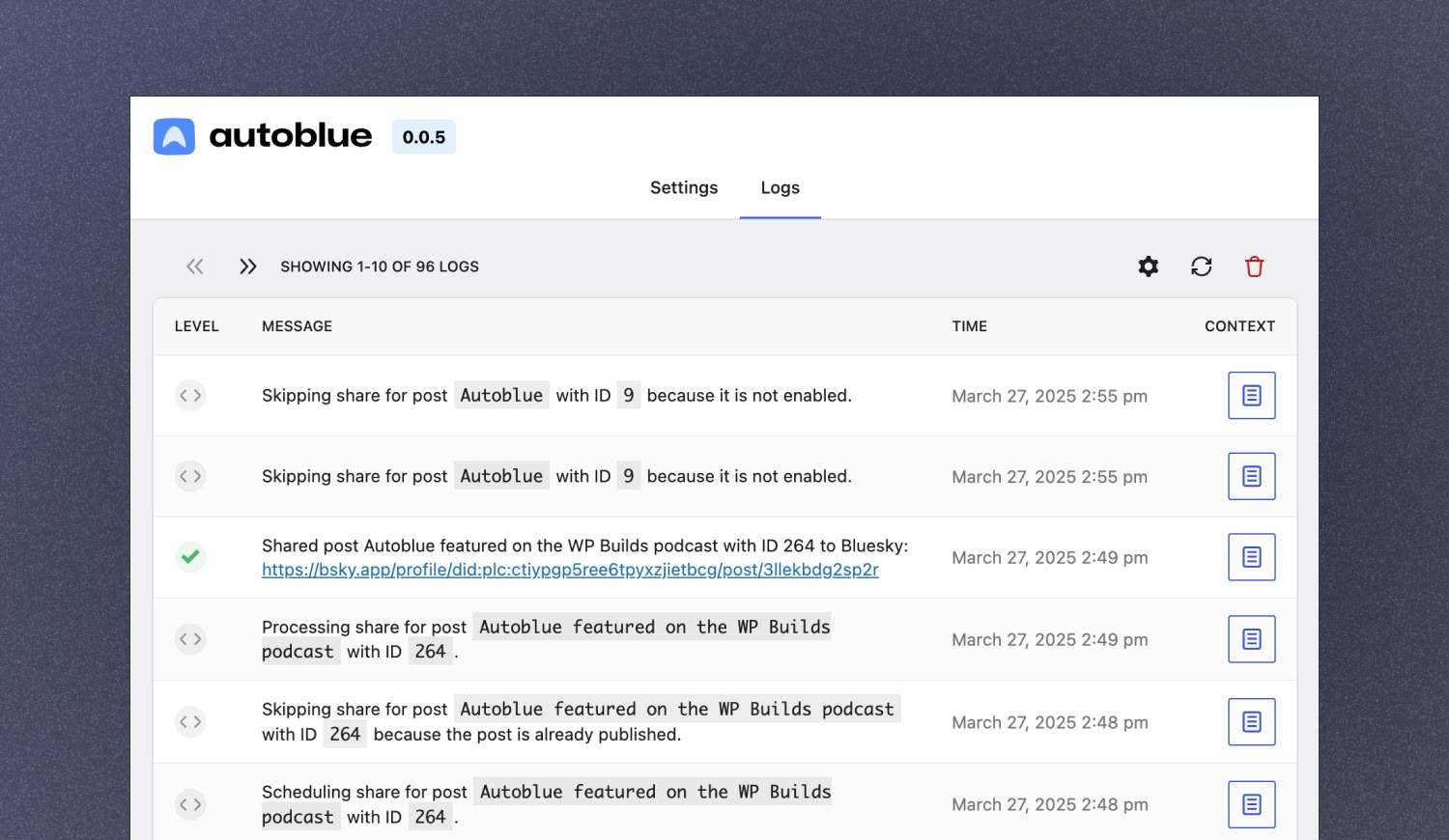
This plugin connects to the Bluesky API to retrieve user information and share posts to Bluesky. It’s needed to connect your Bluesky account to your WordPress site, share your posts to Bluesky, and display likes and replies on your site.
When you share a post, it sends the post title, featured image, and custom message to the Bluesky API.
This service is provided by “Bluesky PBC”: terms of use, privacy policy.
Stay connected
屏幕截图
区块
该插件提供了 1 个区块.
- Autoblue Comments Display Bluesky comments on your site.
常见问题
Is Autoblue free?
Yes, Autoblue is completely free. There will be a premium version in the future, but the core functionality will always be free (and is already super useful!).
Does Autoblue support the classic editor?
Currently, Autoblue only works in the block editor. It uses a lot of modern WordPress components that are not available in the classic editor.
评价


贡献者及开发者

更新日志
2.0.1
- Fix: Restore enhanced standard.site Bluesky link cards by attaching document and publication references correctly.
2.0.0
- Feature: Publish posts as standard.site document records on your AT Protocol PDS.
- Feature: Share from additional public post types beyond posts.
- Improvement: Surface expired Bluesky connection states in the admin UI.
- Improvement: Tested up to WordPress 7.0.
- Security: Strip JWTs from public connection responses.
- Fix: Surface silent cron share failures in the logs.
1.0.0
- Autoblue is now out of beta.
- Feature: Add support for self-hosted PDS
0.0.6
- Improvement: Autoblue settings page is now more mobile-friendly.
- Fix: Link to the Bluesky post after sharing works again.
- Fix: Excerpts now render correctly in the Bluesky post.
0.0.5
- Feature: Add filter for setting a custom share message
- Fix: Excerpts are now trimmed correctly before being shared
0.0.4
- Fix: Script translations are now loaded properly (props @imath)
- Fix: Shared posts no longer trigger warning in editor about invalid type (props @imath)
- Fix: Custom table for logs now works with older versions of MySQL and MariaDB (props @imath)
0.0.3
- Fix: Autoblue now supports PHP 7.4 again.
0.0.2
- Delete Autoblue data when the plugin is uninstalled.
0.0.1
- Initial release.