
描述
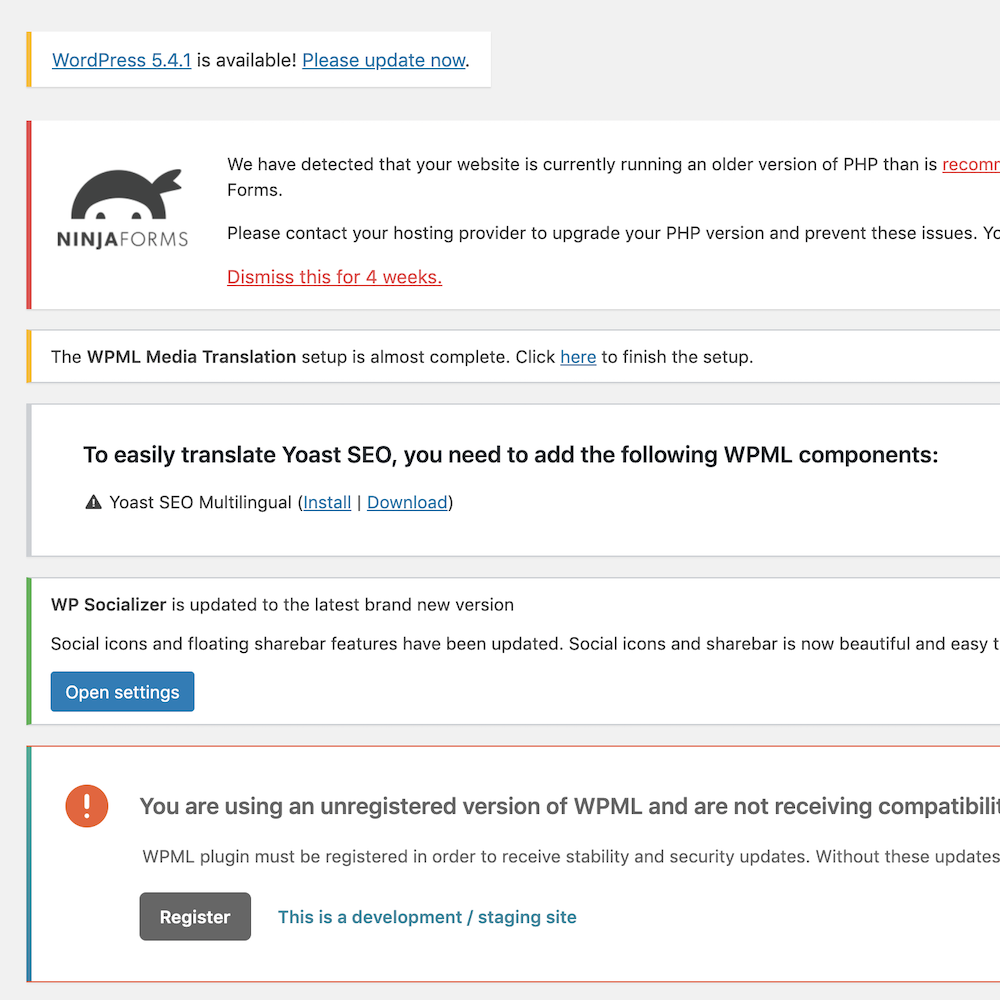
Showing the notifications related to plugins and themes is not a good idea for all the user roles. Disable WP Notification helps you to disable all the spammy notifications from the entire wordpress dashboard.
I know sometimes it is require to get the notifications, so considering this, Our experienced developers provide you the following options:
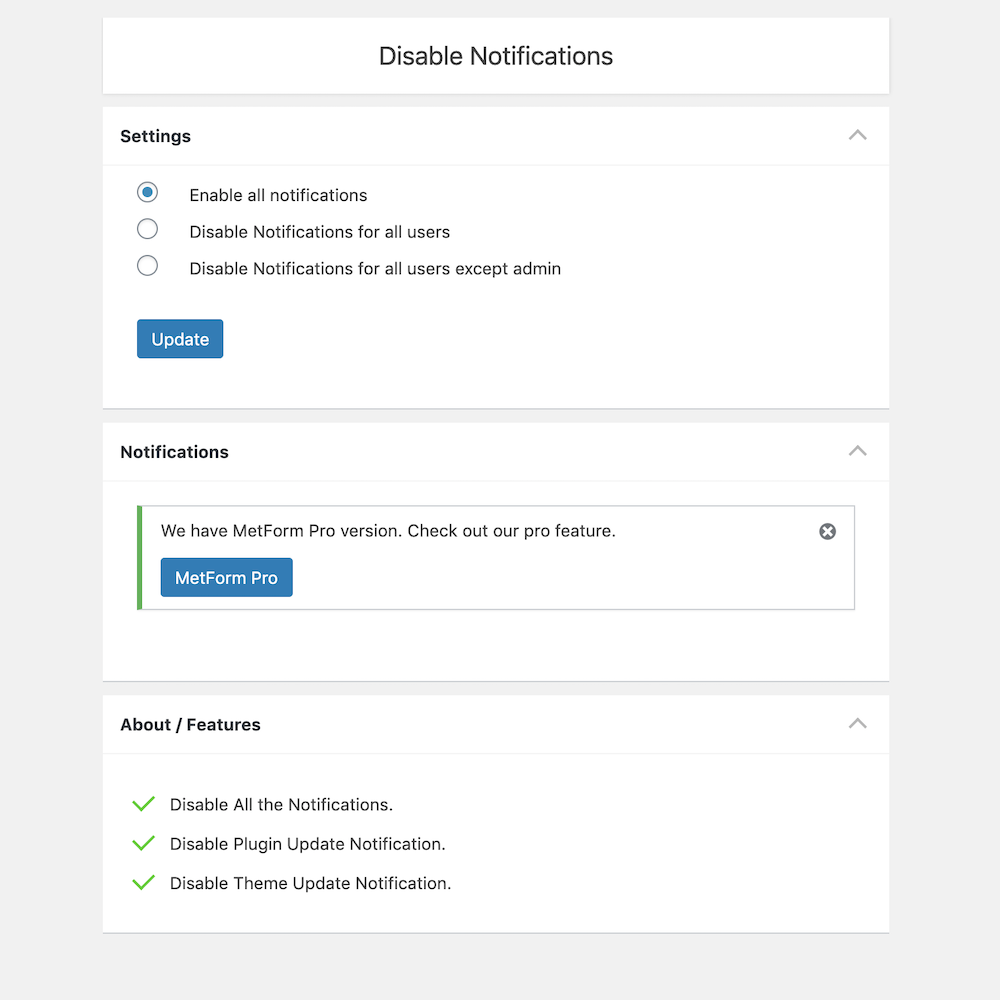
- Enable all notifications
- Disable Notifications for all users
- Disable Notifications for all users except admin
Disable WP Notification Features
- Disable all the spammy notifications and clean the Dashboard.
- A panel to show all the disabled notifications.
- Disable the notifications for all the users including admin.
- Disable the notifications for all the users excluding admin. That means, except admin this will work only on the other users.
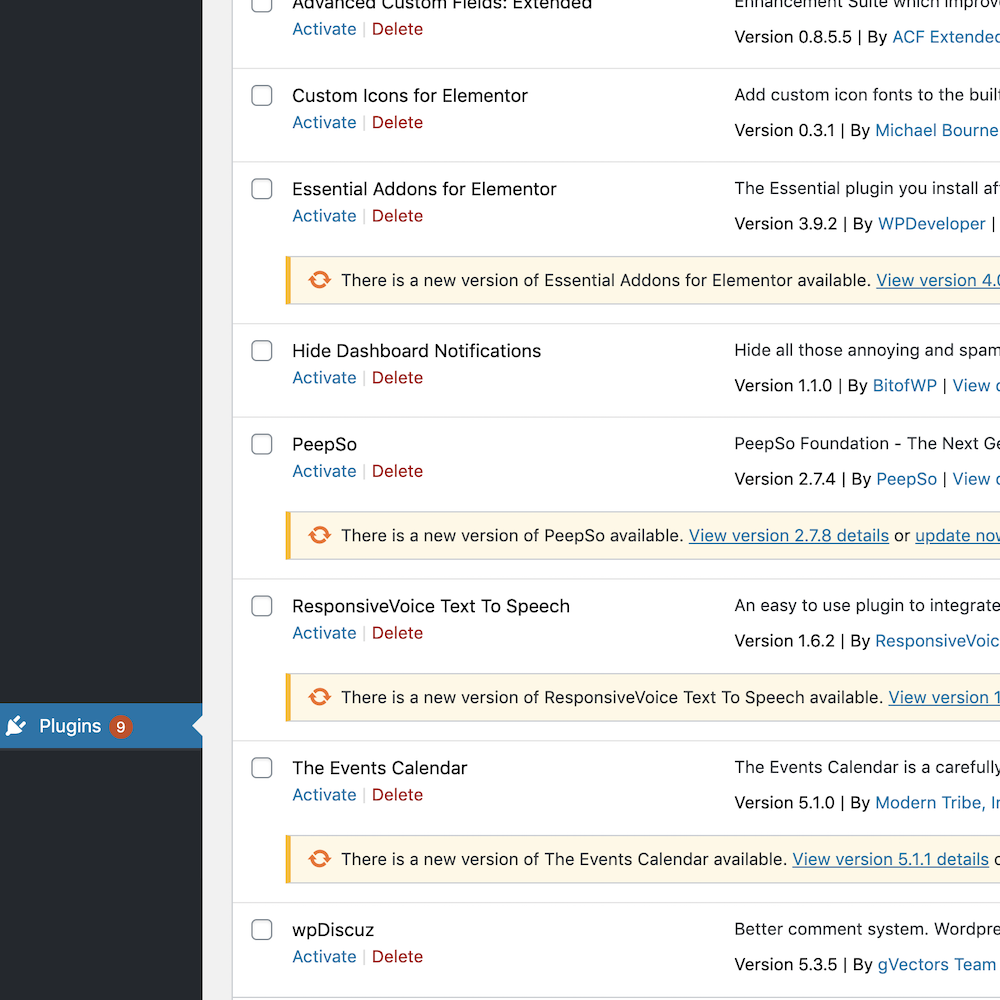
- Disable theme updates and notification.
- Disable plugin updates.
- Only Admin can manage the settings.
屏幕截图
安装
- Go to Dashboard > Plugins > Add New > Search > Disable WP Notification
- Activate the plugin through the “Plugins” menu in WordPress.
- Go to Dashboard > Disable Notices > Select the options as you required.
- Recommended option “Disable Notifications for all users except admin”
Manual Mathod:
- Download this plugin.
- Go to Dashboard > Plugins > Add New > Upload Plugin
- Upload the zip file.
- Activate the plugin through the “Plugins” menu in WordPress.
- Go to Dashboard > Disable Notices > Select the options as you required.
- Recommended option “Disable Notifications for all users except admin”
常见问题
-
Will we not able to update the theme / plugin after using this plugin?
-
You can. You can change the settings to “Disable Notifications for all users except admin” and now you can able to do anything as before.
-
Is it compatible with all the theme?
-
Yes. As this plugin is only for the backend management so it does not have any impact on the theme or other plugins.
-
No. This plugin is completely free to use.
However, if you would like to show your support and appreciation to the developers, you have the option to buy them a coffee by sending them a monetary contribution. It’s completely voluntary and not mandatory. -
Will you provide support?
-
Yes, you can put your questions in the support section, and we will try our best to reply you soon.
Or, you can drop me a quick email on [email protected] as well.
评价


贡献者及开发者

更新日志
3.4
- Compatible up to WordPress 6.9.1
- Security updates
3.3
- Compatible up to WordPress 6.7.1
3.2
- Compatible up to WordPress 6.4.2
- Minor Bug Fixes
3.1
- Compatible up to WordPress 6.2.2
3.0
- Compatible up to WordPress 6.0
2.0.1
- Compatible up to WordPress 5.6.1
2.0.1
- Compatible up to WordPress 5.5.3
2.0
- The stable version
- Fixed conflict with default wp theme editor
1.0.3
- Improve the security
1.0.2
- Improve the functionality
- Fix the bug
1.0.1
- Fix the bug
1.0
- First and stable version.