
描述
Easily add Google Tag Manager to your blog without having to edit your theme or know how to code.
屏幕截图
安装
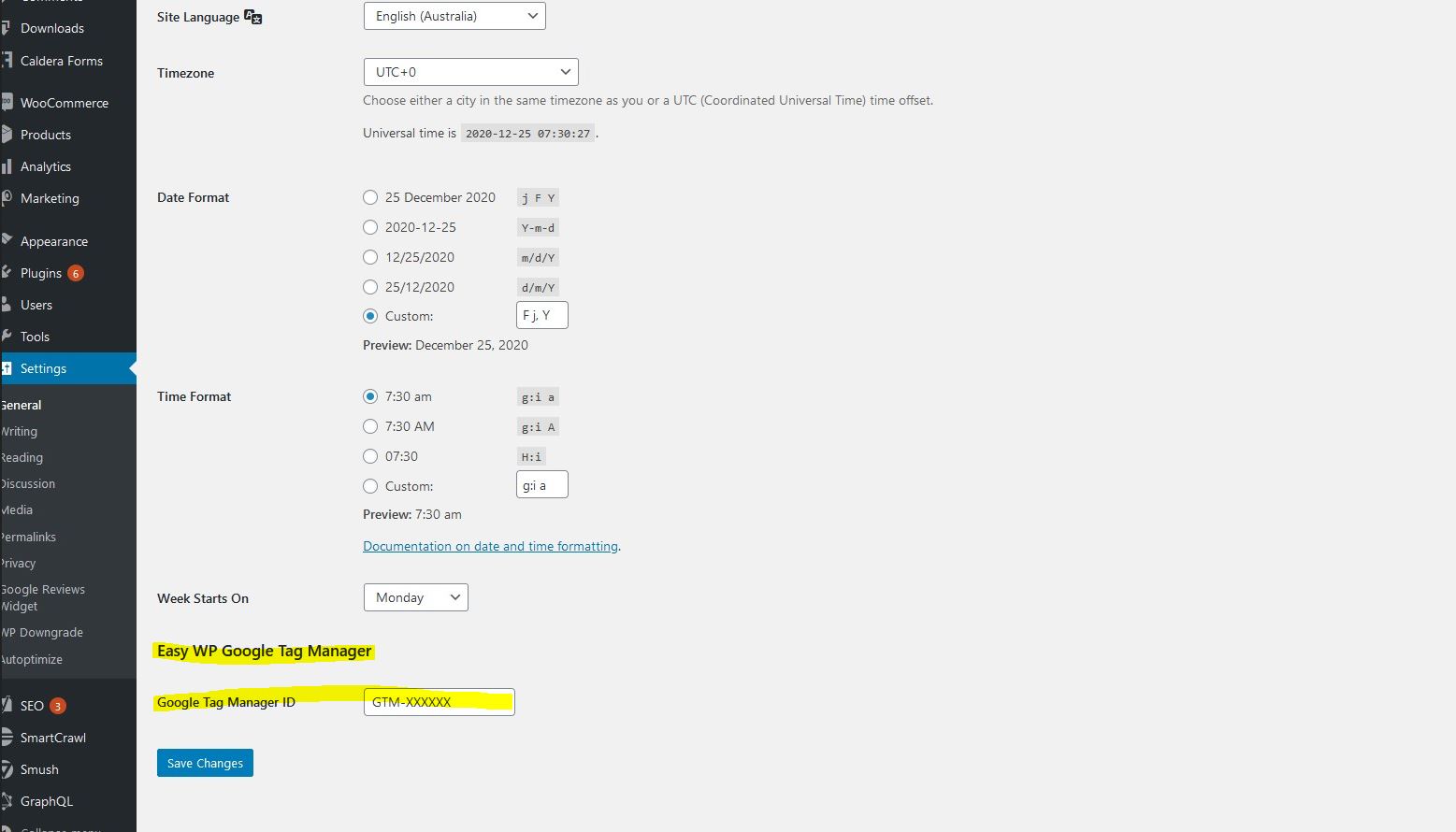
After installing the plugin, go to Settings > General and add your Google Tag Manager’s container ID to the field called ‘Google Tag Manager ID’.
常见问题
-
Do I need to edit my theme or know coding to add the Google Tag Manager snippet?
-
No! If you install this plugin, you just need to go to Settings > General and add your Google Tag Manager’s container ID to the field called ‘Google Tag Manager ID’.
评价
此插件暂无评价。
贡献者及开发者

更新日志
=1.0=
* First version released.