
描述
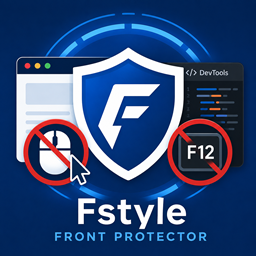
Protect your website content from unauthorized copying and inspection by restricting right-click and developer tools. Our plugin allows you to easily block right-click context menus and developer tools (F12) to protect your valuable content from being easily copied or analyzed.
Features
- Disable Right-Click: Prevents context menu.
- Developer Tools Restriction: Blocks F12 and keyboard shortcuts for developer tools.
- Admin Bypass: Allows administrators to bypass restrictions for easy site management.
屏幕截图

安装
- Upload the ‘fstyle-front-protector’ folder to the ‘/wp-content/plugins/’ directory.
- Activate the plugin through the ‘Plugins’ menu in WordPress.
- Configure your protection settings in the “Front Protector” menu on the left sidebar.
评价
此插件暂无评价。
贡献者及开发者

更新日志
1.1.0
- Renamed to Fstyle Front Protector.
- Improved security via input sanitization and output escaping.
- Updated script handling to follow WordPress best practices (wp_enqueue_scripts).