

描述
Adds the Google Analytics tracker to your website and shows a clean, lightweight dashboard with real-time and historical data. It’s simple, fast, and… it just works! 🥰 Feedback is welcome — I improve it based on what you need.
Tired of bloated GA plugins packed with features you’ll never use and code that feels like it came from the Stone Age? You’re not alone. 💫
Unlike others, Meow Analytics doesn’t route your data through shady third-party services. You connect directly to Google Analytics — your data stays yours. (Check your Google Permissions — you might be surprised!)
🚀 Want more? Our new plugin SEO Engine includes everything from Meow Analytics, plus powerful SEO tools to keep your WordPress site healthy — without the bloat of Bloark SEO, Glutamate SEO, or None-In-One SEO.
Dashboard
You can access to some of your analytics data directly in your WordPress dashboard (realtime and historical data). If you wish to do this, follow this tutorial.
Usage
Visit the Settings under Meow Apps > Analytics, enter your Google Analytics code, and that’s it. For more, please check the official page of the plugin: Meow Analytics.
Languages: English.
屏幕截图
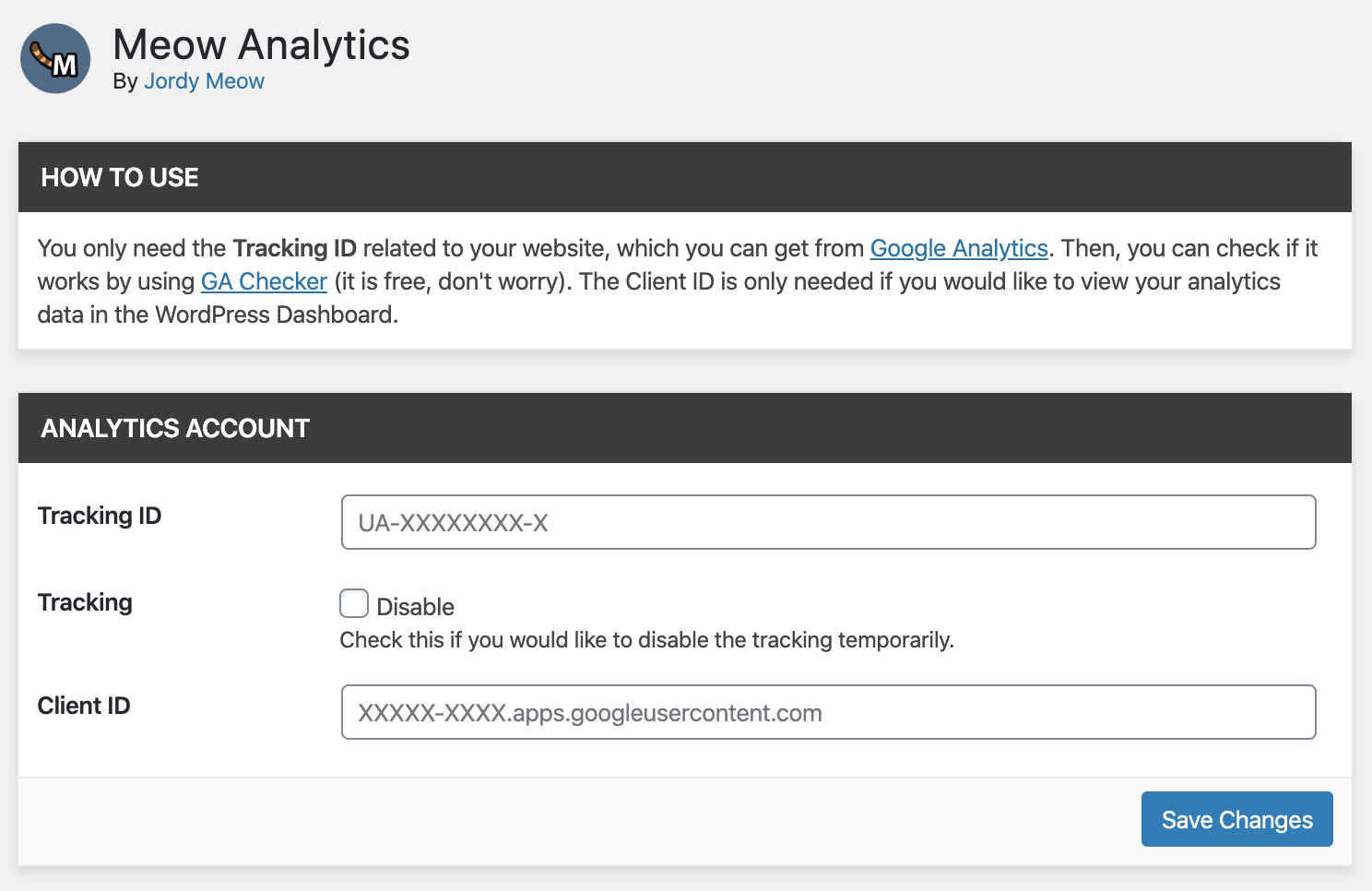
Settings. 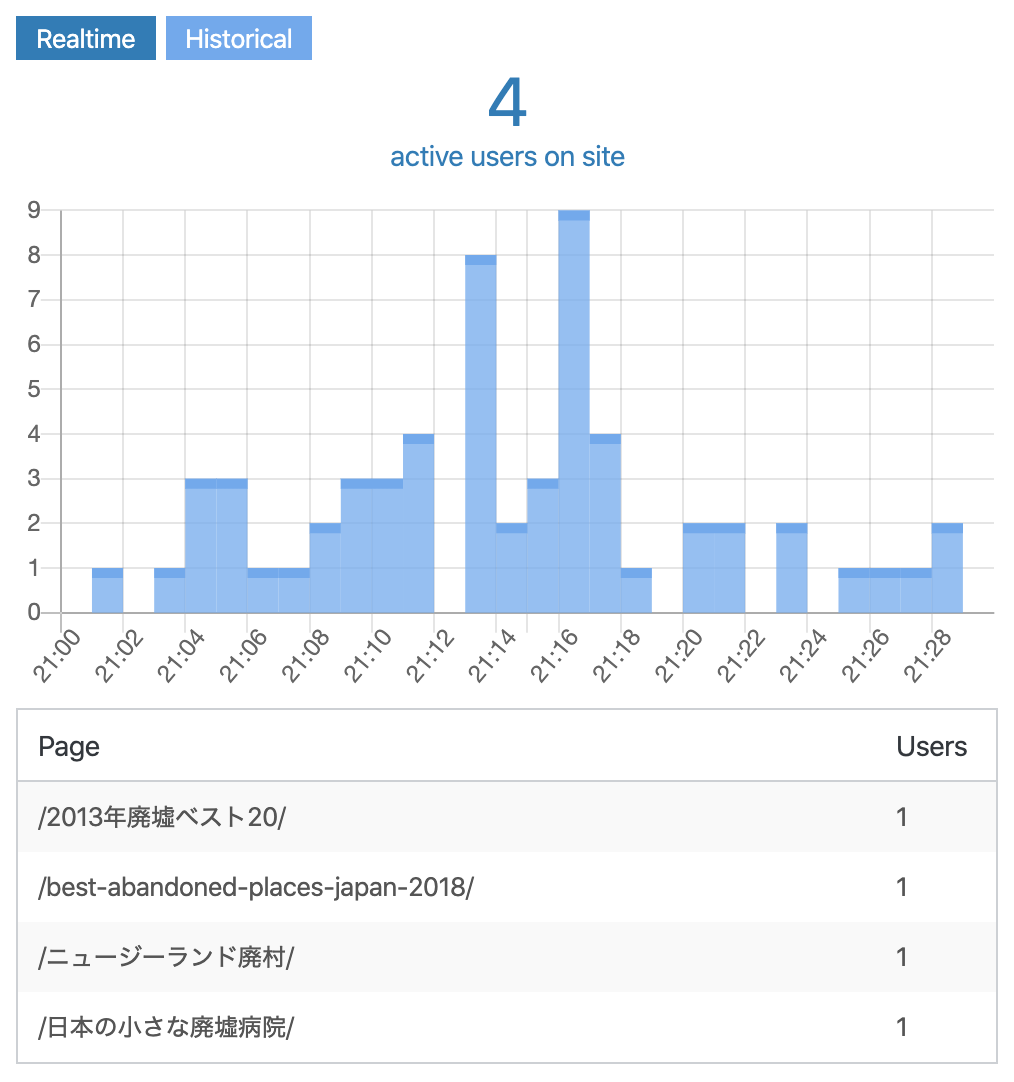
Realtime data. 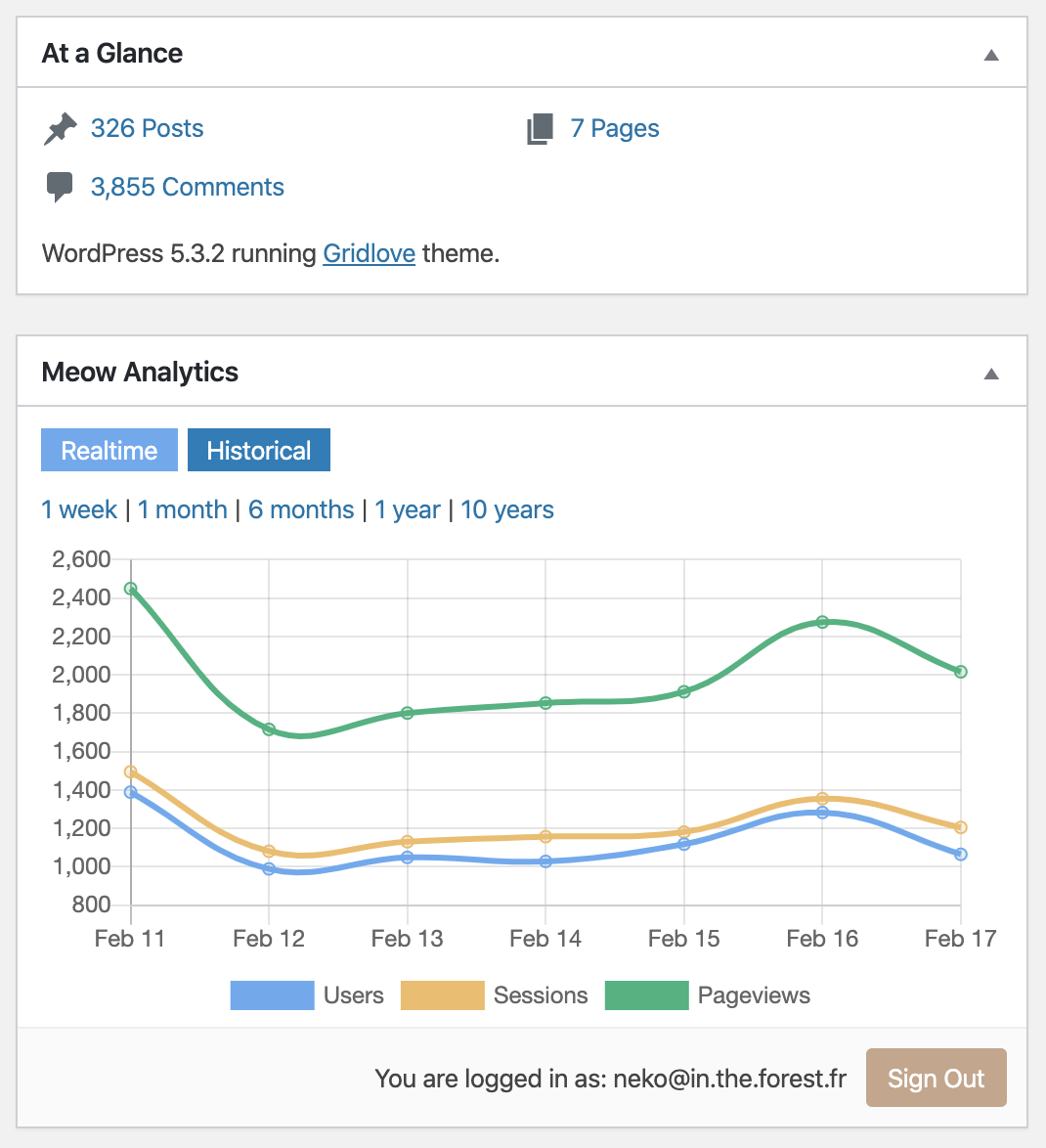
Historical chart.
安装
- Upload
meow-analyticsto the/wp-content/plugins/directory - Activate the plugin through the ‘Plugins’ menu in WordPress
评价


贡献者及开发者

更新日志
1.3.2 (2025/07/06)
- Update: Latest common libraries.
- 💕 Meow Analytics has been perfectly stable for a while now! If you are happy with it, thanks a lot for writing a little review for it.
1.3.0 (2024/06/03)
- Update: Latest common libraries.
1.2.6 (2024/04/24)
- Update: Latest common libraries.
1.2.5 (2023/12/20)
- Fix: Default values should be empty.
- Fix: Display issues related to a previous refactoring.
- Update: Enhanced UI.
1.2.3 (2023/09/22)
- Fix: Compatibility with PHP 8.4.
- Update: Optimized the bundles.
1.2.2 (2023/07/10)
- Fix: Issue with the ordering of the data in the Analytics Dashboard.
- Add: Translation support.
1.2.1 (2023/06/24)
- Update: Dashboard should be only allowed to proper roles.
- Update: Optimized the code a bit.
1.2.0 (2023/05/29)
- Add: Metrics now display GA4 data.
1.1.2 (2022/08/31)
- Add: Extra IDs (for Google Ads, for example).
1.1.1 (2022/08/21)
- Add: Possibility to track logged-user without administrator and editors.
1.1.0 (2022/08/15)
- Update: Textual clarifications.
1.0.9 (2022/07/27)
- Update: Compatibility with WP 6.
- Update: UI enhancements.
1.0.8 (2022/02/17)
- Update: Admin and compatibility WP 3.9.
1.0.7 (2021/09/23)
- Update: Admin and common files updated.
- Fix: Analytics was not being displayed on the dashboard for new installs.
1.0.1
- Update: Brand new admin, cleaner and more dynamic.
0.1.2
- Update: Seems like replacing Lodash was killing the Dashboard (more exactly, chartjs), but that was only happening when another lodash was used somewhere else. Weird issue, but hopefully that is fixed.
0.1.1
- Update: Support for new WP.
- Update: Little code cleaning.
0.1.0
- Add: Today’s historical data per hour.
0.0.8
- Fix: Better management of errors for the dashboard.
- Update: Perform less requests per day to avoid to reach the maximum quota.
0.0.7
- Fix: Now renew the token successfully and re-use it in realtime in the dashboard.
- Update: Many improvements in the code.
- Add: Option to track the logged-in users.
0.0.5
- Update: Much better success/error checks, with messages.
- Fix: Long token doesn’t work on the JS side, so I am using short token now, which are renewed automatically when needed.
- Info: Sorry for the regular updates; I am working on making the base of this plugin really strong, with good error checks. Please contact me if you have any issue or feedback.
- Note: If you are happy with Meow Analytics and its direction, and would like to give me more motivation, please write a little review for Meow Analytics. Thank you so much.
0.0.3
- Update: Simplified and enhanced the process of linking the website with Google Analytics.
- Info: Any issue, please let me know. I would like to make this perfect and easy for everyone 🙂
0.0.2
- Add: Realtime/Historical tabs with dynamic charts.
- Update: Much better flow for auth, with error management.
- Update: Optimized the JS bundles to use React from WordPress, and many optimizations.
0.0.1
- First release.