
描述
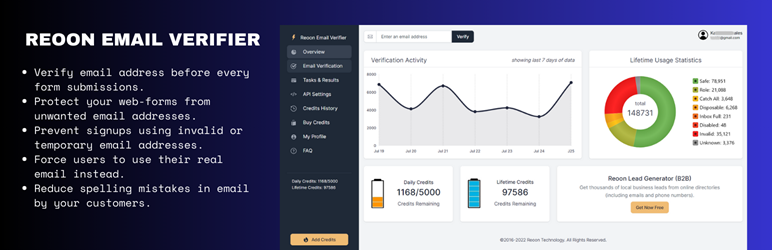
Reoon Email Verifier offers a robust solution for verifying email addresses in real-time, protecting your site from spam registrations and enhancing email campaign effectiveness. With over 99% accuracy, our verification service integrates seamlessly with popular WordPress forms, offering broad compatibility and exceptional reliability.
Key Features:
– Check email address during the form submission.
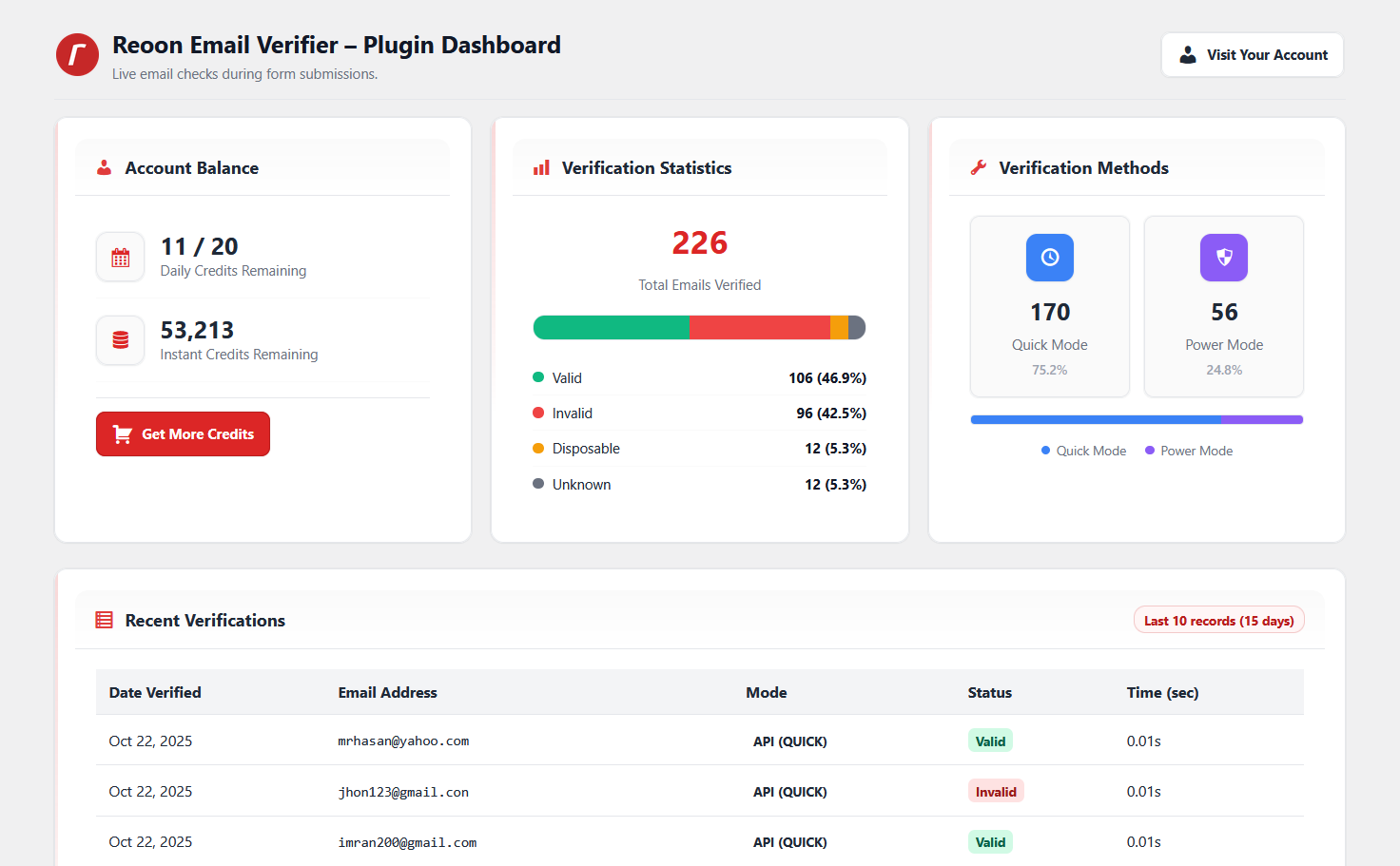
– Can detect valid, invalid, temporary, catch-all, inbox-full, spamtrap addresses.
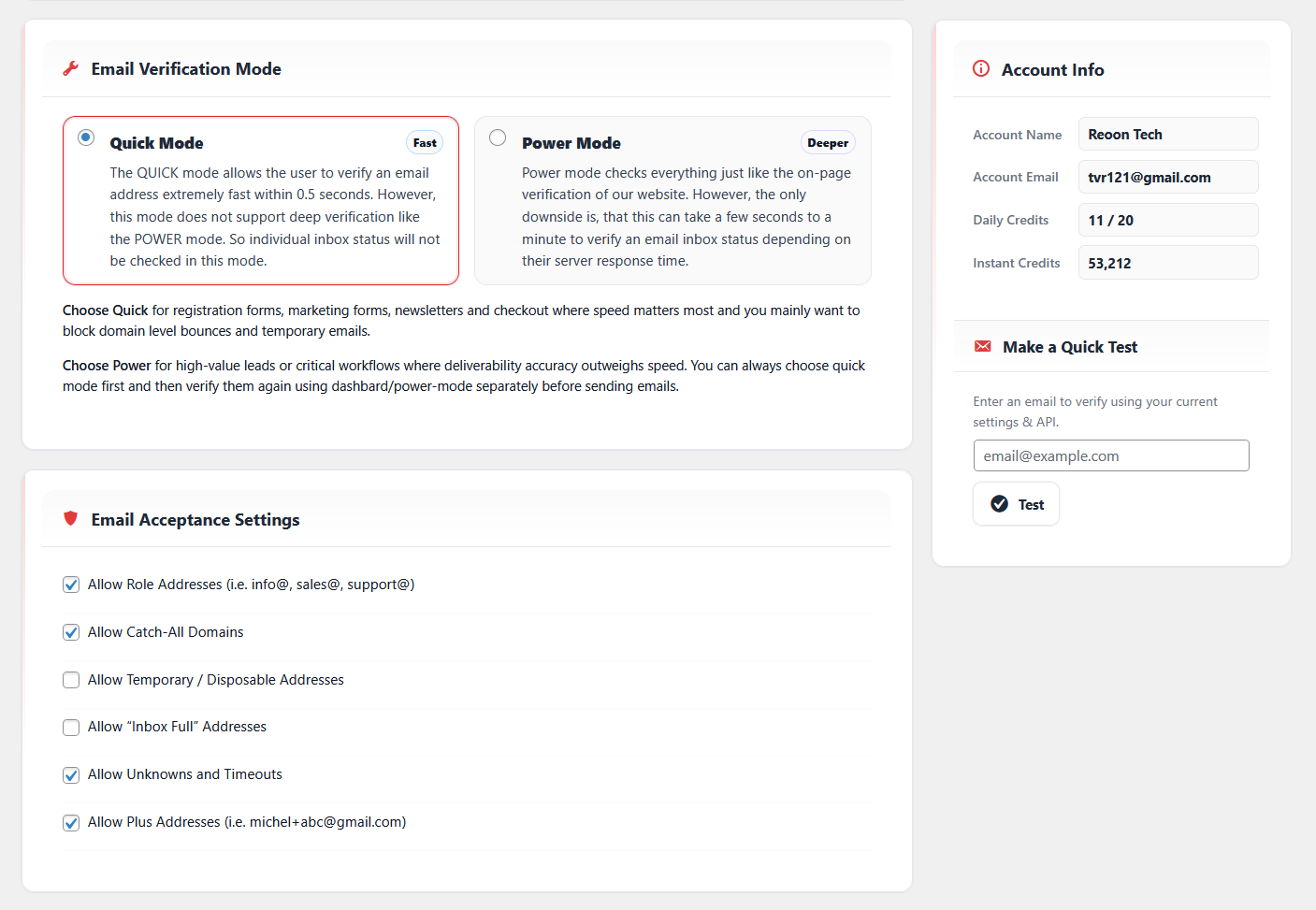
– Quick mode verification checks an email within 0.5 seconds.
– Dynamic detection of disposable and temporary email addresses.
– Supports most of the free email providers and business/professional emails.
– Live API for instant verification during user registration (within 0.5 seconds).
– Verification mode and custom filters can be selected.
– GDPR compliant, ensuring user data protection and privacy.
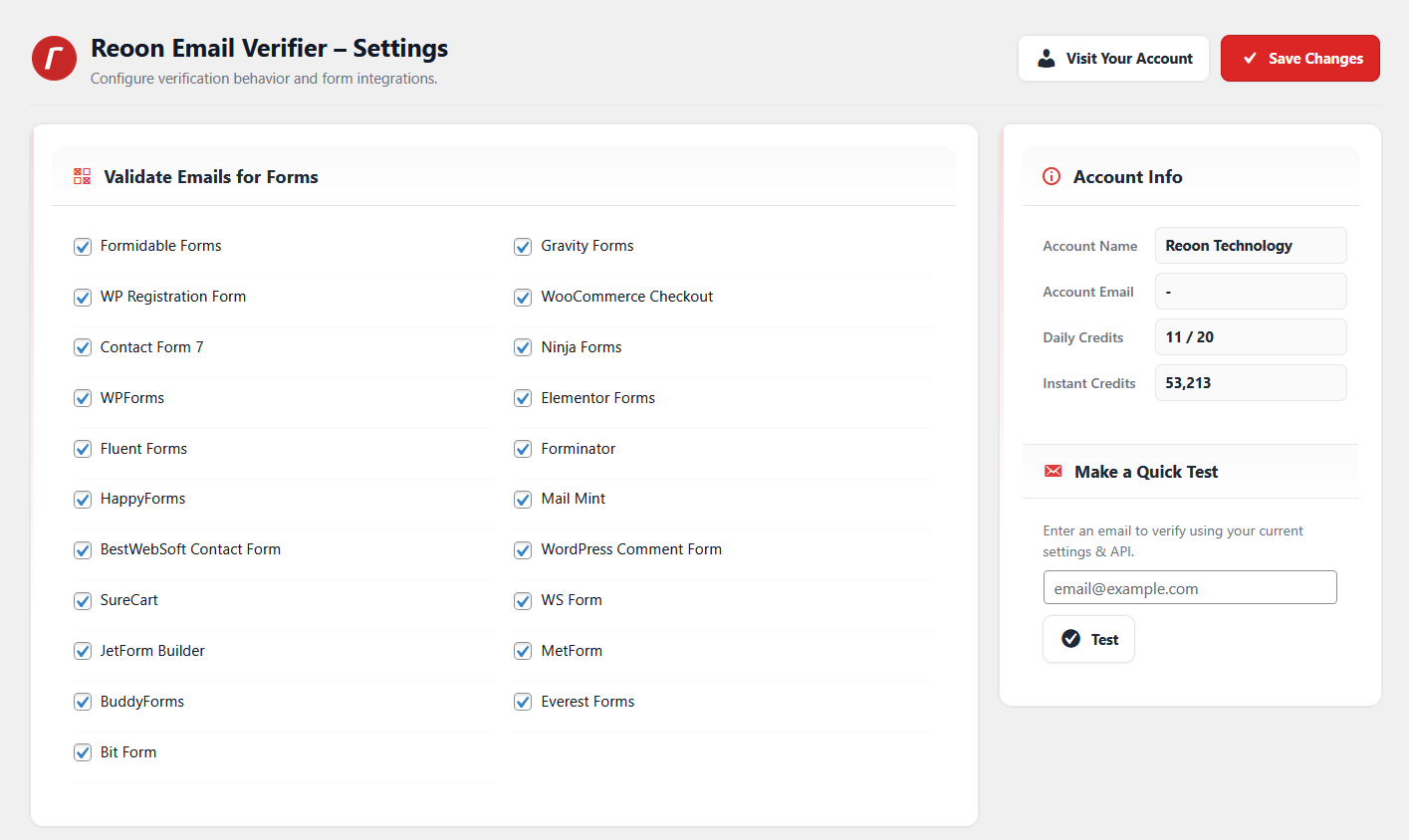
Supported WordPress Forms:
– Formidable Form
– Gravity Form
– Default WordPress Registration Form
– WooCommerce Checkout Form
– Contact Form 7
– Ninja Forms
– WPForms
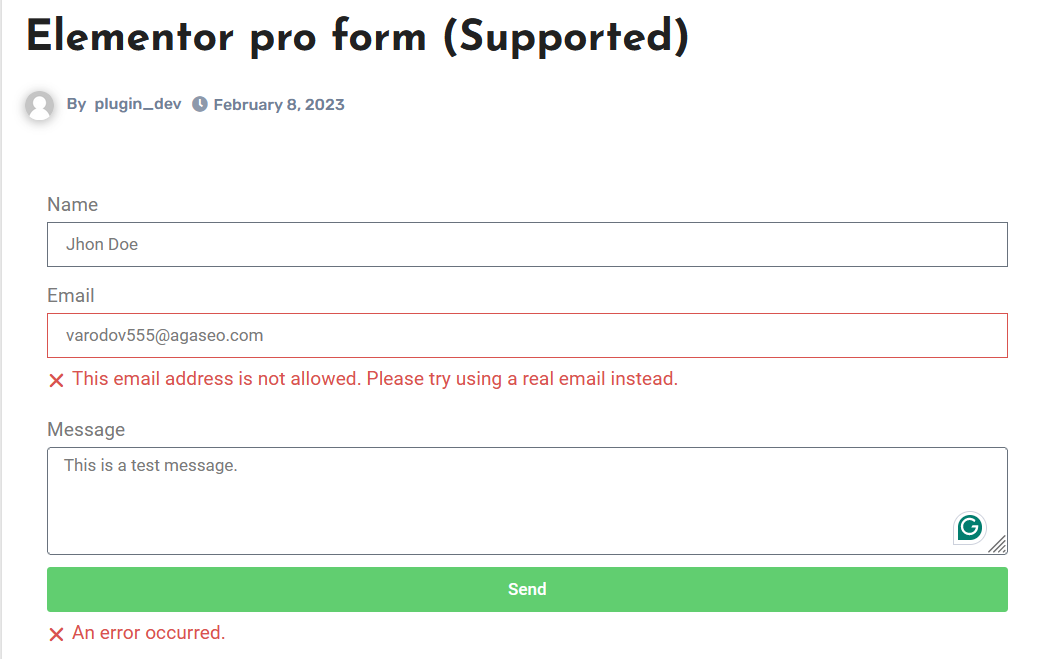
– Elementor Forms
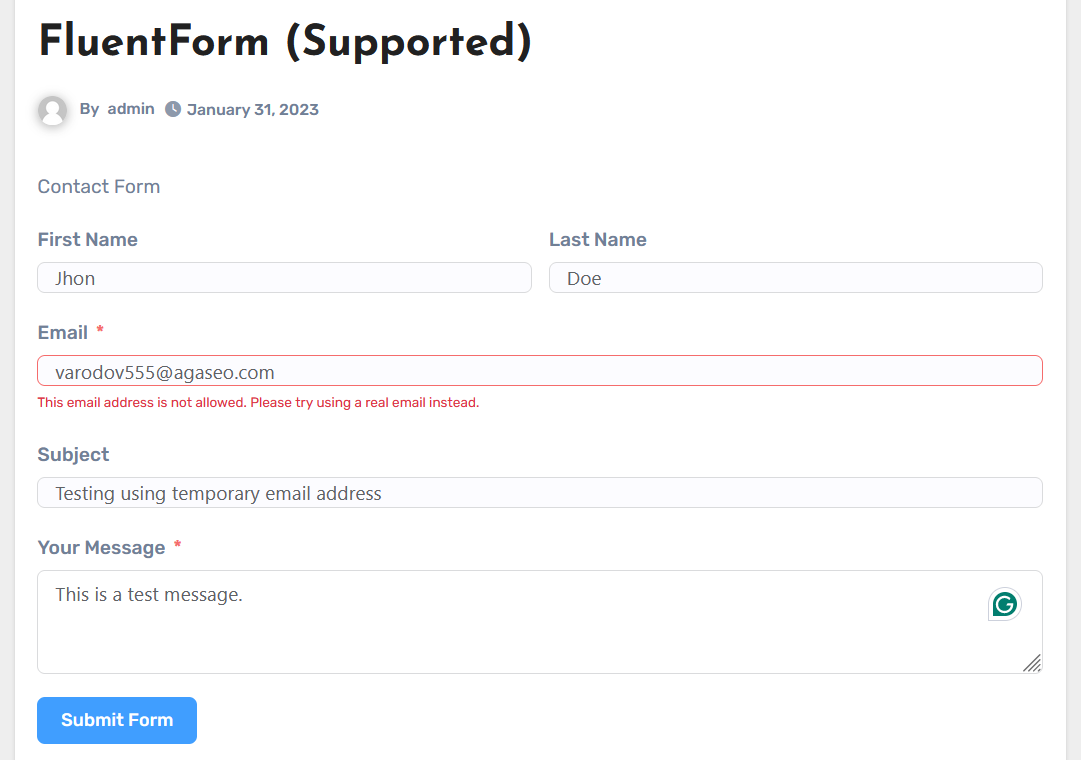
– Fluent Forms
– Forminator Forms
– HappyForms
– Mail Mint Form
– Contact Form by BestWebSoft
– WordPress Comment Form
– SureCart
– WS Form
– JetForm Builder
– MetForm
– BuddyForms
– EverestForms
– Bitforms
To learn about the list of features and detailed benefits, please visit Reoon Email Verifier.
Third-Party Service Usage
This plugin integrates with the Reoon Email Verifier service to provide real-time email verification functionality. Through API calls to Reoon Technology’s servers, it verifies email addresses and retrieves account information, using the following endpoints:
Verify email addresses: https://emailverifier.reoon.com/api/v1/verify?email=[email]&mode=[mode]&key=[your_api_key]
By installing and activating this plugin, you consent to the transmission of email addresses to these URLs for the purpose of verification.
Data Privacy and Security Commitment: We prioritize your privacy and the security of your data. All submitted email addresses are automatically deleted from our servers after 15 days, ensuring that your data is not stored indefinitely. Furthermore, we do not sell or use the submitted emails for marketing purposes. This practice is part of our commitment to maintaining your trust and complying with data protection regulations.
The use of the Reoon Email Verifier service is subject to Reoon’s Terms of Service and Privacy Policy, available at:
Terms of Service: https://www.reoon.com/terms-and-conditions/
Privacy Policy: https://www.reoon.com/privacy-policy/
We encourage you to review these documents to understand how Reoon Technology handles and protects your data. It is crucial to ensure that the use of this plugin complies with your website’s privacy policy and any applicable legal obligations concerning data protection and privacy.
屏幕截图
安装
- Upload
reoon-email-verifierto the/wp-content/plugins/directory. - Activate the plugin through the ‘Plugins’ menu in WordPress.
- Create Reoon Email Verifier Account for free to get your API key.
- Go to the plugin’s settings section, enter your API key, and configure the options as needed.
常见问题
-
How does it work?
-
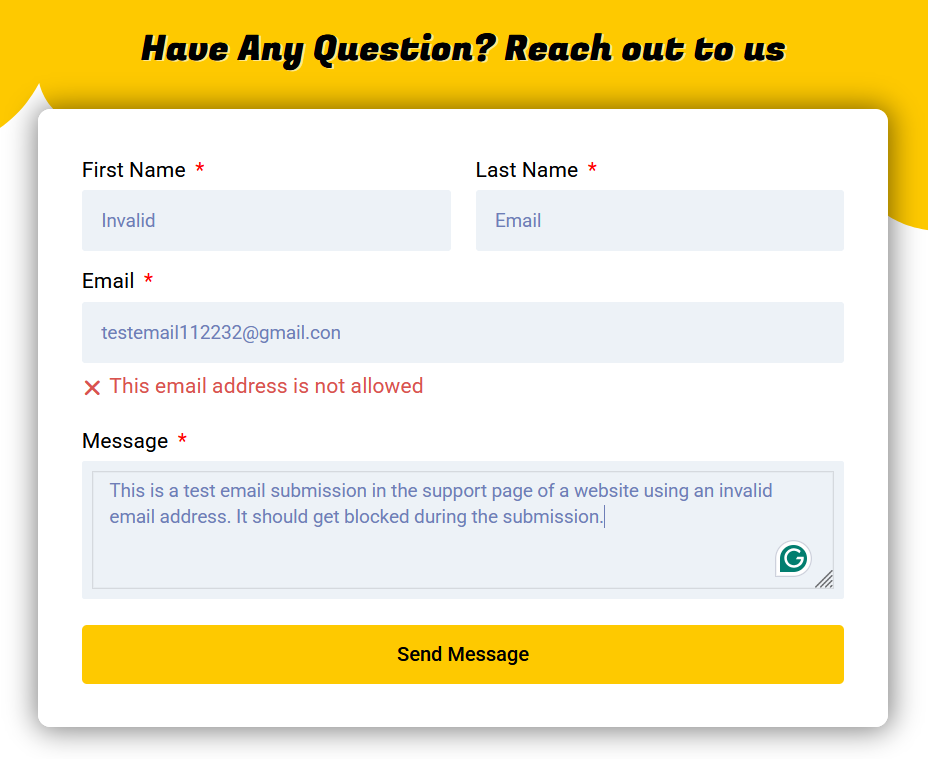
When one of your users try to submit a protected form, Reoon Email Verifier will check the email address against various validation criteria without sending any email, offering a non-intrusive verification process and will block any invalid, temporary or harmful image. It will also notify the submitter to use a different email address.
-
How long it can take to verify an email address?
-
Verification will take less than 0.5 second in Quick mode. On the other hand, the verification time for the Power mode depends on the response time of their email server, which can also be limited by providing a timeout value.
-
What will happen if the account run out of credits?
-
In such cases email submissions will not be checked by the plugin and every submitted email addresses will be accepted (as like our plugin is not installed).
-
Is it GDPR-friendly?
-
Our service is designed to help site owners meet privacy obligations. All data is encrypted and automatically deleted after 15 days of submission. See our privacy policy page to learn more.
-
How do I get an API key?
-
Login to Reoon Email Verifier account and grab your key from the API-Settings page there.
-
How to get the support if something does not work?
-
Please contact us at Reoon Customer Support if you face any issues with the service. We will try our best to help you as soon as possible.
-
Where do I report security bugs found in this plugin?
-
Please report security bugs found in the source code of the Reoon Email Verifier plugin through the Patchstack Vulnerability Disclosure Program. The Patchstack team will assist you with verification, CVE assignment, and notify the developers of this plugin.
评价


贡献者及开发者

更新日志
1.2.3
- Initial release version.
1.2.4
- Bug fix: Plus sign in email was causing invalid results due to url-encode issue.
1.2.5
- Bug fix and security updates.
1.2.6
- Forminator form integration updated to match with their latest version.
1.3.1
- Added support for the following new forms:
- SureCart
- WS Form
- JetForm Builder
- MetForm
- BuddyForms
- EverestForms
- Bitforms
- Minor performance improvements and compatibility updates.
1.3.2
- Support updated for happyforms (upgrade). Bug fix and security updates.
2.0.1
- Complete UI re-design.
- Added support for plus email control.
- Minor bug fixes.
2.1.1
- Security improvements.
- Minor bug fixes.