

描述
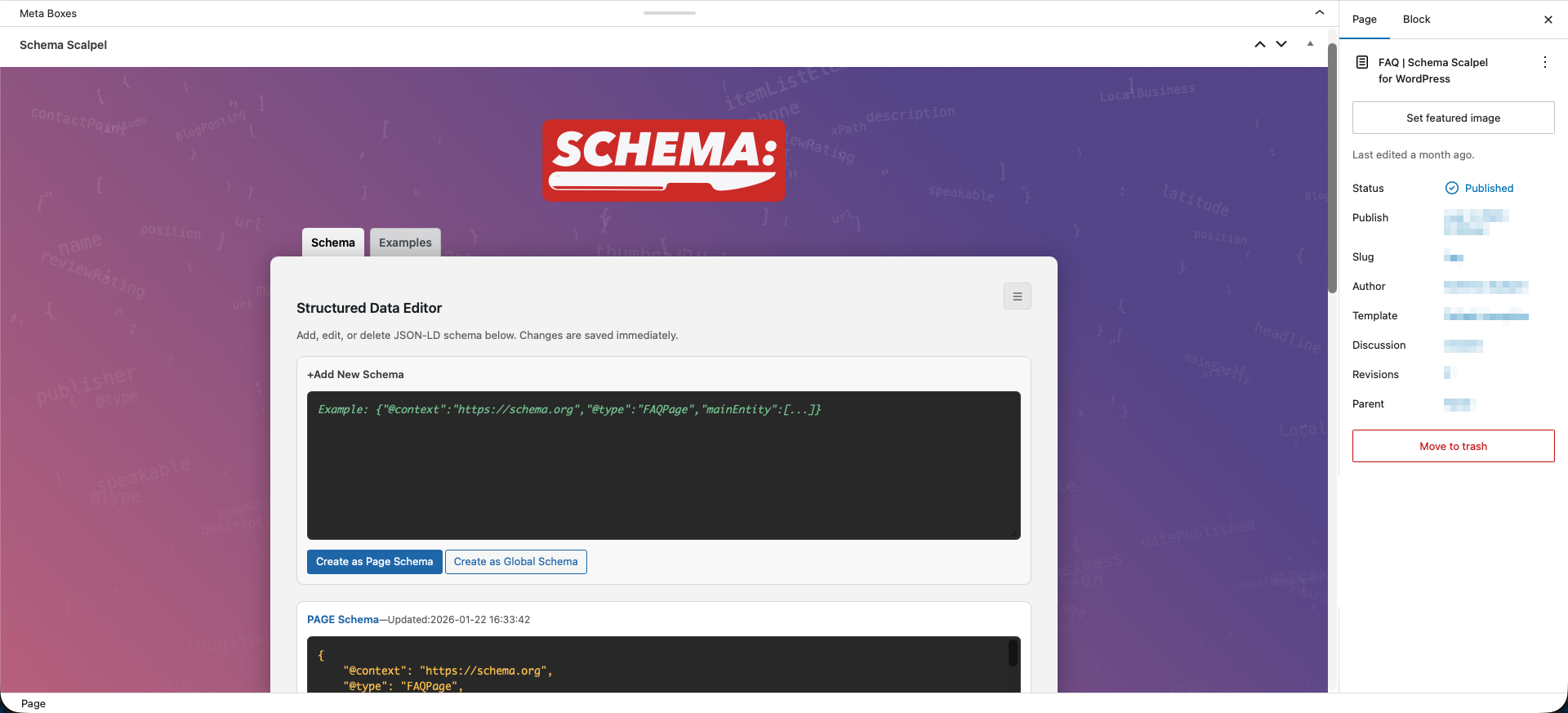
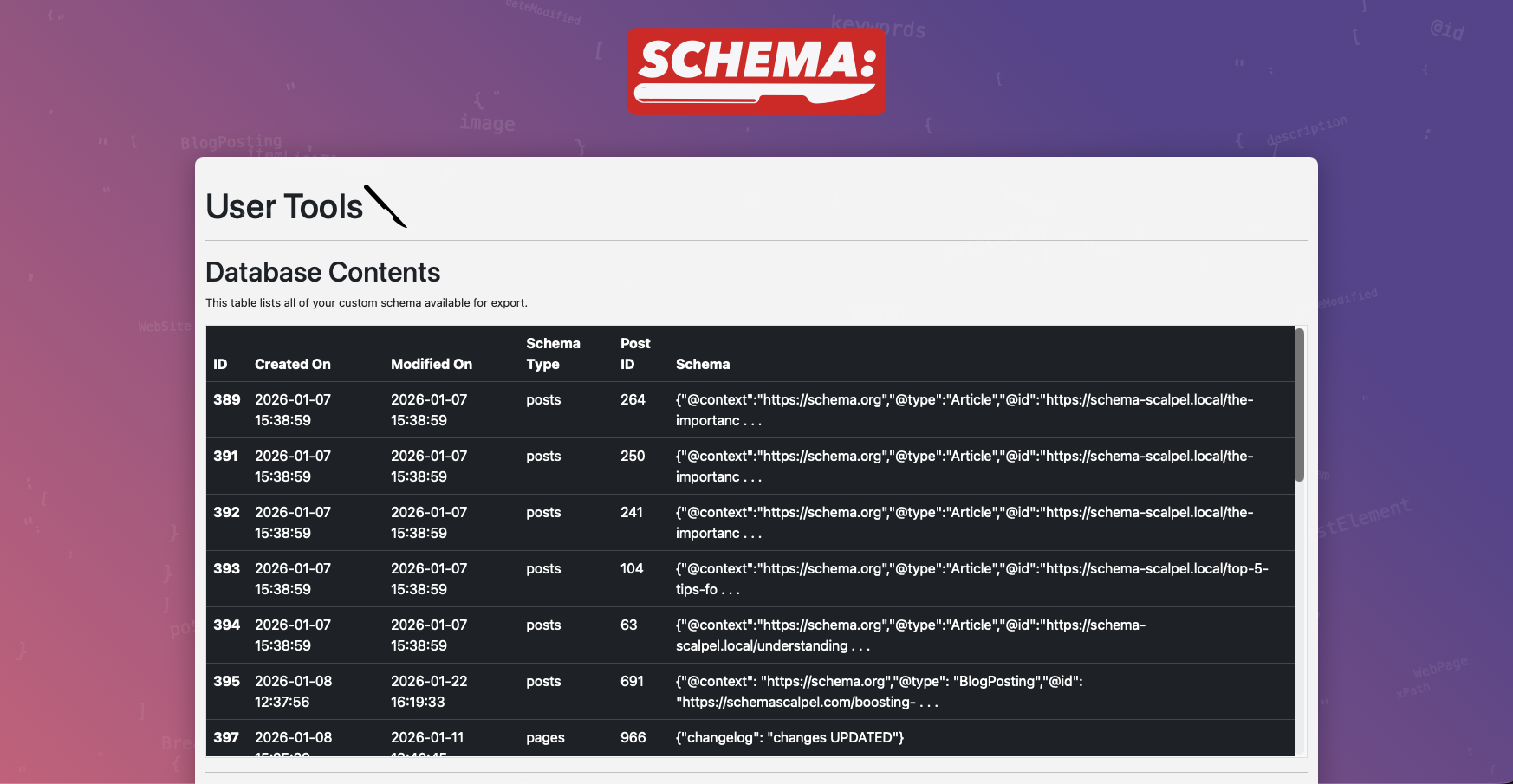
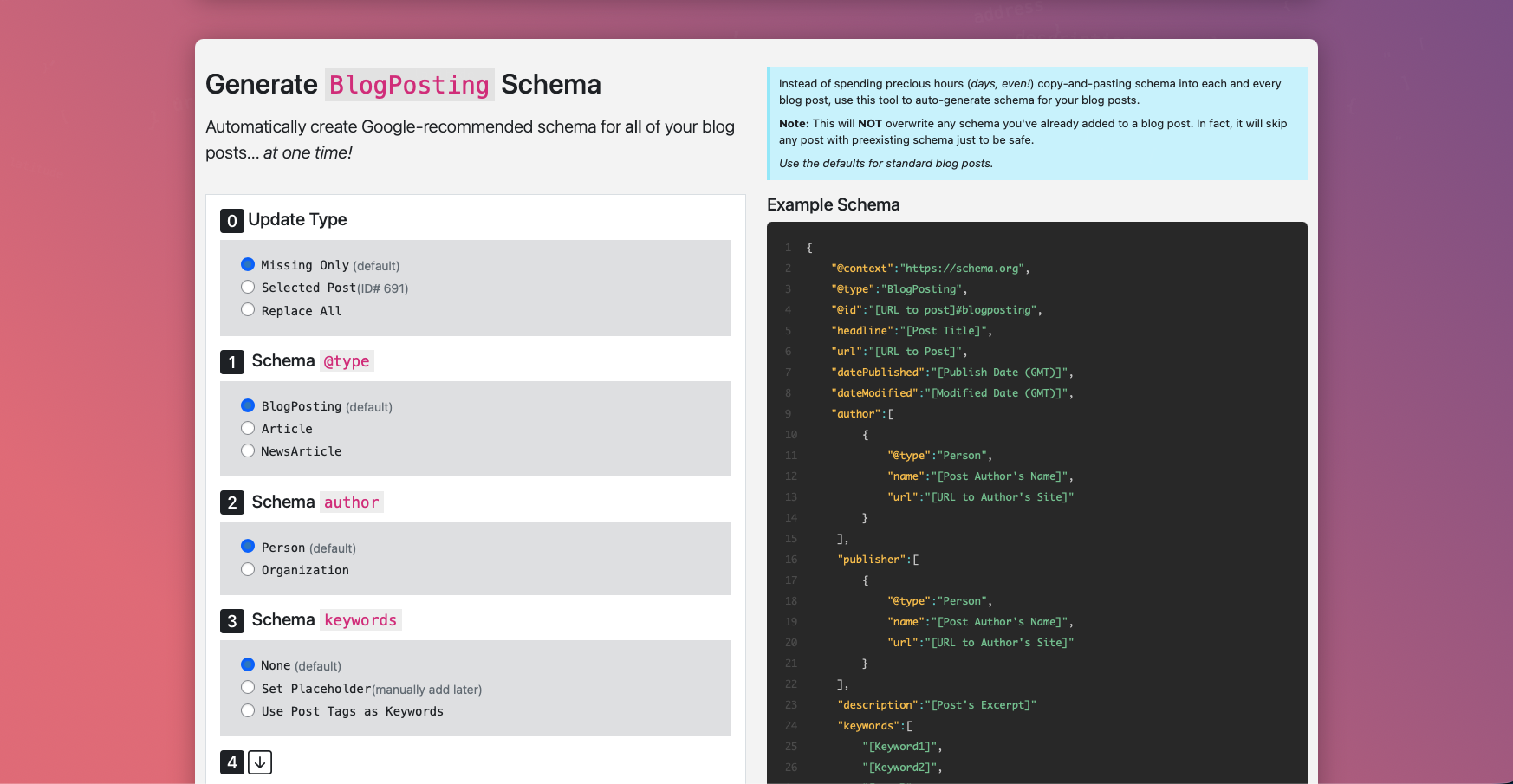
Schema Scalpel 2.0 delivers surgical precision to your WordPress structured data. The headline feature: a brand-new metabox right inside the post/page editor (Gutenberg and Classic), letting you create, edit, and manage custom JSON-LD schemas without ever leaving the content screen.
No bloated page builders or separate dashboards for everyday use — just fast, intuitive schema editing where you already work, with real-time AJAX saves and a modern, clean interface.
Core Benefits & Features
- New in 2.0: Powerful Editor Metabox — Add/edit/delete per-post/page schemas directly in the editor. Real-time saving, syntax-highlighted JSON editor, visual separation of local vs global schemas.
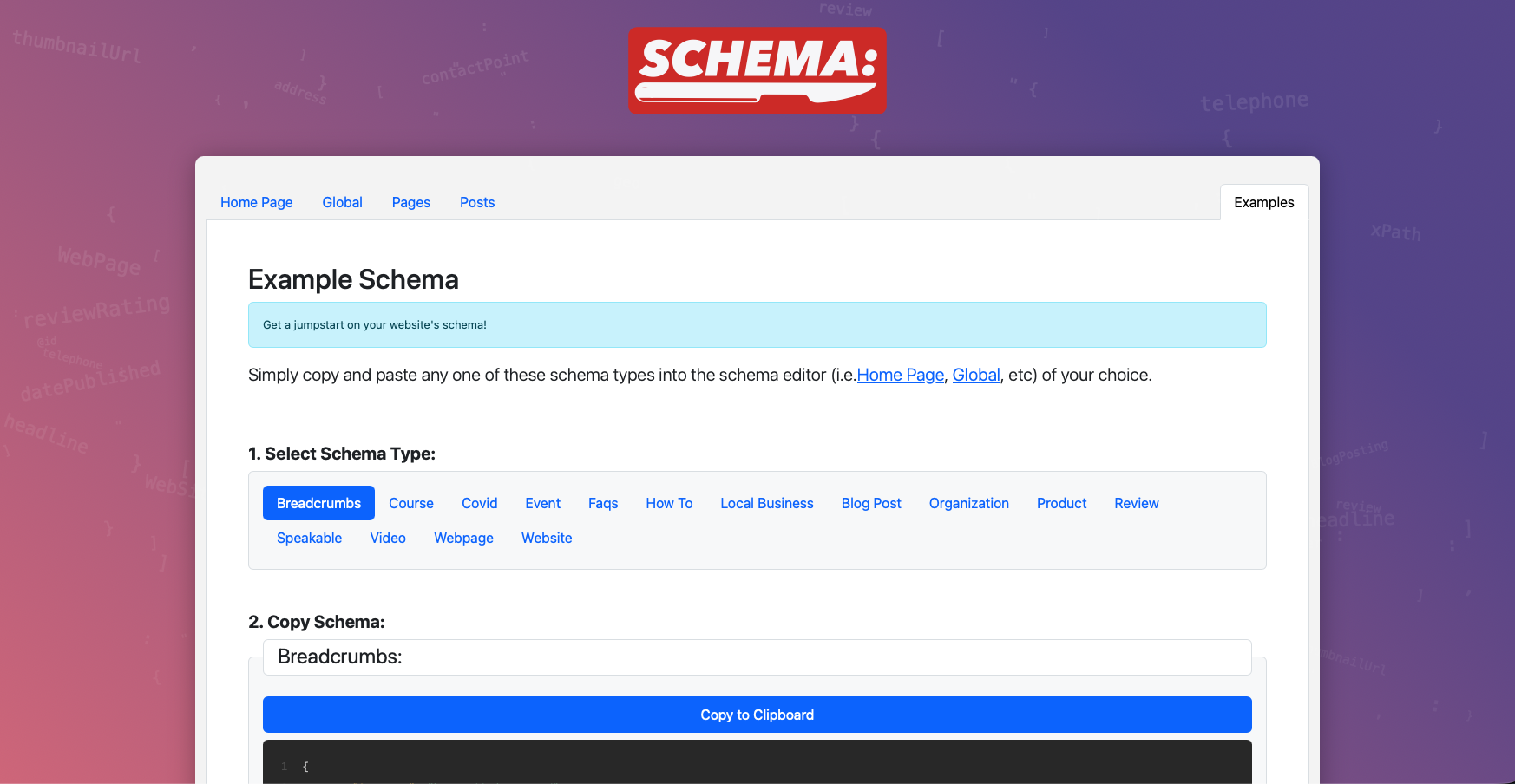
- Examples Library — One-click copy of Google-recommended templates (FAQPage, Article, HowTo, Recipe, Product, Organization, Breadcrumb, and more).
- Per-Page Precision — Override or supplement global schemas for ultimate control — ideal for blogs, eCommerce, local businesses, and agencies.
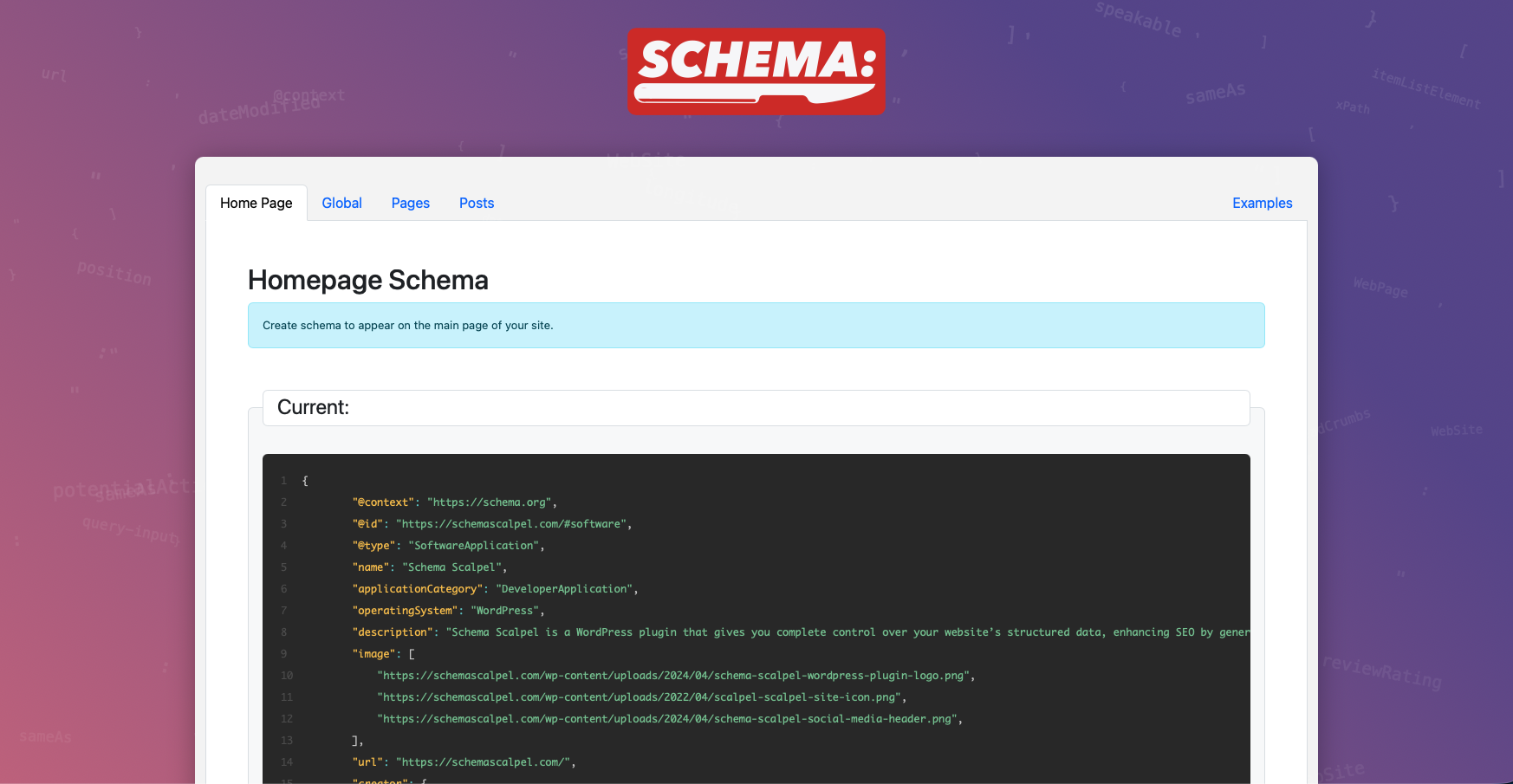
- Global & Homepage Schemas — Still fully supported via the dedicated Schema Scalpel dashboard.
- Improved Security — Hardened against XSS (titles, URLs, breadcrumbs fully sanitized), secure JSON encoding, strict input validation — building on previous critical fixes.
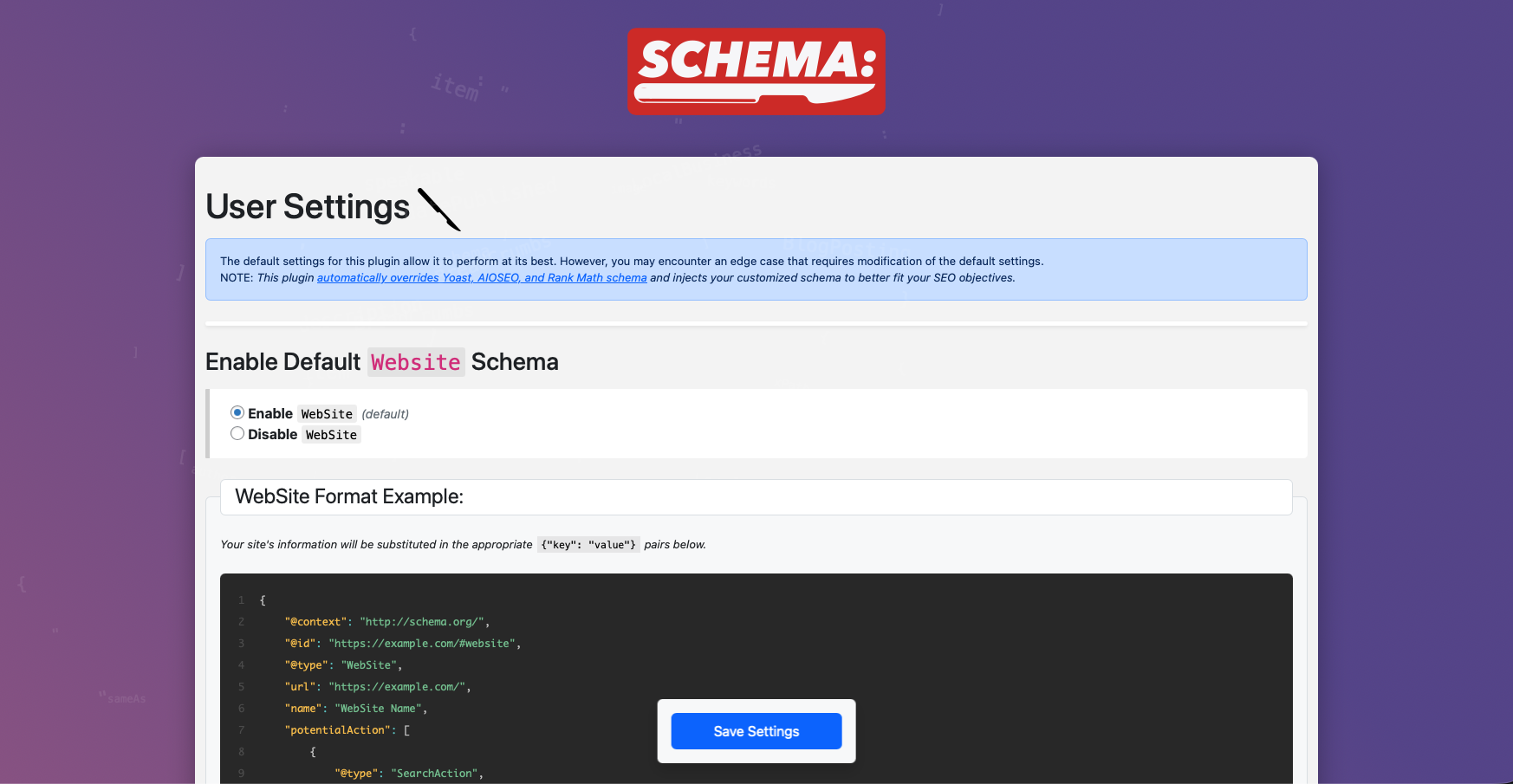
- Compatibility — Works flawlessly alongside Yoast SEO, Rank Math, and All in One SEO. Easily disable their schema output to avoid duplication.
- Lightweight & Performant — Pure JSON-LD injection, no frontend bloat, optimized database storage.
- Safe Uninstall — Optional setting to clean up data on deletion — respect privacy and keep your site secure.
- Modern Codebase — Strict typing, full WordPress Coding Standards compliance, PHP 7.4+ compatibility.
Whether you’re chasing rich results (stars, carousels, FAQs), improving entity understanding, or just giving search engines cleaner data — Schema Scalpel makes it effortless and reliable.
Install today and start enhancing click-through rates and visibility!
屏幕截图
安装
From WordPress Dashboard
- Go to Plugins Add New.
- Search for Schema Scalpel.
- Install and Activate.
- Start adding schemas via the new metabox in any post/page editor, or visit Schema Scalpel in the admin menu for global settings.
Manual Upload
- Download the plugin ZIP from WordPress.org or GitHub.
- Upload the
schema-scalpelfolder to/wp-content/plugins/via FTP. - Activate the plugin from Plugins screen.
- Customize schemas in the editor metabox or dashboard.
常见问题
-
Where do I add/edit schema in v2.0?
-
Use the new Schema Scalpel metabox that appears in the post/page editor sidebar — it’s now the fastest way for per-page work. Global and homepage schemas remain in the main Schema Scalpel menu.
-
Will my old schemas still work?
-
Yes — all existing global, post, and page schemas are automatically available in both the metabox and dashboard. Zero data loss or migration required.
-
Does it conflict with Yoast, Rank Math, or AIOSEO?
-
No — it plays nicely. Disable schema generation in those plugins if you want Schema Scalpel to take full control.
-
Why choose JSON-LD over microdata/RDFa?
-
Google strongly recommends JSON-LD — it’s cleaner, easier to maintain, doesn’t mix with HTML, and supports the most advanced schema types.
-
Is the plugin secure?
-
Yes. As of v2.0.3, the plugin utilizes strict
$wpdb->prepare()patterns for all migrations and queries. We have hardened the database schema to useMEDIUMBLOBfor schema storage, preventing data truncation and ensuring large, complex JSON-LD payloads remain intact and valid.
评价

贡献者及开发者

更新日志
2.0.4
- Compatibility: Full support for WordPress 7.0.
- Requirements Update: Raised minimum WordPress version to 6.2 and PHP to 8.0.
- Code Quality: Removed unused public enqueue methods and fixed minor issues in uninstall process for better stability.
- General Maintenance: Updated headers, improved code comments, and ensured full compatibility with modern WordPress coding standards.
2.0.3
- Fix: Resolved SQL syntax error during database migration on certain MariaDB/MySQL environments.
- Database Enhancement: Upgraded
custom_schemacolumn toMEDIUMBLOB(16MB capacity). This fixes “Invalid JSON” errors caused by large schema payloads being truncated at 64KB. - Database Enhancement: Upgraded
idcolumn toBIGINT UNSIGNEDfor better scalability on high-volume sites. - Standards Compliance: Refactored migration queries to satisfy WordPress Coding Standards (PHPCS) while maintaining strict identifier escaping.
2.0.2
- Security & Database Hardening: Switched all custom table queries to the modern
%iidentifier placeholder for full compatibility with current WordPress standards and stronger protection against SQL injection. - Performance: Refactored bulk schema generation to use efficient batch DELETE/INSERT operations.
- Compatibility: Full audit and fixes for PHP 8.4 compatibility.
2.0.1
- Performance: Third-party schema disabling (Yoast, All in One SEO, Rank Math) now uses a single efficient database query instead of three separate queries on every page load.
- Updated query to use the modern
%iidentifier placeholder for table names. - Code cleanup and removal of temporary debug logging.
2.0.0
Major Feature
– Introduced full-featured Schema Scalpel metabox in the post/page editor.
– Create, edit, delete per-post/page JSON-LD schemas directly.
– Real-time AJAX saving.
– Modern UI with syntax highlighting and smooth animations.
– “Examples” tab with copyable Google-recommended templates.
Enhancements
– Added compatibility support for Rank Math SEO.
– Improved UI/UX with enhanced animations and visual clarity.
– Preserved and integrated all existing schema data into the new metabox.
Other
– Major version increment to highlight the usability leap.
– Dashboard schema management remains for global/advanced use.
1.6.4
- Compatibility fix: Removed
readonlyproperty modifiers for full PHP 7.4 support.
1.6.3
- Added strict typing and void return declarations.
- Improved PHPDoc and WordPress Coding Standards compliance.
1.6.2
- Security: Fixed Stored XSS vulnerability via post titles in JSON-LD output.
- Sanitized titles, hardened JSON encoding, secured URL/breadcrumb handling.