
描述
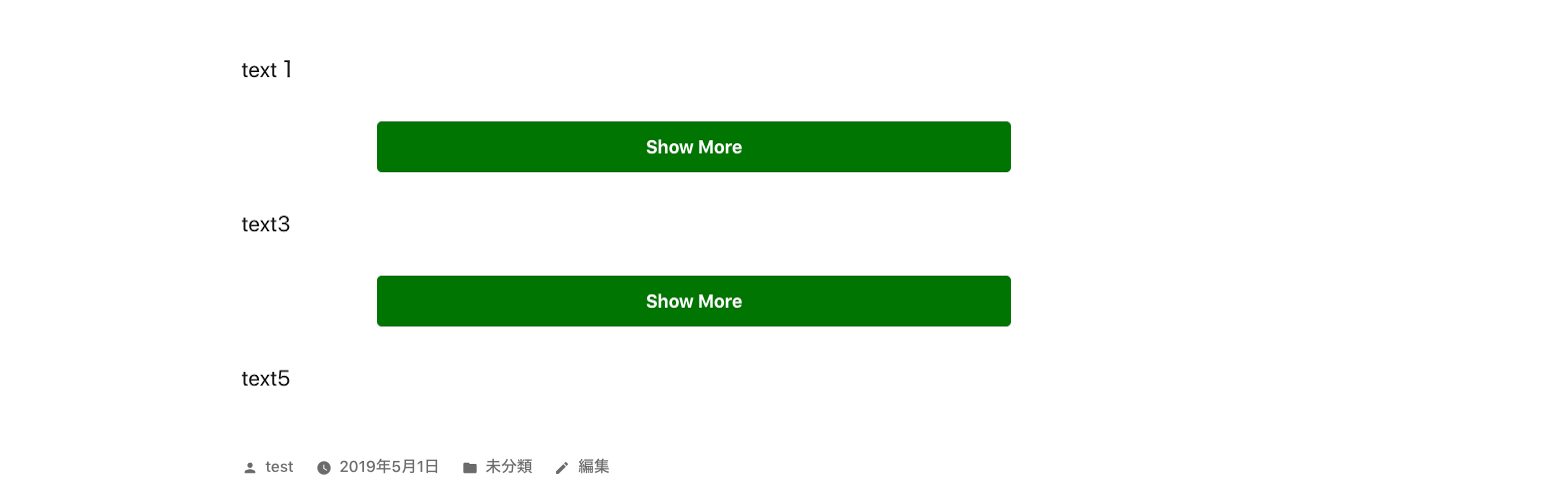
- This is a plugin to make toggle button for show more section.
- You can use this plugin like below.
- If you click show more button, the hidden content will be shown and button will disappear.
- You can use this code multiple times in a post.
-
Please enjoy it!
[show-more-button-open text="Show More" color="white" background-color="orange" size="medium"]

The area that you want to toggle.

[show-more-button-close]
屏幕截图


安装
- From the WP admin panel, click “Plugins” -> “Add new”.
- In the browser input box, type “Show More Toggle Button”.
- Select the “Show More Toggle Button” plugin and click “Install”.
- Activate the plugin.
OR…
- Download the plugin from this page.
- Save the .zip file to a location on your computer.
- Open the WP admin panel, and click “Plugins” -> “Add new”.
- Click “upload”.. then browse to the .zip file downloaded from this page.
- Click “Install”.. and then “Activate plugin”.
评价
此插件暂无评价。
