
描述
= Spam Defender – Email Blocker helps you reduce spam and fake activity by blocking specific email addresses or domains.
Once blocked, users with those emails will not be able to: =
- Register new accounts
- Login
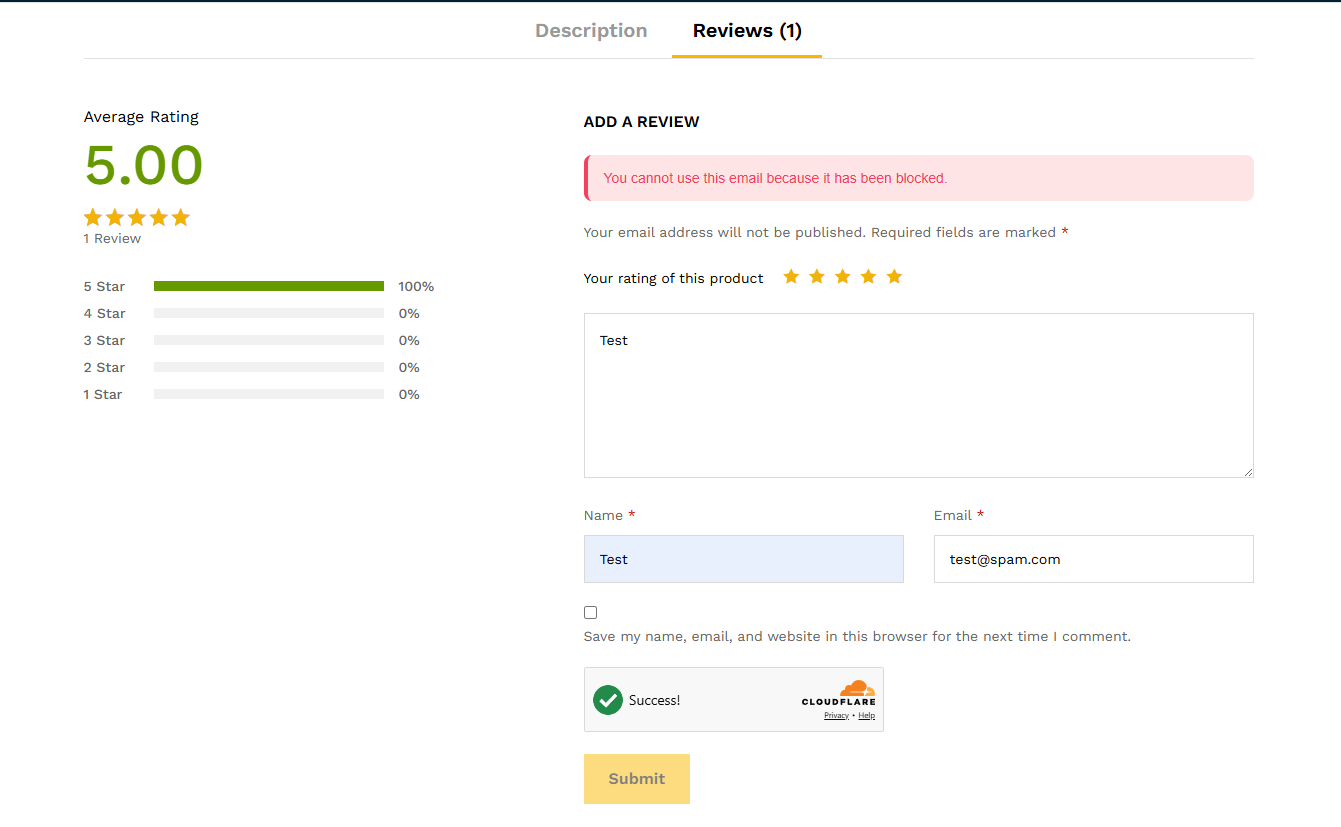
- Post comments
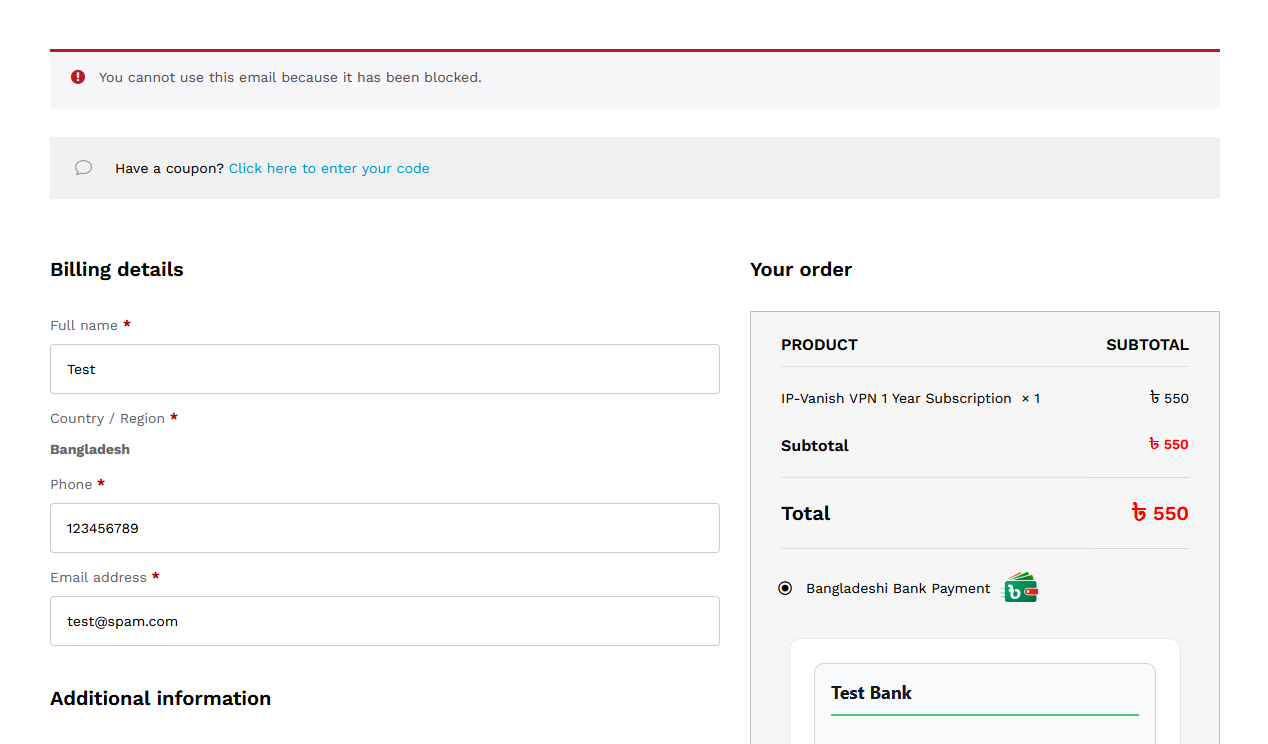
- Checkout or create accounts in WooCommerce
This plugin is lightweight, easy to use, and comes with an admin settings page where you can manage blocked emails/domains.
Features:
* Block emails globally across WordPress.
* Block on login, registration, comments, and WooCommerce checkout.
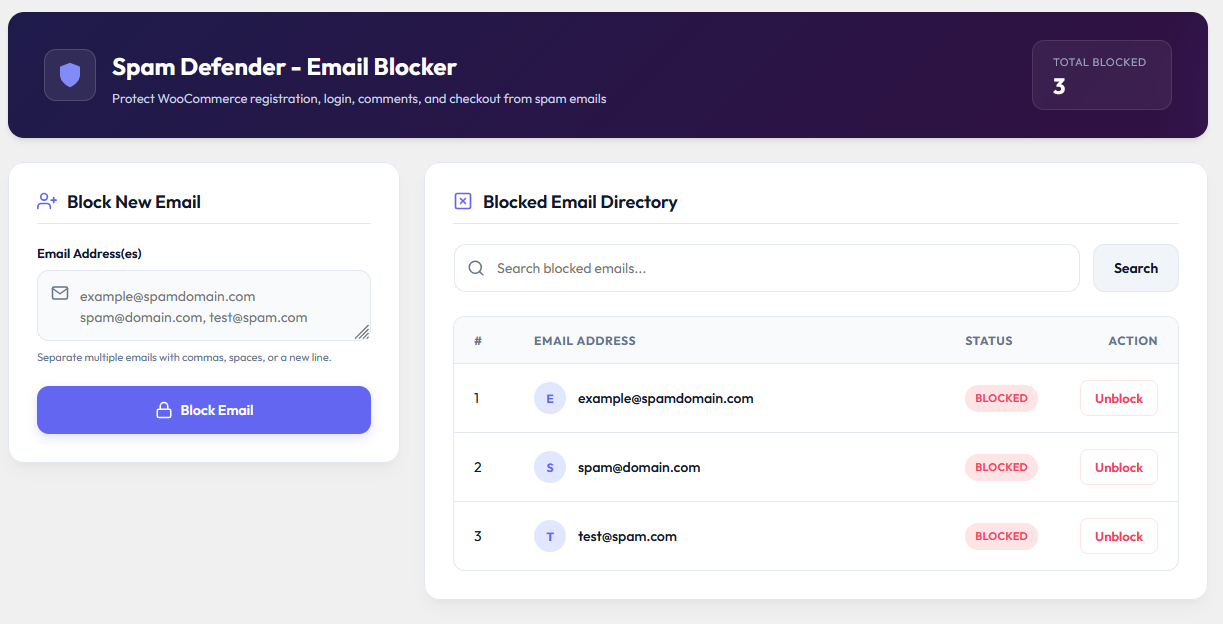
* Manage blocked emails from settings page.
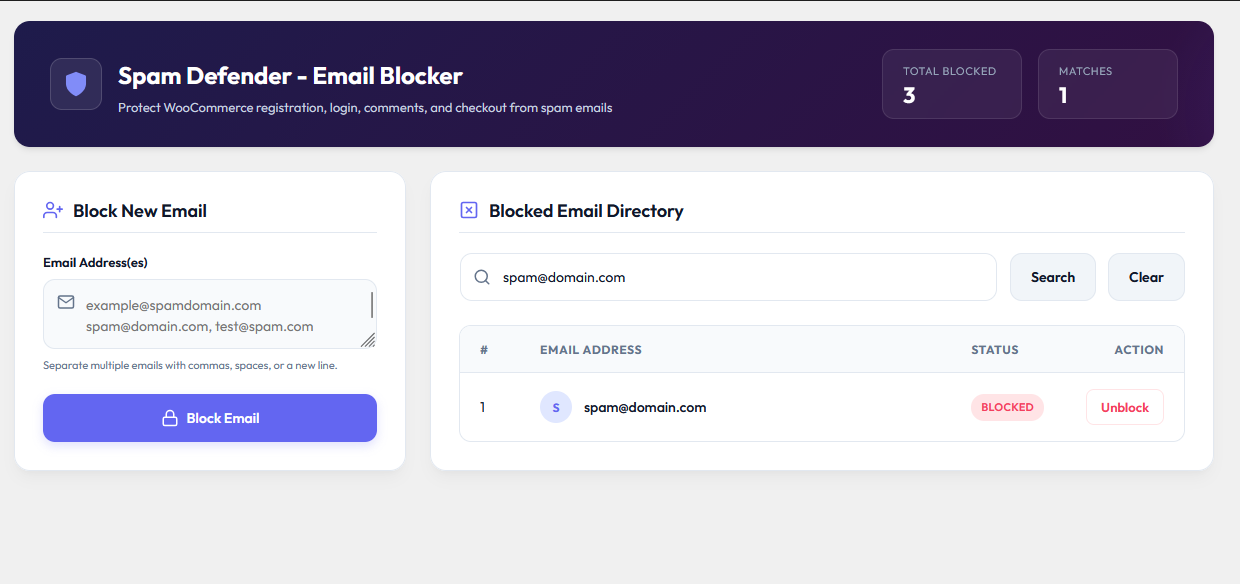
* Search blocked email lists.
* Prevents fake orders and spam signups.
Update Notice
= 1.0.4 =
Version 1.0.4 has been released as a stable version, featuring a redesigned premium dashboard, bulk block operations, and compatibility updates.
屏幕截图
安装
- Upload the
spam-defender-email-blockerdirectory to the/wp-content/plugins/directory. - Activate the plugin through the ‘Plugins’ menu in WordPress.
- Navigate to Dashboard > Settings > Block Email and click to configure email setup.
常见问题
-
Will this block existing users with blocked emails?
-
No, it prevents future registrations, logins, comments, and checkouts using blocked emails.
-
Does it work with WooCommerce?
-
Yes, WooCommerce checkout and account creation are fully supported.
-
Is my data secure?
-
Yes, all emails data are secured.
评价
此插件暂无评价。
贡献者及开发者

更新日志
1.0.4
- Redesigned the admin settings page, and responsive security dashboard.
- Added bulk email blocking support (allows blocking multiple emails separated by commas, spaces, or newlines).
- Added responsive UI layouts, Google Font integration, and interactive toast alerts.
- Fully tested for compatibility with the latest WordPress and WooCommerce releases.
1.0.1
- Tested with the latest WordPress release.
- Fixed minor bugs.
1.0.0
- Initial release.
- Added Settings link on plugin page.
- Improved settings form design (inline input + button).
- Added serial numbers in blocked email list.
- Added search box with form submit.
- Added pagination (20 per page).
- Block email addresses from registration, login, comments, and WooCommerce checkout.