

描述
This plugin displays user information for the current logged-in user or any other specified user using customizable shortcodes. It’s designed to easily show user profiles anywhere on your site by simply inserting a shortcode.
Here’s a link to the documentation for the plugin. This will help you learn more about its features and how to use it.
Documentation
For any feedback or queries regarding this plugin, please contact our Support team
Available Shortcodes For Current User
- [userprsh_id]
- [userprsh_login]
- [userprsh_email]
- [userprsh_firstname]
- [userprsh_lastname]
- [userprsh_nicename]
- [userprsh_display]
- [userprsh_display_name] (alias)
- [userprsh_registered]
- [userprsh_avatar] (image)
- [userprsh_avatar_url]
- [userprsh_url]
- [userprsh_website] (alias)
- [userprsh_description]
- [userprsh_bio] (alias)
- [userprsh_meta key=”your_meta_key”]
- [userprsh_meta id=”1″ key=”your_meta_key”]
For Another User
- [userprsh_email id=2]
屏幕截图
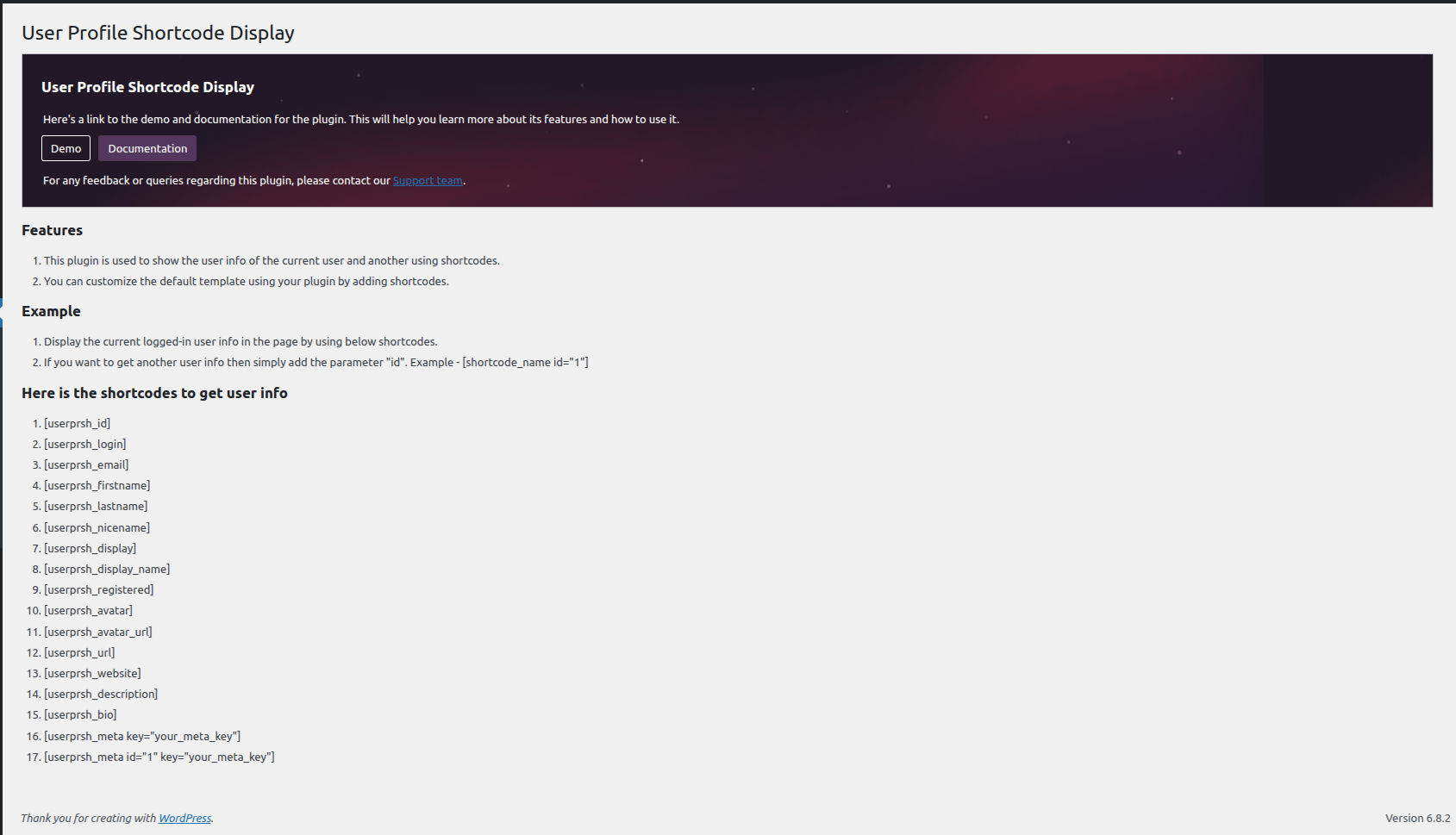
Display the plugin shortcodes setting page 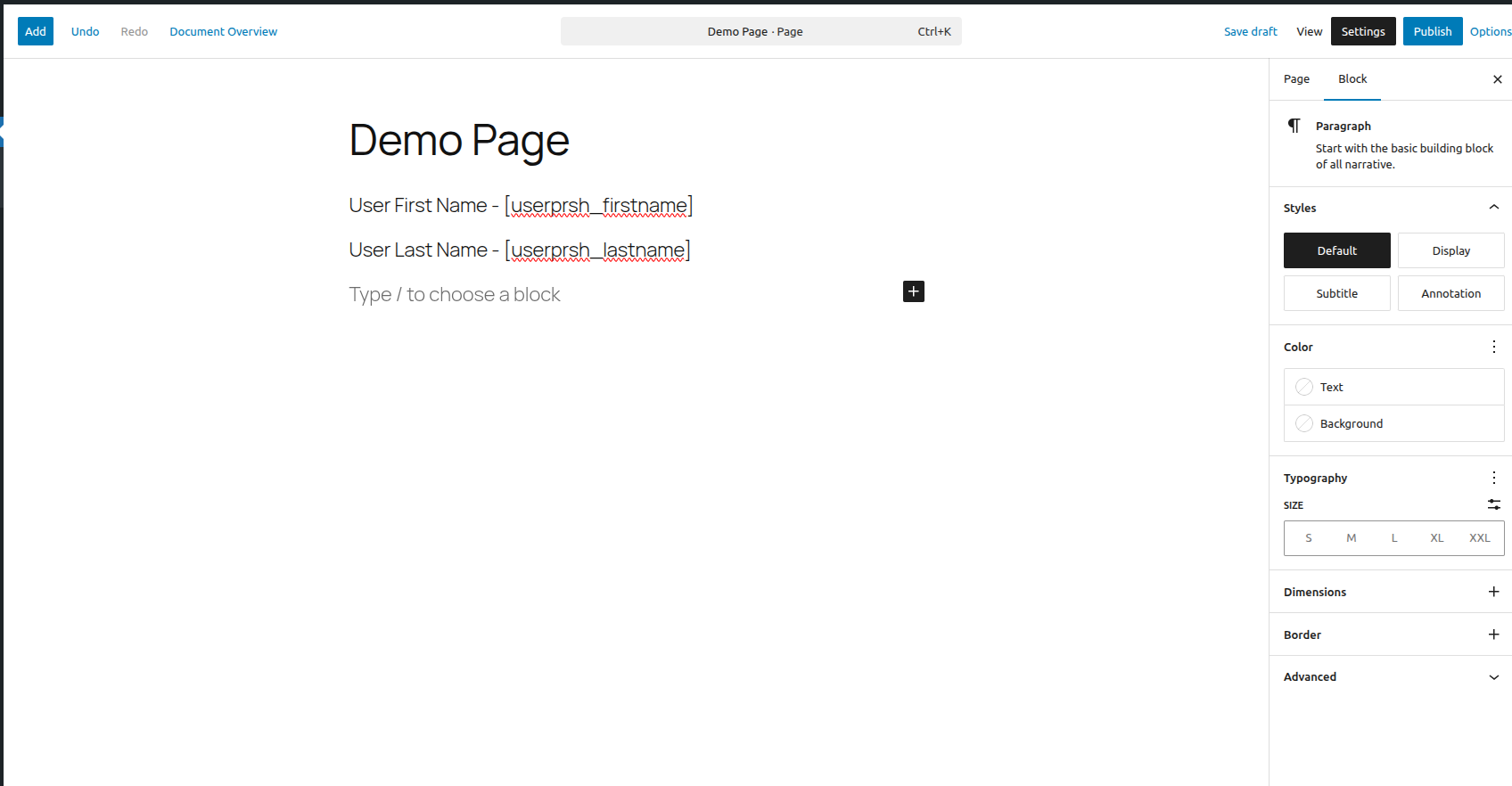
Add the shortcodes for the current user 
Display the user info on the page
安装
This plugin can be installed directly from your site.
1. Log in and navigate to _Plugins Add New.
2. Type “User Profile Shortcode Display” into the Search and hit Enter.
3. Locate the User Profile Shortcode Display plugin in the list of search results and click Install Now.
4. Once installed, click the Activate link.
It can also be installed manually.
- Download the User Profile Shortcode Display plugin from WordPress.org.
- Unzip the package and move to your plugins directory.
- Log into WordPress and navigate to the Plugins screen.
- Locate User Profile Shortcode Display in the list and click the Activate link.
常见问题
-
How to use the User Profile Shortcode Display plugin?
-
Simply you can activate the plugin and add the User Profile Shortcode Display to the post & Pages.
评价
此插件暂无评价。
贡献者及开发者

更新日志
1.1
Second Stable Release
1.0.0
First Stable Release