

描述
VisitorFilters is a real-time visitor intelligence and threat prevention platform. This plugin connects your WordPress site to VisitorFilters by injecting the VisitorFilters tracking script after you enter a site key.
The VisitorFilters service provides:
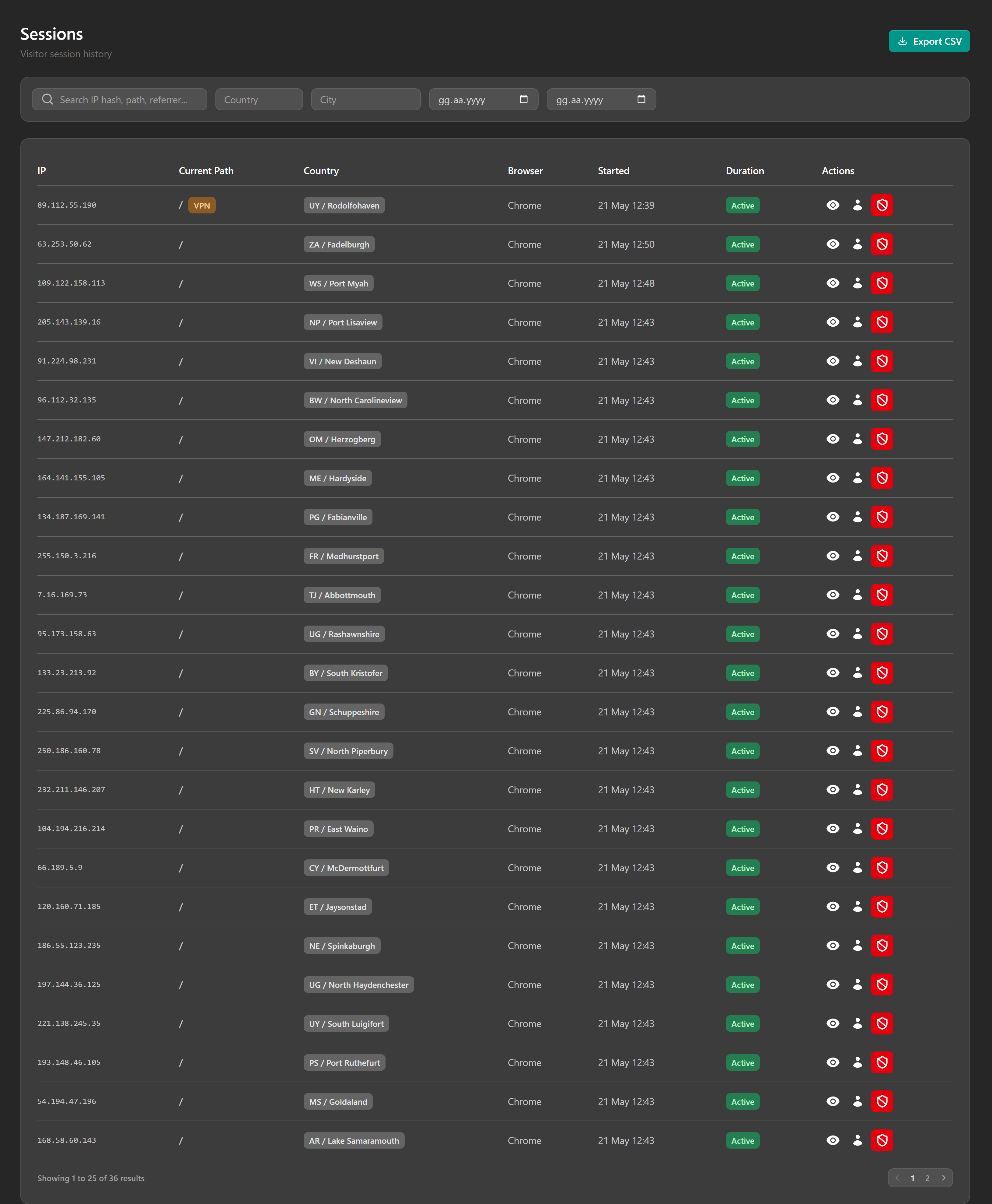
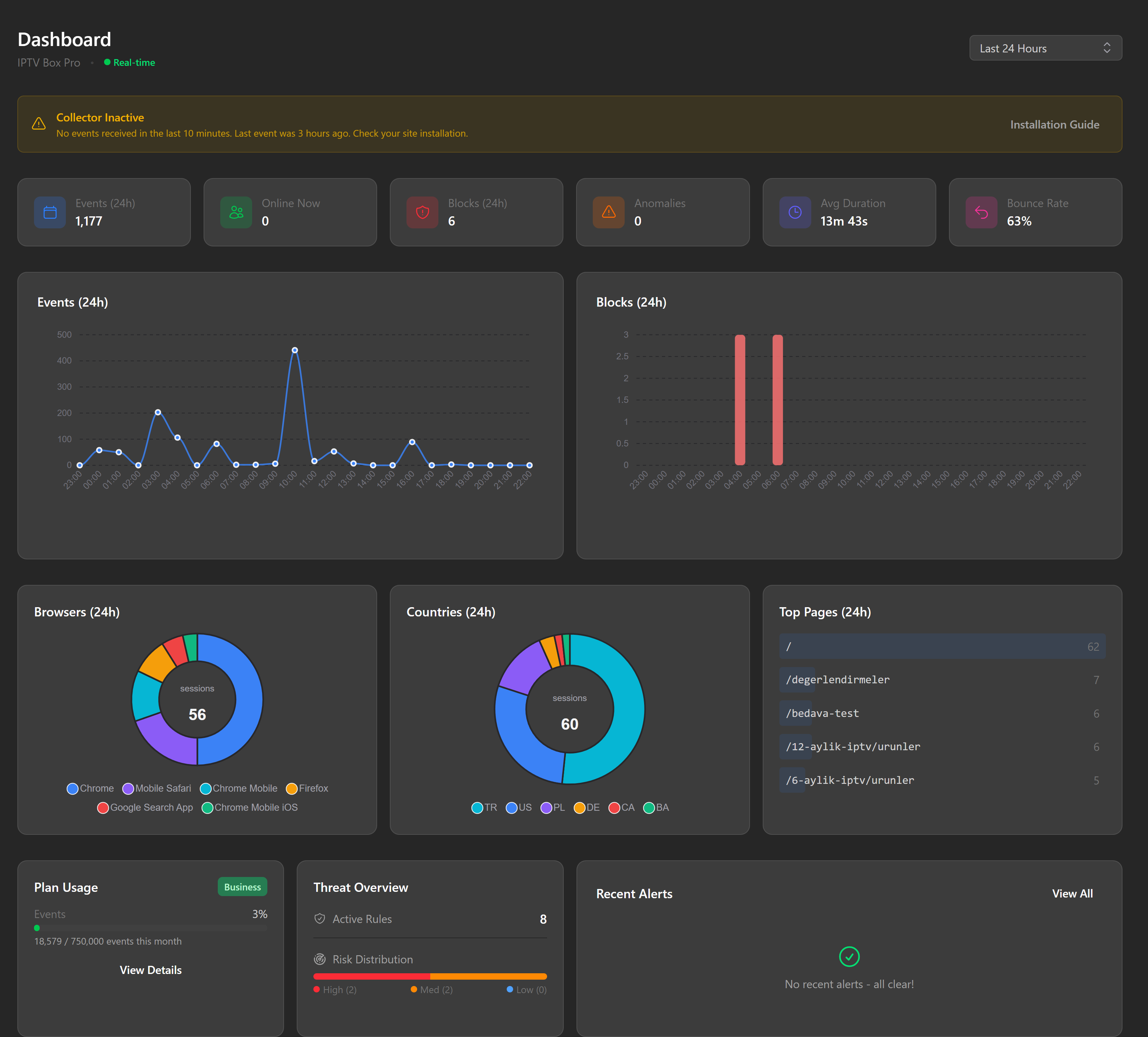
- Real-time visitor stream and live session monitoring
- Rule-based threat prevention, including block, challenge, throttle and redirect actions
- Geographic blocking and IP allow/block lists
- Anomaly detection and honeytoken traps
- Multi-channel alerts, including email, Slack, Discord and webhooks
- Visitor analytics for configured sites
Plugin features:
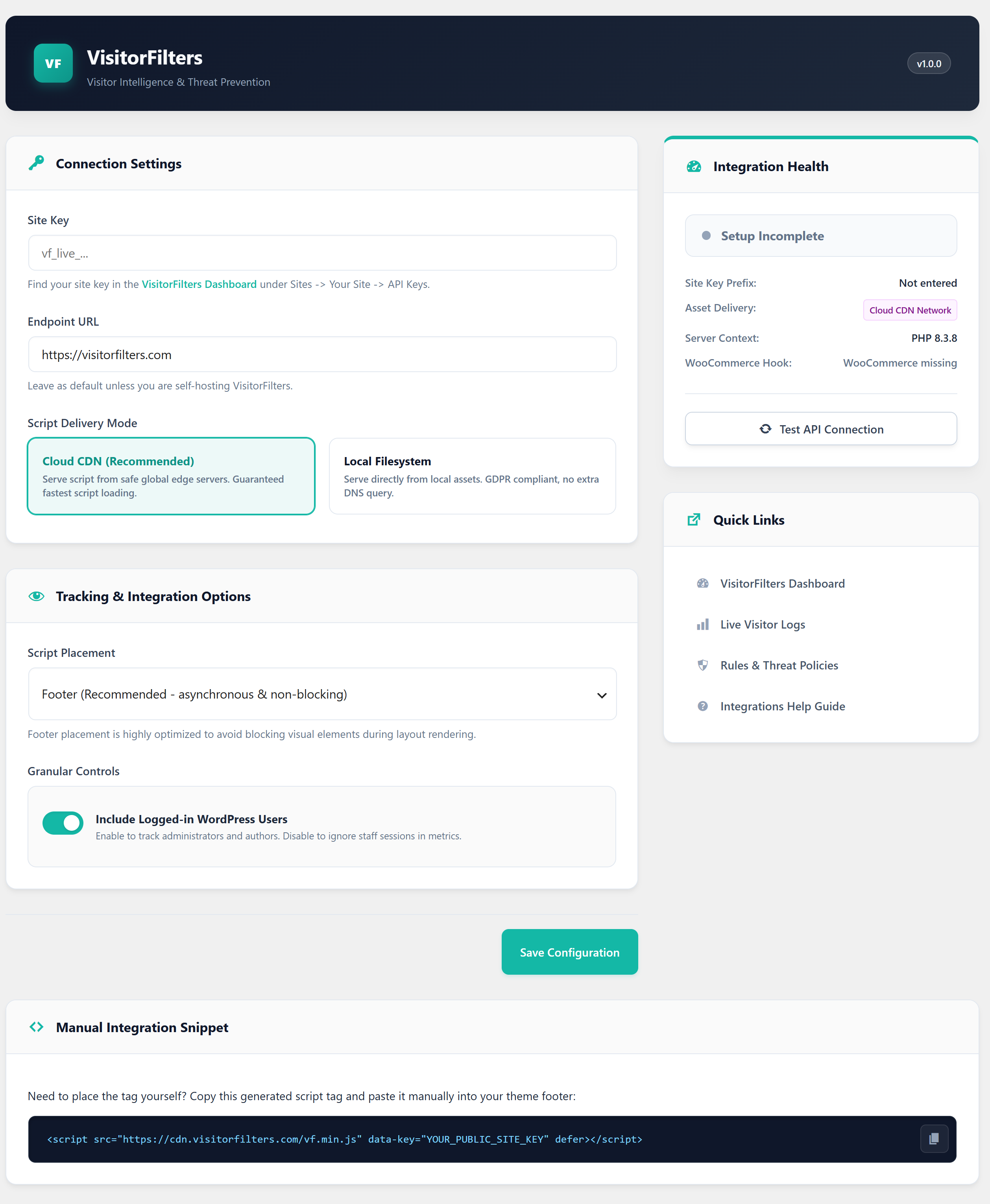
- Site key based setup
- Automatic script injection in the footer or head
- Optional WooCommerce purchase event tracking
- Option to exclude logged-in WordPress users from tracking
- Self-hosted VisitorFilters support via a custom endpoint URL
- Local script asset mode for sites that do not want to load the browser script from the configured VisitorFilters endpoint
Privacy
VisitorFilters is a Software as a Service integration. The plugin sends visitor and event data to the configured VisitorFilters endpoint only after an administrator enters a site key and saves the settings.
Depending on the enabled options, the browser script may send the following data to VisitorFilters:
- Site key
- Current page URL, path and referrer
- Session and visitor identifiers generated in the browser
- Browser language, timezone, screen and viewport size
- Basic interaction signals, including page views, route changes, clicks, form submissions, scroll depth, JavaScript errors and heartbeats
- Policy check data used to decide whether a request should be allowed, blocked, challenged, throttled or redirected
When WooCommerce purchase tracking is enabled, the plugin also sends a purchase event on the WooCommerce thank-you page with the order ID, order total, currency and item count. WooCommerce purchase tracking is disabled by default for new installations.
The default service endpoint is https://visitorfilters.com. The default CDN script URL is https://cdn.visitorfilters.com/vf.min.js. Administrators may replace the service endpoint with a self-hosted VisitorFilters endpoint in the plugin settings.
Privacy policy: https://visitorfilters.com/privacy
Terms of service: https://visitorfilters.com/terms
屏幕截图
安装
- Upload the
visitor-filtersfolder to/wp-content/plugins/. - Activate the plugin through the Plugins menu in WordPress.
- Go to Settings -> VisitorFilters.
- Enter your Site Key from the VisitorFilters dashboard.
- Review the tracking options and click Save Configuration.
常见问题
-
Where do I find my site key?
-
Log in to https://visitorfilters.com, navigate to Sites -> Your Site -> API Keys and copy the public site key.
-
Can I use this with a self-hosted VisitorFilters instance?
-
Yes. Under Settings -> VisitorFilters, set the Endpoint URL to your self-hosted VisitorFilters domain.
-
Does this work with WooCommerce?
-
Yes. When WooCommerce is active, you can enable purchase event tracking. A
purchaseevent is sent on order completion with order total, currency and item count. -
Will it track logged-in admins?
-
By default, yes. Disable “Include Logged-in WordPress Users” in settings to exclude logged-in WordPress users from tracking.
-
Does this plugin load external JavaScript?
-
By default, the plugin loads the collector from
https://cdn.visitorfilters.com/vf.min.js. You can switch Script Delivery Mode to Local Filesystem to serve the included local asset instead. -
Where is the browser script source code?
-
The human-readable source code for the browser script is included directly in the plugin bundle under
assets/vf.js. The minified production build is generated atassets/vf.min.js. The tracker package source code is also available publicly at: https://github.com/visitorfilters/visitorfilters-tracker
评价
此插件暂无评价。
贡献者及开发者

更新日志
1.0.0
- Initial release