
描述
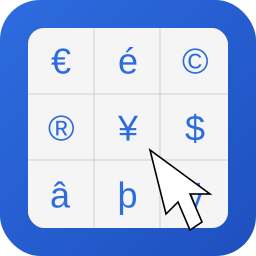
WebTextTools Character Picker adds a lightweight character picker to Gutenberg so writers can insert common accented and special symbols in one click.
Perfect for adding symbols like €, π, ©, é, and more directly while writing.
Features:
- One-click insert for HTML entities and special characters
- Toolbar button in rich text controls
- Searchable character list
- Tabs for Accents, Symbols, Currency, and Math
- Hover tooltips with character and HTML entity
- Optional copy-to-clipboard action
- Recently used characters list
- Optional subtle footer credit link configurable in Settings
No frontend assets are loaded. The plugin only runs in the block editor.
屏幕截图

安装
- Upload the plugin folder to
/wp-content/plugins/. - Activate the plugin through the Plugins screen.
- Open the block editor and use the
Insert special characterbutton in text block toolbar. - Configure branding in
Settings -> Character Picker.
常见问题
-
Does this add scripts to the frontend?
-
No. Scripts and styles are loaded only in the block editor.
-
Can I disable the WebTextTools credit link?
-
Yes. Go to
Settings -> Character Pickerand disableShow subtle credit link in picker footer.

贡献者及开发者

更新日志
1.0.0
- Initial release.