
描述
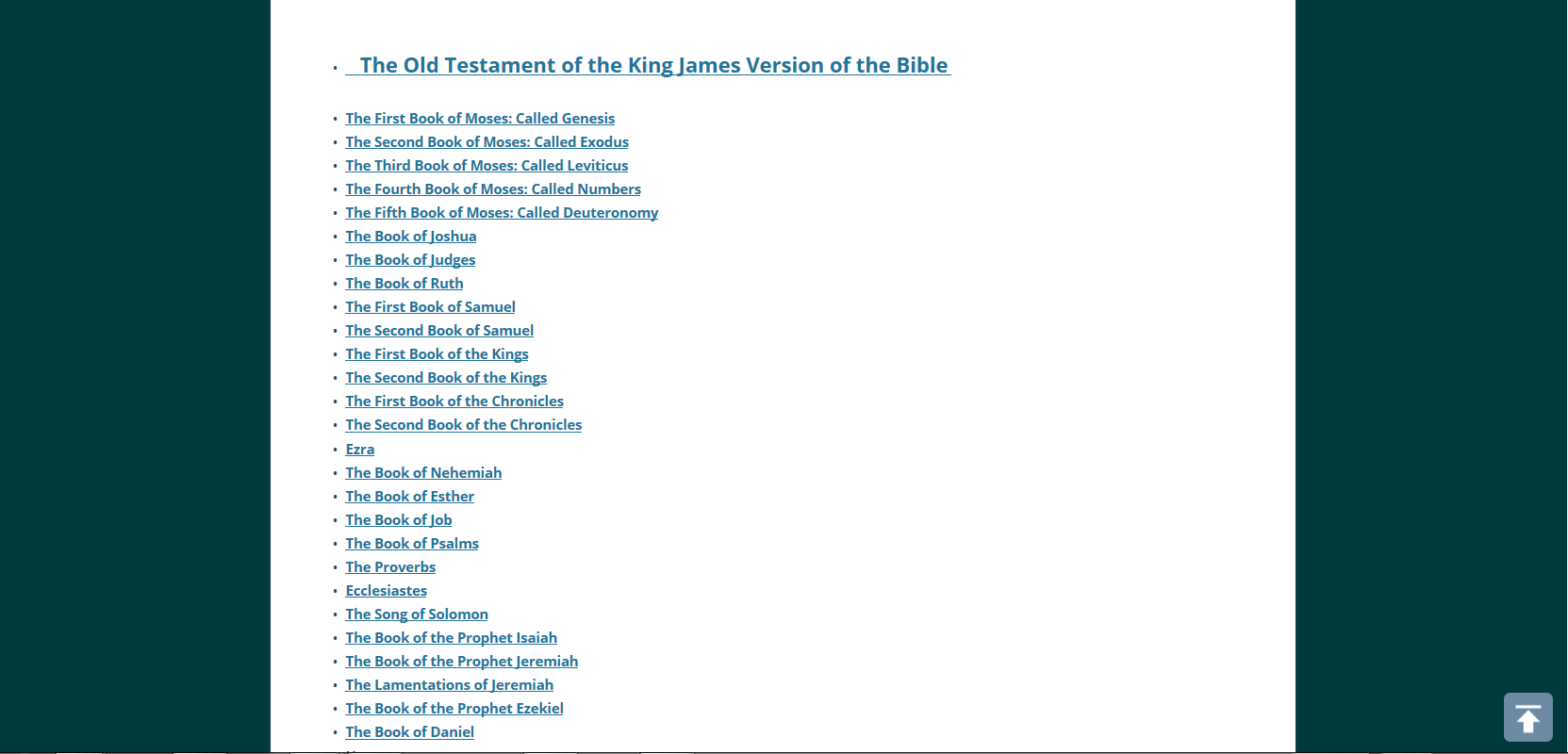
There are many WordPress Bible plugins, but most of them only link to a webpage with the verse you referenced. WP-Bible Embed is the only plugin that actually embeds the King James Version Bible into your webpage. It doesn’t even decrease the pages loading time!
屏幕截图

安装
From your WordPress dashboard:
- Goto ‘Plugins > Add New’.
- Search for ‘WP-Bible Embed’.
- Click ‘Install Now’ and activate the plugin.
- Edit the page/post you would like to display the Bible on and add ‘[bible]’ to the page. Click update and you’re done!
From WordPress.org:
- Download WP-Bible Embed.
- Upload it using your favorite method (i.e. ftp) to ‘/wp-content/plugins/’
- Activate the plugin on the ‘Plugins’ page in your WordPress dashboard.
- Edit the page/post you would like to display the Bible on and add ‘[bible]’ to the page. Click update and you’re done!
常见问题
- Why did it take so long for this to be updated?
-
When I began this plugin, I was 12 years old and inexperienced. In the past three years, I’ve grown in my knowledge of PHP and am able to bring you a working plugin that you hopefully, find useful.
评价

2016 年 9 月 3 日
With some improvements, this would be the best Bible plugin out there.
Great Work!
贡献者及开发者

更新日志
2.1
- Fixed ‘Plugin does not have a valid header’ error on activation.
2.0
- Updated plugin to fix bug where Bible wouldn’t display.
- Made it so Bible would actually embed into page.
- Used newer and better methods to speed up loading.